Why Your AirPods Battery Drains Fast and How to Fix It
· GlobeWire Daily Tech Desk · Source: www.engadget.com
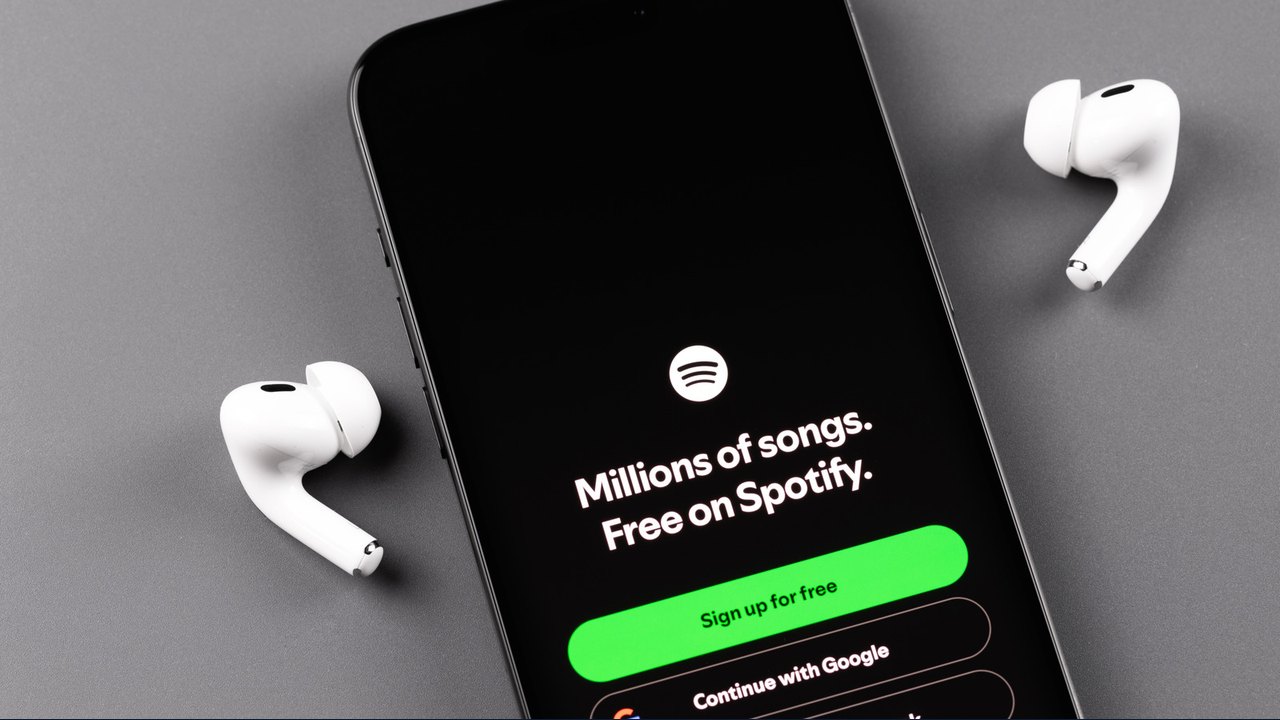
Image: Engadget · Photo source · Resized and letterboxed to 16:9; no AI generation
Understanding AirPods Battery Lifespan
Wireless earbuds face constant challenges regarding battery longevity, and Apple's AirPods are no exception. Lithium-ion batteries typically endure roughly 300 to 500 charge cycles before significant degradation occurs, which generally spans two to three years of regular use. If your device has not reached this stage, it is advisable to review Apple's rated battery life for your specific model. For example, Apple specifies that AirPods 4 with active noise cancellation (ANC) provide approximately four hours of listening time with ANC enabled and five hours with it disabled.
Leaving earbuds outside of their charging case is a common reason for rapid power loss. As long as the buds remain connected to a device or actively search for one, they continue to consume energy. Furthermore, the charging case itself degrades over time, losing capacity with each charge cycle even if the earbuds inside still reach a full indicator.
Common Causes of Rapid Drain
- Active Features: Advanced capabilities like Spatial Audio and ANC enhance the listening experience but demand extra energy.
- Idle Consumption: Leaving earbuds loose on a desk instead of placing them in the case keeps the Bluetooth connection active.
- Battery Aging: A full charge indicator on an older battery does not equal the capacity of a brand-new cell.
Practical Maintenance and Troubleshooting
Before adjusting settings, ensure the hardware is actually charging. Accumulations of dust or earwax can block the microscopic contact points inside the case, preventing the circuit from closing. Uneven charge levels displayed on your iPhone (such as one earbud at 22 percent and the other at 65 percent) often point to blocked contacts.
- Cleaning: Gently wipe the case using a lint-free cloth slightly dampened with isopropyl alcohol, ensuring no liquid enters the charging ports. Apple also suggests using a soft-bristled toothbrush dampened with micellar water for meshes, followed by a distilled-water rinse.
- Resetting: Navigate to Settings > Bluetooth > More Info > Forget This Device on your connected device, then follow model-specific instructions to reset and reconnect the AirPods.
- Feature Management: Turning off unnecessary features like ANC and Spatial Audio in quiet environments can slightly extend listening times.
Long-Term Prevention and Verification
To maximize future lifespan, verify that Optimized Battery Charging is enabled by opening your AirPods near your iPhone and navigating to Settings > Your AirPods > Battery. This feature helps reduce battery wear by learning your daily routine. If issues persist and you have AppleCare+ coverage, Apple provides battery service at no extra charge if the hardware holds less than 80 percent of its original capacity. Users should always consult official Apple support documentation to verify current guidelines.
AI-assisted reporting; source claims are attributed and have not been independently verified.
More to read
 Slate vs. Ford Fathom EV Trucks: A Contrast in Infotainment Strategy
 How to Watch The Gilded Age Season 4 Online: Streaming Options and Release Dates
 SpaceX’s Starship: Size, Power and What It Means for Lunar Missions
 Quordle Sunday Puzzle (Nov 1 2026) – Hints Reveal Vowel Count, Repeated Letter and Letter Restrictions
Trending on GlobeWire Daily
Selected from recent coverage and related topics; not live search rankings.
 Suzuki Across: Motorcycle Specifications, Facts and Verification Guide
 Yamaha FZR1000: Motorcycle Specifications, Facts and Verification Guide
 NIO ET7: Car Specifications, Facts and Verification Guide
 Kia K8: Car Specifications, Facts and Verification Guide
 Sony Xperia 5 V: Smartphone Specifications, Facts and Verification Guide
 iPhone 15 Pro: Smartphone Specifications, Facts and Verification Guide