Android Auto Privacy Check: Managing Gemini Personal Intelligence and Passengers
· GlobeWire Daily Editorial Desk · Source: www.androidpolice.com
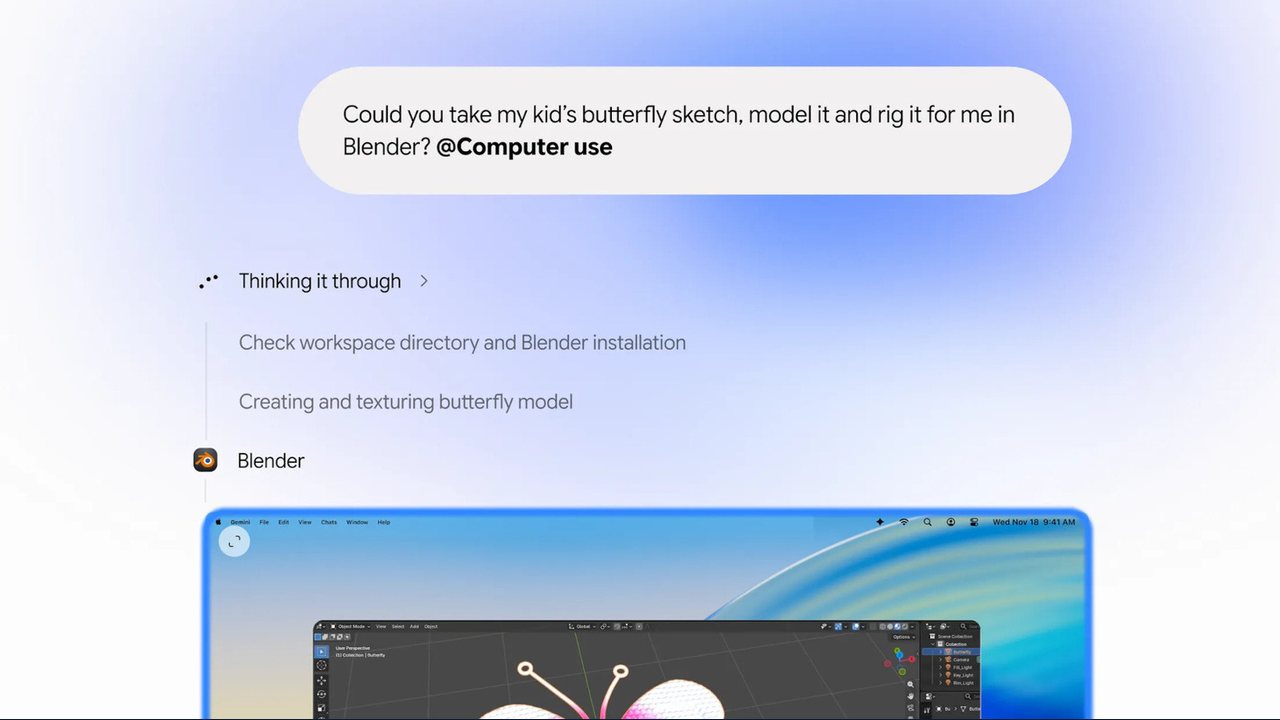
Android Auto users with Gemini's Personal Intelligence feature enabled may want to review their privacy settings before driving with passengers. Reports indicate that Google began rolling out Personal Intelligence for Gemini in cars on October 20, allowing the assistant to pull information from services like Gmail, Google Calendar, Google Photos, Maps, YouTube, and Search.
Because the assistant responds to voice commands within the vehicle cabin, passengers might unintentionally prompt Gemini to access personal data if settings are not adjusted.
Understanding Eligibility and Availability
Personal Intelligence is designed for personal Google accounts for users aged 18 and older. According to available details, the feature is not currently available in the European Economic Area, Switzerland, the UK, or Nigeria. It is rolling out to Android Auto now, while cars with Google built-in are expected to receive the feature in the coming months. Workspace business, enterprise, and education accounts are also excluded.
Practical Privacy Adjustments
Drivers who frequently share rides can take several steps to protect their personal information:
- Disable Personal Intelligence Completely: Users can turn off the main toggle by opening the Gemini app and navigating to Menu > Settings & help > Personal Intelligence. Basic functions like navigation, music, calls, and general questions will continue to work without personalization.
- Manage Connected Apps Selectively: Instead of a complete shutdown, users can toggle individual services under Connected Apps. For instance, Google Workspace groups Gmail, Calendar, and Drive under a single switch, while Google Photos can expose location data from past pictures.
- Retrain Voice Match: To prevent passengers from accidentally triggering the assistant, users can retrain their voice model via the Gemini app profile settings under Talk to Gemini hands-free or Hey Google & Voice Match.
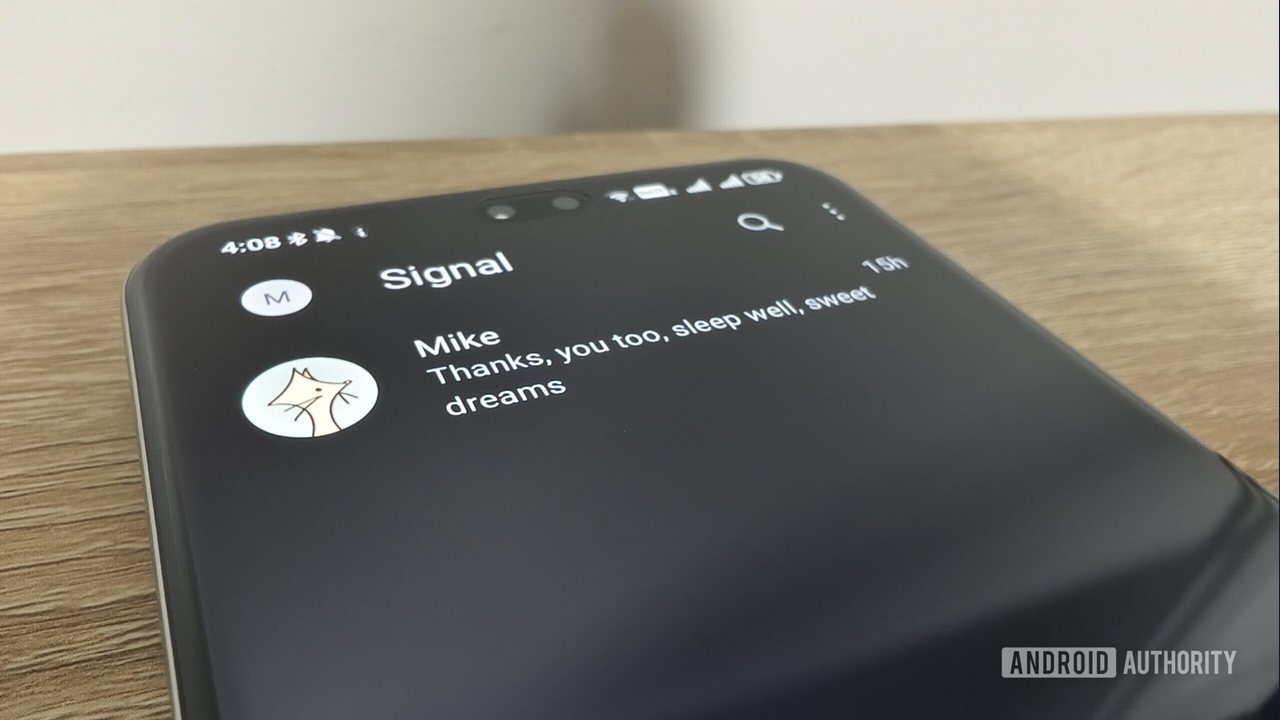
- Hide Notifications: To keep text messages private from passengers, users can open Android Auto settings on their phone, scroll to Notifications, and disable both Show message notifications and Notifications with Assistant.
To verify these settings, users should check the official Google Gemini app and Android Auto menus directly on their mobile device before starting a trip.