Streamlining Personal Research: How to Turn Google Drive Into a Gemini-Powered Knowledge Base
· GlobeWire Daily Editorial Desk · Source: www.androidpolice.com
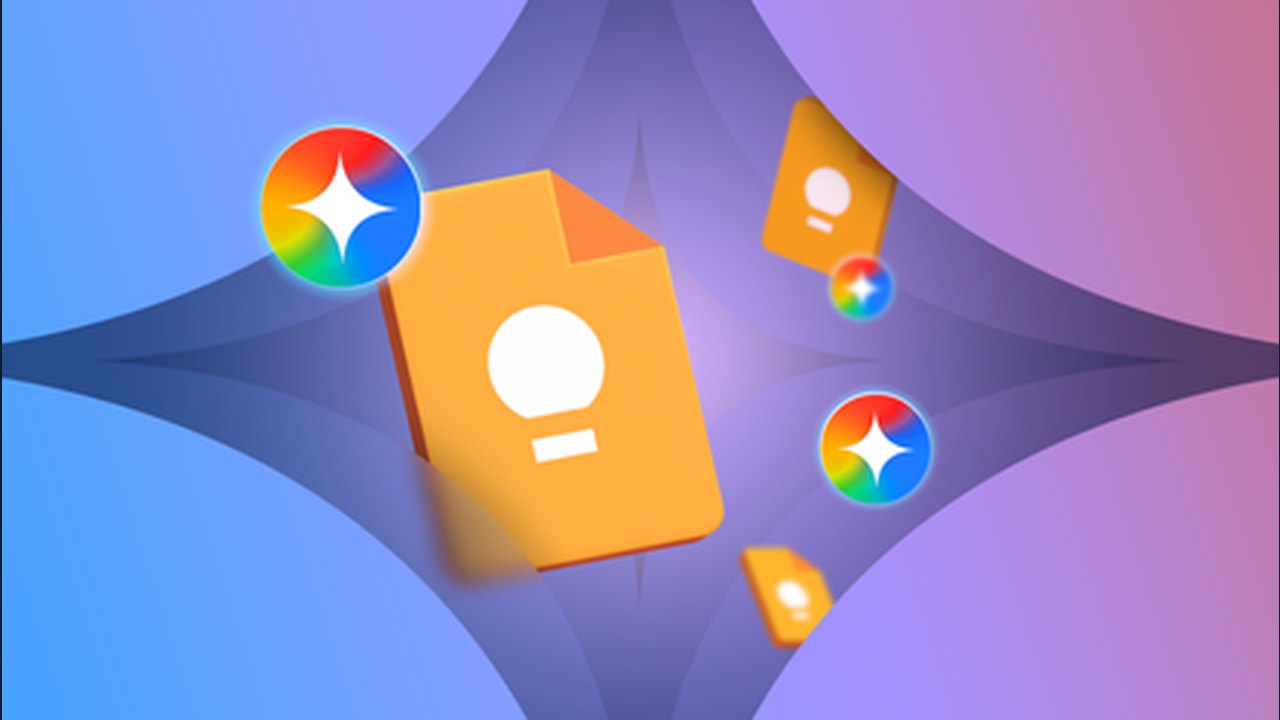
Image: Android Police · Photo source · Resized and letterboxed to 16:9; no AI generation
Simplifying Information Retrieval
Managing personal or professional documents often involves navigating complex folder structures to locate specific details. By integrating Google Drive with Gemini Notebook, users can transform existing files into a centralized, searchable knowledge base. This setup allows for querying documents directly through the AI interface without needing to open files individually.
Setting Up Your Knowledge Base
To begin, users can verify that Google Drive integration is enabled within the Gemini Notebook chat interface via the filter menu. Once connected, you can refine your source material to suit specific needs:
- Work Research: Aggregate pitches, notes, and reference guides.
- Academic Use: Combine lecture notes, study materials, and research papers.
- Home Management: Compile appliance manuals, warranties, and maintenance logs.
Advanced Organization and Visualization
Beyond simple search, Gemini Notebook offers tools to process and visualize data:
- Custom Search: Users can filter their Drive content by topic directly from the sidebar.
- Organization: Sources can be tagged with labels to maintain a structured library.
- Visualization: The tool can generate mind maps to visualize connections between ideas or create data tables to compare information across multiple documents, eliminating the need for manual spreadsheet creation.
Staying Updated
A key advantage of this integration is the automatic synchronization between Google Drive and Gemini Notebook. Updates made to Google Docs, Sheets, or Slides within Drive are reflected in the knowledge base, ensuring the AI is always working with the most current data. If immediate updates are required, users can trigger a manual sync within the notebook interface.
By centralizing research and leveraging AI-powered retrieval, users can maintain an evolving knowledge base that updates alongside their work.
AI-assisted reporting; source claims are attributed and have not been independently verified.
More to read
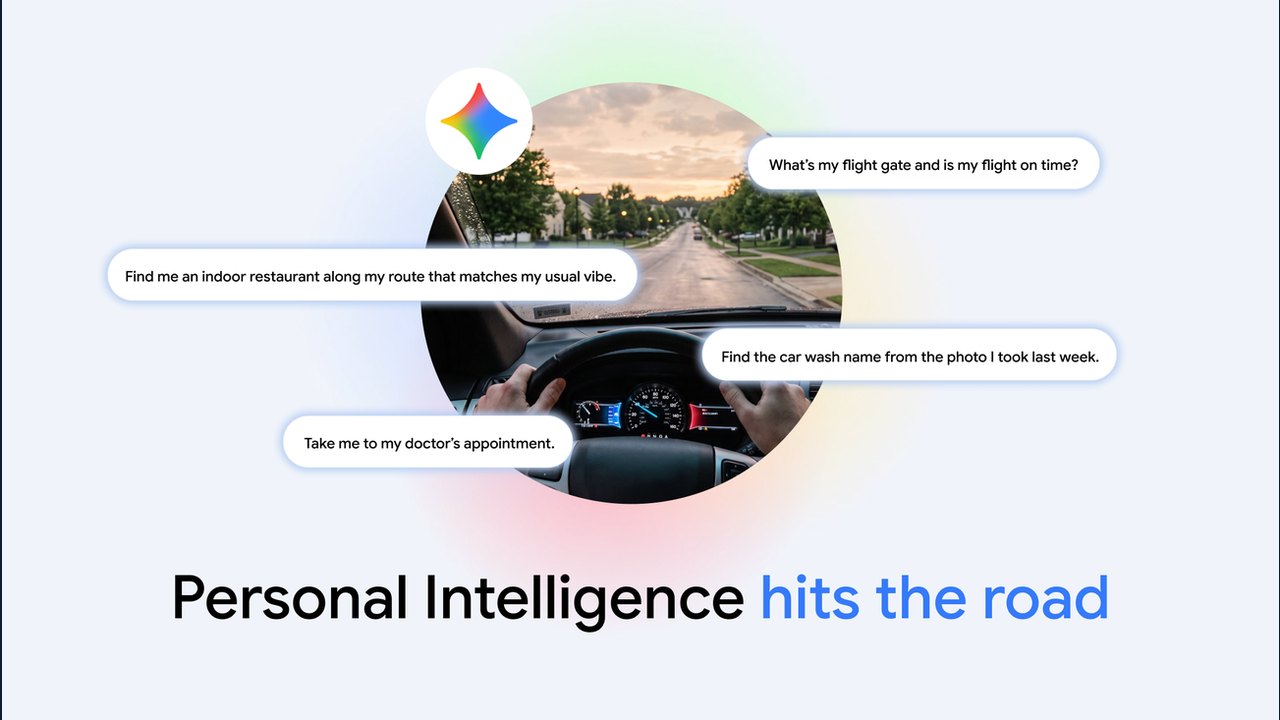 Google Brings Gemini AI and Personal Intelligence to Android Auto and Cars with Google Built-In
 Google’s Gemini‑Powered AI Visual Search Can Identify Multiple Objects in a Single Photo
 Google and XREAL Launch XREAL AURA: First Android XR Wired Glasses Powered by Gemini
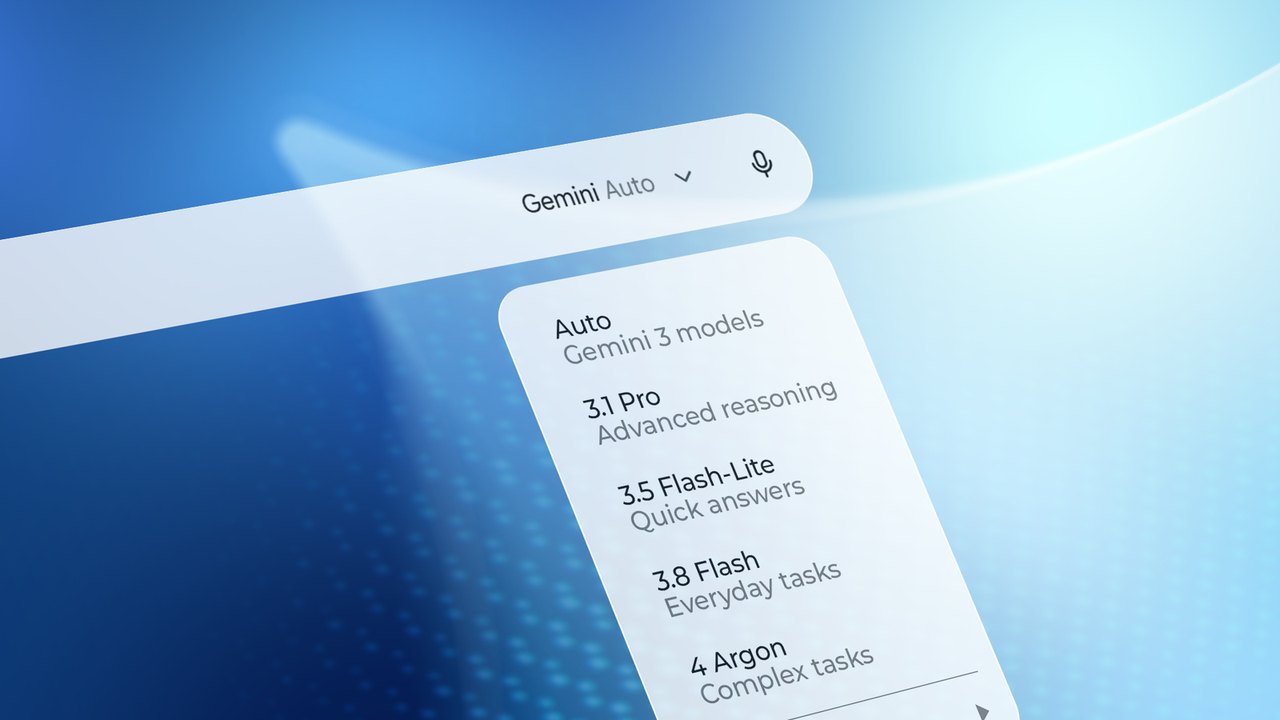 Navigating Google's Gemini AI Lineup: Which Model Should You Use?
Related coverage
Related reporting available at publication.
Google Brings Gemini AI and Personal Intelligence to Android Auto and Cars with Google Built-InGoogle’s Gemini‑Powered AI Visual Search Can Identify Multiple Objects in a Single PhotoGoogle and XREAL Launch XREAL AURA: First Android XR Wired Glasses Powered by GeminiNavigating Google's Gemini AI Lineup: Which Model Should You Use? Kentucky Administrator Secures Religious Exemption from Mandatory AI Usage
 AITA Launches 'AI Coach' Tool to Simplify Match Preparation for Indian Tennis Players