Canvix Evolves as Open-Source Design Alternative with Accounts and Rendering Updates
· GlobeWire Daily Editorial Desk · Source: github.com
Image: GitHub · Photo source · Resized and letterboxed to 16:9; no AI generation
Overview of Canvix
Canvix is an open-source, browser-based graphic design tool positioned as a community-built alternative to Canva. Designed to run on custom infrastructure, it provides a drag-and-drop editor, a template library, and local file exports. The project operates under an MIT license without paywalls or mandatory subscriptions.
Recent Updates and Infrastructure
Recent releases detail several software additions aimed at self-hosting capability, rendering efficiency, and user management:
- Account System (v0.9.0): Introduces optional user accounts using username and password authentication with scrypt hashing and HttpOnly session cookies. It features per-design ownership controls and migration options for previously anonymous browser creations.
- Database Support (v0.8.0): Adds Supabase and PostgreSQL compatibility via Prisma migrations, alongside automated database setup scripts and health diagnostic endpoints.
- Performance Optimizations (v0.7.0): Rebuilt canvas rendering architecture incorporating structural state sharing, memoized canvas nodes, split Konva layers for interaction chrome, and an image cache with LRU limits.
- Model Context Protocol (v0.6.0): Implements an MCP server endpoint (`/api/mcp`) allowing AI assistants like Claude Desktop and Cursor to interact with design canvases using standard JSON-RPC protocols.
- Collaboration and AI Features (v0.5.0 & v0.4.0): Includes real-time multi-user editing logs, comment threads, SVG/video export pipelines, and background removal tools powered by browser-side ONNX models.
Practical Implications and Verification
Canvix is intended for developers and users seeking a self-hosted design tool with access to source code. Because features like AI background removal or external API integrations may rely on user-configured API keys or server deployments, operational costs depend on individual hosting choices. Interested parties can inspect the repository, review deployment documentation, and verify release notes directly through the official GitHub project page.
AI-assisted reporting; source claims are attributed and have not been independently verified.
More to read
 OpenPencil launches AI‑native open‑source design editor as a Figma alternative
 RustDesk Introduces Open-Source, Self-Hosted Remote Desktop Solution as TeamViewer Alternative
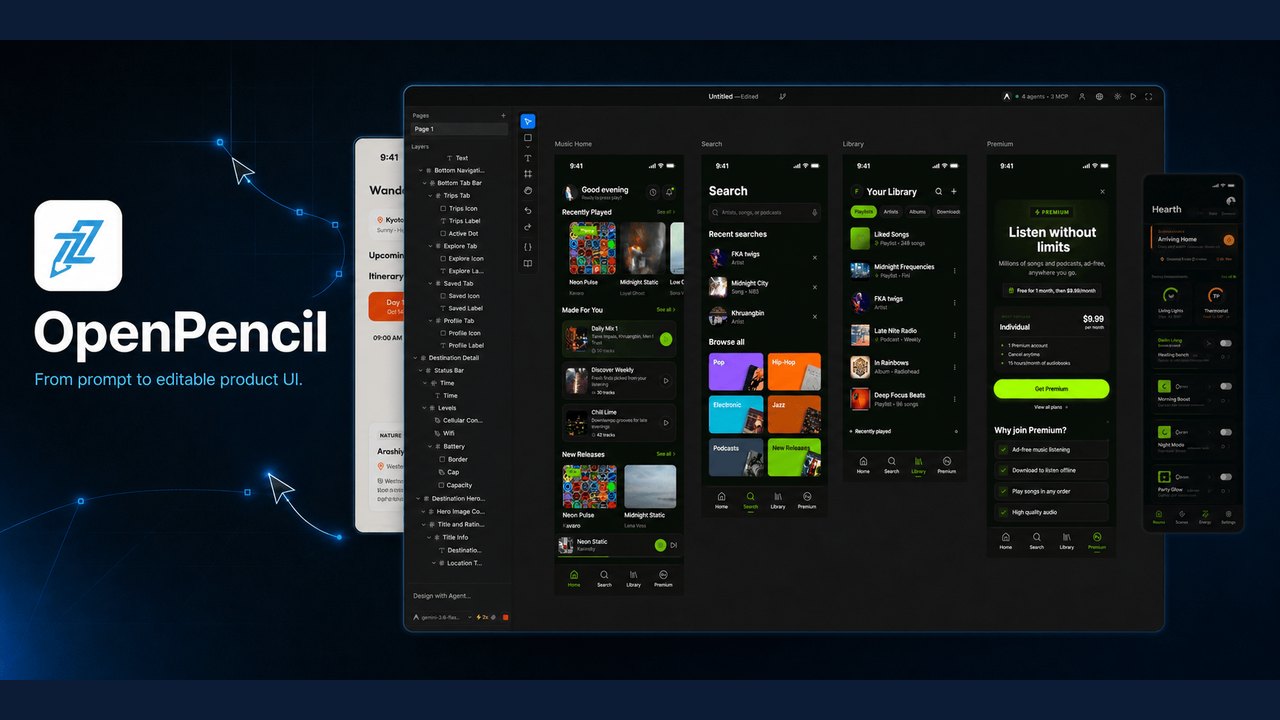 OpenPencil Launches as the First Open‑Source AI‑Native Vector Design Tool
 Oil UI: An Open‑Source UI‑Design Skill for Claude, Codex and Other AI Agents
Trending on GlobeWire Daily
Selected from recent coverage and related topics; not live search rankings.
 Harley-Davidson XA: Specifications & buying guide
 Harley-Davidson Model W: Specifications & buying guide
 WEY Mocha: Specifications, variants & buying guide
 Ford Mondeo Sport: Specifications, variants & buying guide
 Nokia Lumia 1520: Specifications & buying guide
 Samsung Galaxy S4 Active: Specifications & buying guide