RustDesk Introduces Open-Source, Self-Hosted Remote Desktop Solution as TeamViewer Alternative
· GlobeWire Daily Editorial Desk · Source: github.com
Image: GitHub · Photo source · Resized and letterboxed to 16:9; no AI generation
Overview
RustDesk is an open-source remote desktop application designed for self-hosting, offering a privacy‑focused alternative to TeamViewer. Written in the Rust programming language, it runs on Windows, Linux, and macOS, giving users full control over their data and eliminating concerns about third‑party security.
Confirmed Information
- Open‑source: The code is publicly hosted on GitHub under an MIT license.
- Self‑hosting: Users can run the software on their own servers, reducing reliance on external services.
- Cross‑platform: A single build works across Windows, Linux, and macOS.
- Zero‑config operation: The project claims the application works out of the box without additional setup.
- Privacy‑first: Emphasis is placed on encryption and local data handling.
Reported Claims
- Some users report that the application works "out of the box," though experiences vary based on network configuration.
- Community members have noted the usefulness of RustDesk’s rendezvous/relay server architecture for establishing connections when direct peer‑to‑peer links are not possible.
Unknowns
- Future feature roadmaps, detailed performance benchmarks, and upcoming releases have not been officially disclosed.
Key Features
- Open‑source license: MIT, allowing modification and redistribution.
- Rust implementation: Leverages modern safety features and cross‑platform compatibility.
- GUI options: Desktop builds use Flutter or the deprecated Sciter for the user interface.
- Rendezvous/relay support: Enables both direct (TCP hole‑punching) and relayed connections.
- No mandatory accounts: No required login or registration for basic functionality.
- Active community channels: Discord, Twitter, Reddit, and YouTube provide support and discussion forums.
How to Build and Run
- Prepare the environment
- Install the Rust toolchain and a C++ compiler.
- On Windows, install vcpkg and set `VCPKG_ROOT`; on Linux/macOS, install `libvpx`, `libyuv`, `opus`, and `aom`.
- Clone the repository
```bash git clone https://github.com/rustdesk/rustdesk.git cd rustdesk ```
- Optional Docker container
```bash docker build -t rustdesk . ```
- Build the application
```bash cargo build --release ``` The first build may be slower as dependencies are cached; subsequent builds are faster.
- Run the executable
```bash ./target/release/rustdesk ``` The binary is located in the `target` folder within the repository root.
Community and Contributions
RustDesk welcomes contributions from everyone. New contributors can refer to `CONTRIBUTING.md` for guidance. Official chat channels include Discord, Twitter, Reddit, and YouTube, where users can report issues, request features, or submit code.
Security and Misuse Disclaimer
The developers explicitly state that they do not condone unethical or illegal use of the software. Unauthorized access, control, or invasion of privacy is strictly prohibited. The authors are not responsible for any misuse of the application.
Practical Implications
- Enhanced privacy: Hosting your own instance removes reliance on third‑party providers.
- Flexibility: The open‑source nature allows customization for specific network or workflow needs.
- Verification: Interested parties can inspect the GitHub repository (`https://github.com/rustdesk/rustdesk`) check release tags, and rebuild the application using the provided instructions.
Conclusion
RustDesk provides a viable, privacy‑centric alternative for remote desktop access, enabling users to maintain full control over their environment. Its open‑source foundation and active community make it an attractive option for those prioritizing transparency and self‑hosting.
AI-assisted reporting; source claims are attributed and have not been independently verified.
More to read
 MiniMax-AI Releases OpenAgentCore: An Open-Source, Self-Hosted Implementation of the OpenAI Agents API
 OpenBot Launches Open‑Source, Self‑Hosted AI Coworkers with Full Browser Access
 Open‑Source ‘It’s a Plan’ Offers Self‑Hosted Project Management with AI Agents
 OpenPencil launches AI‑native open‑source design editor as a Figma alternative
Trending on GlobeWire Daily
Selected from recent coverage and related topics; not live search rankings.
 Harley-Davidson Pan America: Specifications & buying guide
 Ducati Mach 1: Specifications & buying guide
 Zeekr 001: Specifications, variants & buying guide
 Wuling Zhengtu: Specifications, variants & buying guide
 Samsung Galaxy Note 3: Specifications & buying guide
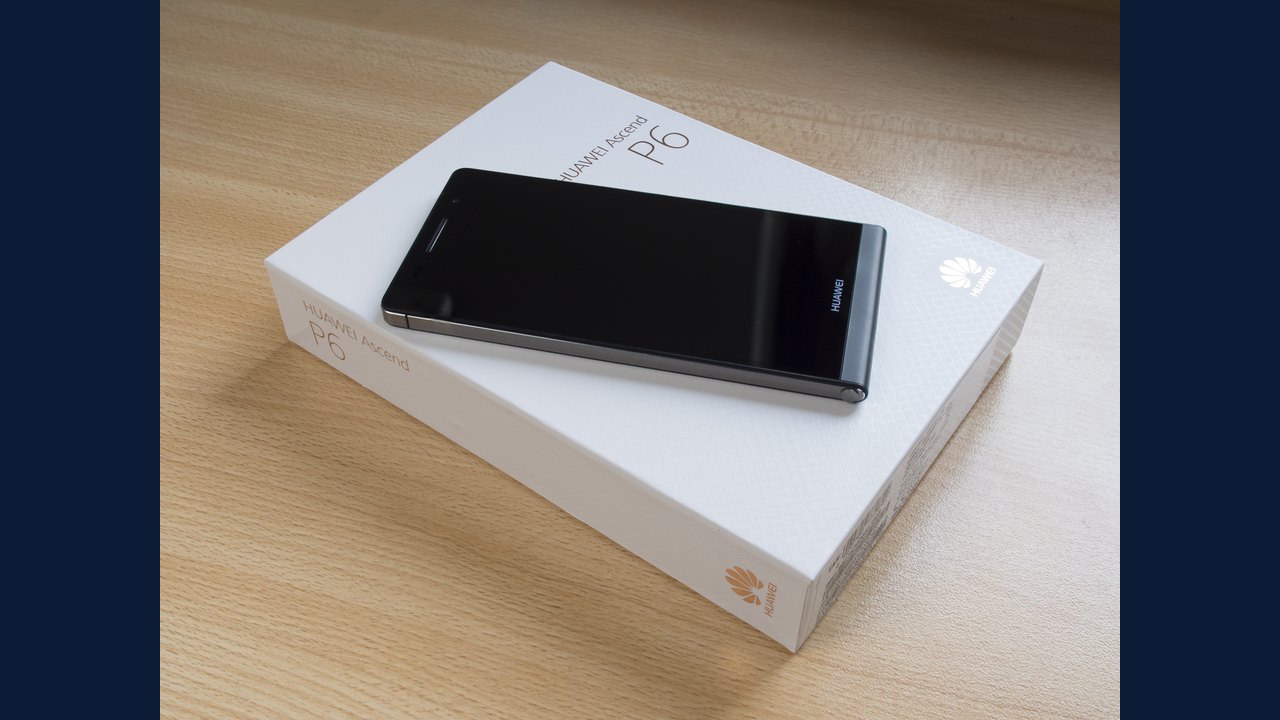 Huawei Ascend P6: Specifications & buying guide