Cloud-Based Copilot Automations Now Available in Visual Studio Code
· GlobeWire Daily Editorial Desk · Source: github.blog
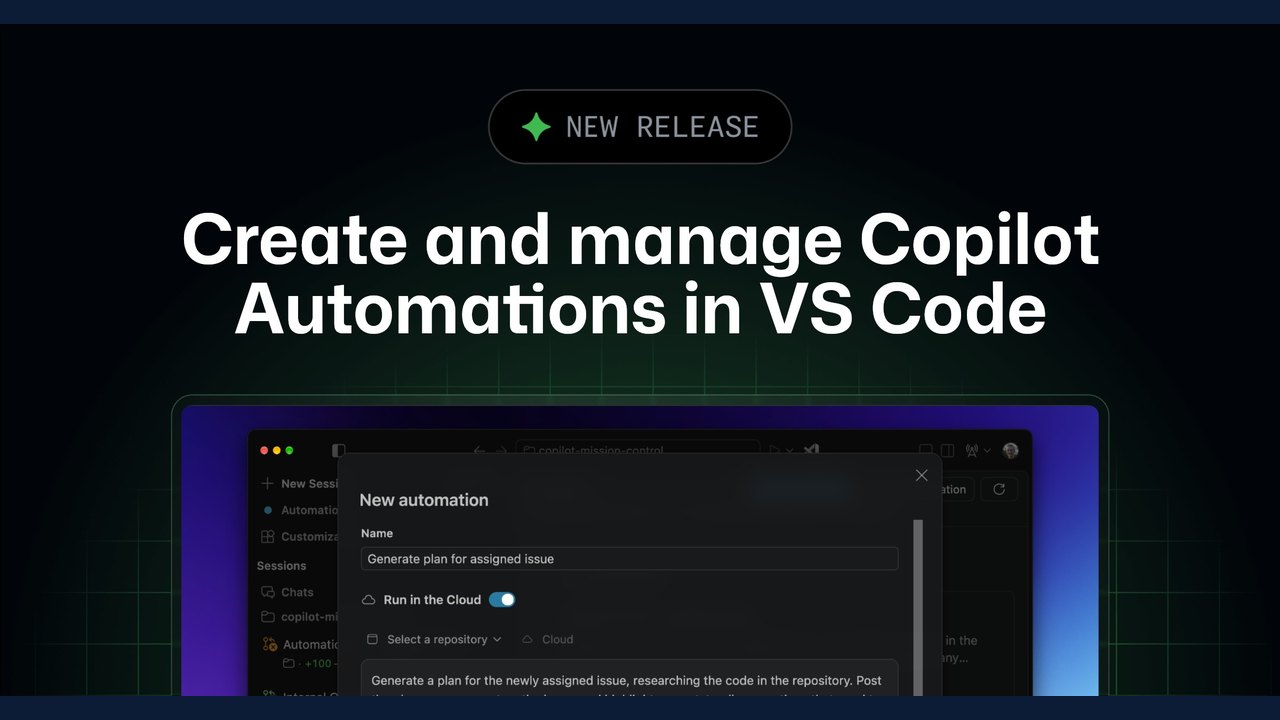
Image: The GitHub Blog · Photo source · Resized and letterboxed to 16:9; no AI generation
Introduction to Copilot Automations in the Cloud
According to an official GitHub announcement, developers can now run Copilot Automations directly in the cloud using Visual Studio Code. This feature allows users to create and manage cloud automations entirely from the Agents window within their editor without needing to switch contexts.
By combining prompts, triggers, and tools, workflows can be designed around specific development practices. Users configure when an automation runs and its permitted actions, and then provide a prompt instructing Copilot on task completion.
Key Capabilities of Cloud Automations
While Visual Studio Code previously supported local personal automations running on a schedule, the new cloud infrastructure introduces several distinct capabilities:
- Background Execution: Personal scheduled automations continue to run even when the editor is closed, or when the computer is asleep or powered off, ensuring recurring tasks do not rely on local machine availability.
- Event-Driven Triggers: Personal automations can be configured to respond automatically to repository activities on GitHub, such as an issue assignment or a newly opened pull request.
- Team Collaboration: Teams can build shared workflows in the cloud that are visible to any repository member and authorized to act as Copilot.
Getting Started and Requirements
To begin using cloud automations, the official documentation outlines specific prerequisites:
- Update Visual Studio Code to version 1.144 or later.
- Enable the `chat.automations.cloud.enabled` setting.
- Access the Automations tab located within the Agents window.
Availability and Verification
The announcement notes that Copilot Automations are included with Copilot Pro, Pro+, Max, Business, and Enterprise plans. Developers seeking further details, technical guides, or best practices are advised to consult the official documentation titled "Create and manage agent automations" on the Visual Studio Code website or participate in discussions on the GitHub Community platform.
AI-assisted reporting; source claims are attributed and have not been independently verified.
More to read
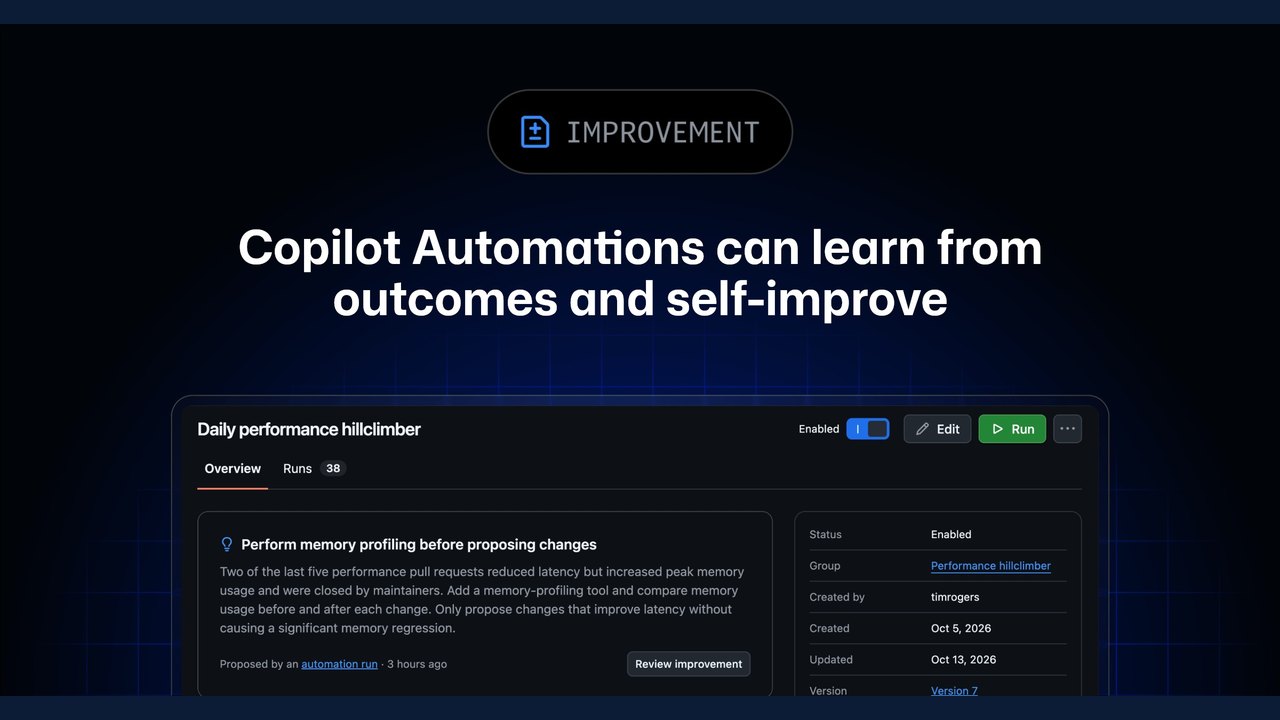 GitHub Updates Copilot Automations with Outcome-Based Self-Improvement
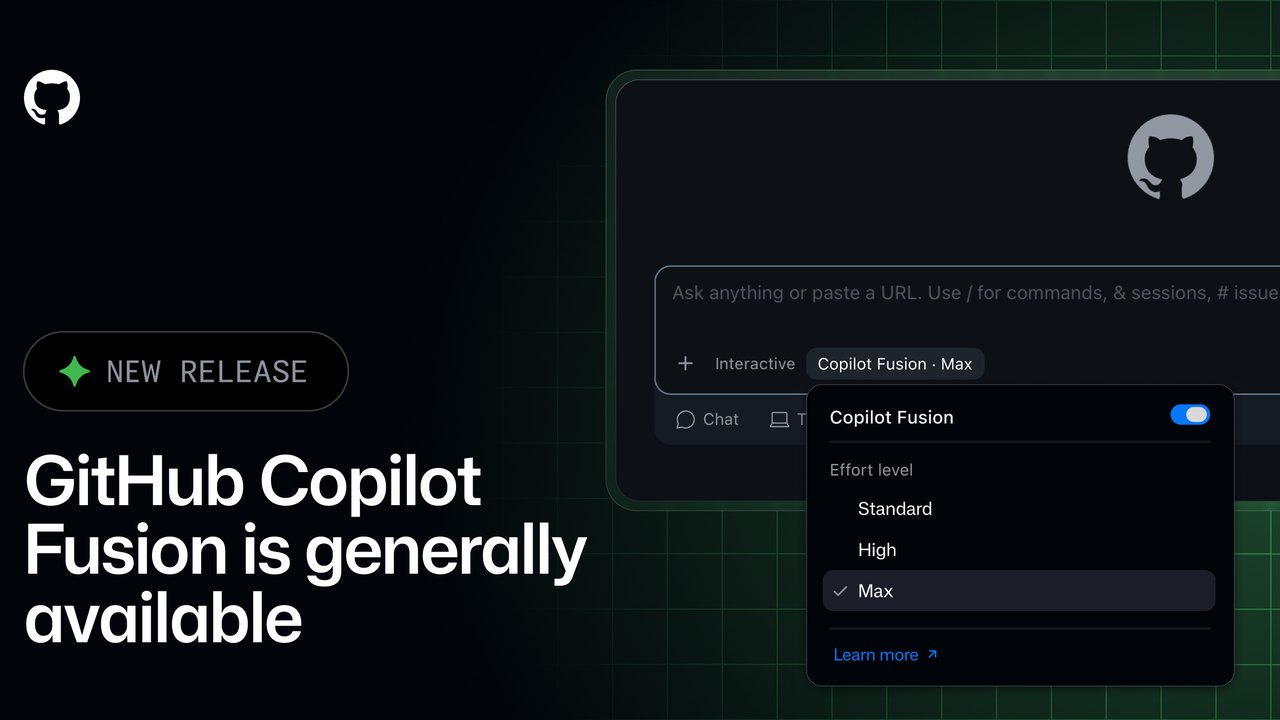 GitHub Copilot Fusion Goes GA: Intelligent Model Routing and Orchestration Now Available
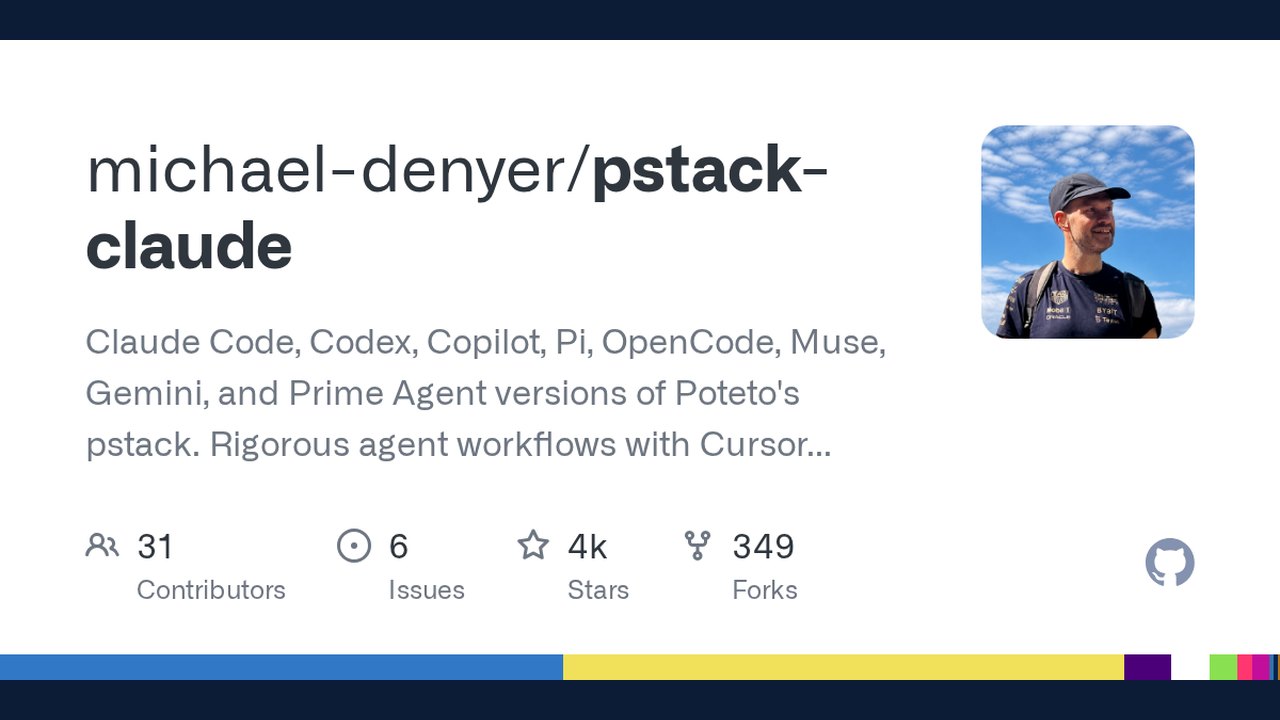 Open‑Source ‘pstack‑claude’ Brings Cursor‑Based Agent Workflows to Claude Code, Copilot and More
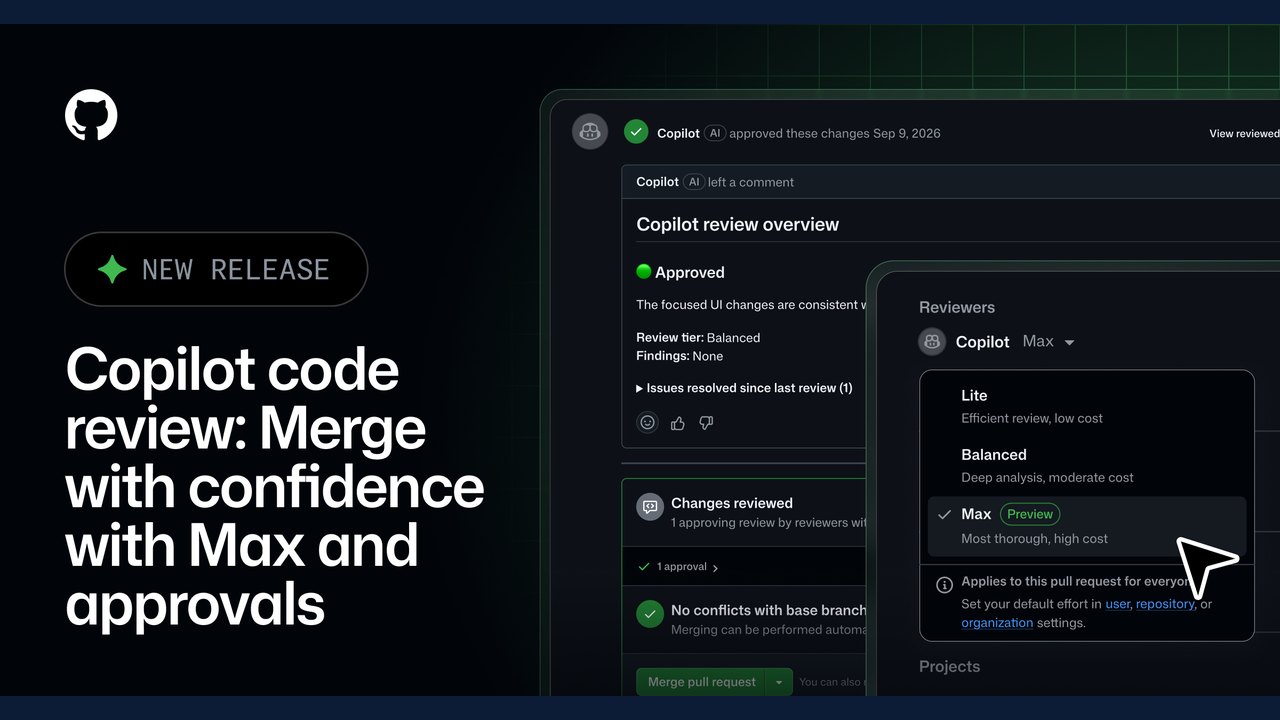 GitHub Expands Copilot Code Review with 'Max' Effort Level and Automated Approvals
Related coverage
Related reporting available at publication.
GitHub Updates Copilot Automations with Outcome-Based Self-ImprovementGitHub Copilot Fusion Goes GA: Intelligent Model Routing and Orchestration Now AvailableOpen‑Source ‘pstack‑claude’ Brings Cursor‑Based Agent Workflows to Claude Code, Copilot and MoreGitHub Expands Copilot Code Review with 'Max' Effort Level and Automated Approvals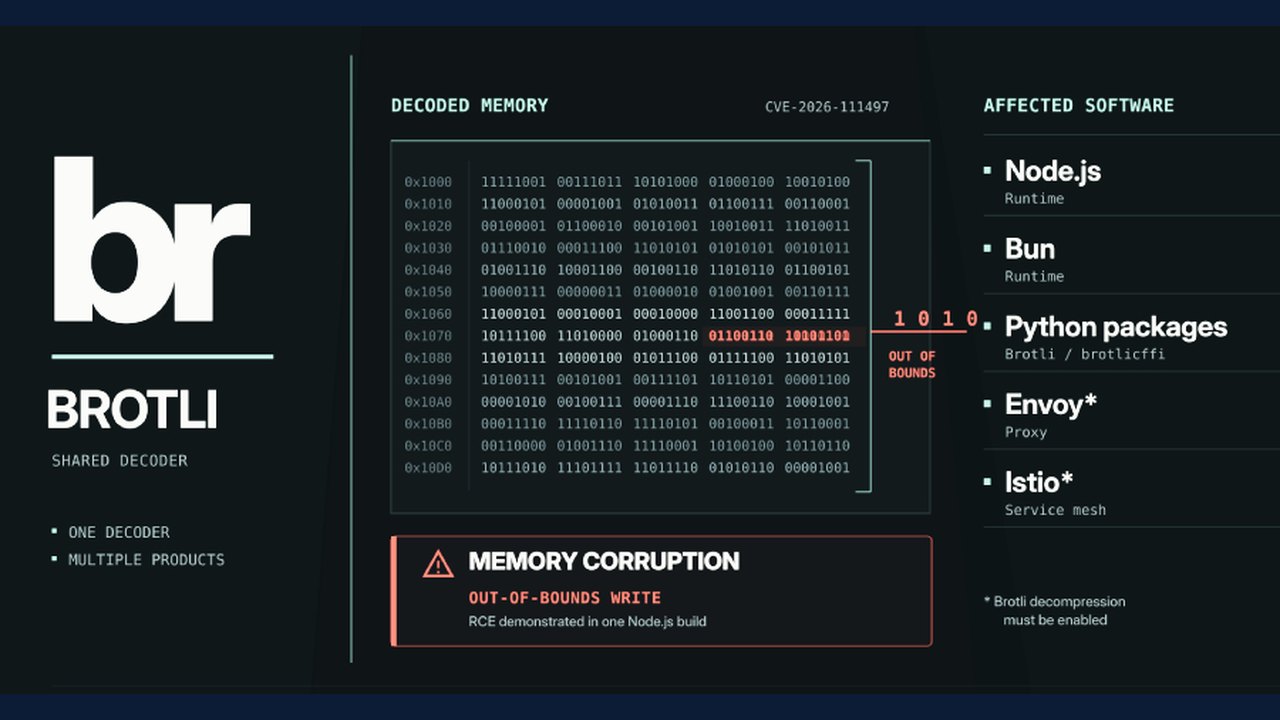 Brotli Decoder Vulnerability Impacts Node.js, Bun, Python, .NET, and Other Software
 Software Experts Recognizes Nicely Network as Top B2B SaaS Reddit Marketing Agency