GitHub adds named custom skills, agents and MCP servers to Copilot usage metrics
· GlobeWire Daily Editorial Desk · Source: github.blog

Image: The GitHub Blog · Photo source · Resized and letterboxed to 16:9; no AI generation
Overview
GitHub’s latest changelog (Oct 22 2026) expands the Copilot usage‑metrics API so that enterprise reports now list the actual names of custom skills, agents, Model Context Protocol (MCP) servers, slash commands and plugins instead of lumping them under generic *other* or *custom* buckets.
New named entries
- In the per‑user 1‑day, 28‑day, and aggregated reports, the arrays `totals_by_skill`, `totals_by_custom_agent`, `totals_by_mcp`, `totals_by_slash_cmd` and `totals_by_plugin` now contain the configured name of each item.
- The change builds on the “agentic CLI customization metrics” that were introduced in September.
Expanded entry limits
- Each `totals_by_*` list can now hold up to 25 entries per record, up from the previous limit of five. This lets admins see more of the long tail of internal customizations.
- Any activity beyond the top 25 is collapsed into a trailing *other* entry.
What stays the same
- The fields `interaction_count` and the various `distinct_*_use_count` metrics continue to be calculated exactly as before.
Practical implications for administrators
- Visibility: Teams can now identify which internally built skills, agents or MCP servers are actually being used.
- Adoption tracking: After rolling out a new custom component, admins can monitor its uptake across the organization.
- Targeted enablement: Resources can be focused on low‑adoption items that may need better documentation or training.
How to verify and enable the feature
- Ensure the Copilot CLI version is ≥ 1.0.97 for prompt‑mode, the Copilot app, and ACP integrations.
- For SDK‑based clients (VS Code, JetBrains, etc.) use Copilot SDK v1.0.21 or newer.
- Confirm that the organization’s Copilot usage‑metrics policy is turned on.
- Users with the “View Copilot Metrics” permission—enterprise owners, billing managers, organization owners, or custom roles—can access the updated reports via the API.
- Review the names in the reports before sharing them externally; names longer than 128 characters are truncated, and path‑like strings remain under *other*.
Limitations and accuracy notes
- The data originates from client telemetry, so it may under‑count activity if a client is outdated or telemetry is blocked.
- Names appear only from the day after the release; historic days still show generic categories.
- Non‑SDK IDE integrations do not report names.
Getting started
The updated API documentation is available on the GitHub Docs site. Developers can also subscribe to the bi‑weekly newsletter for tips, technical guides and best practices.
--- *All statements are based on GitHub’s official changelog. No independent verification has been performed.*
AI-assisted reporting; source claims are attributed and have not been independently verified.
More to read
 GitHub Details Copilot Skills for Feedback Loops and Automation Workflows
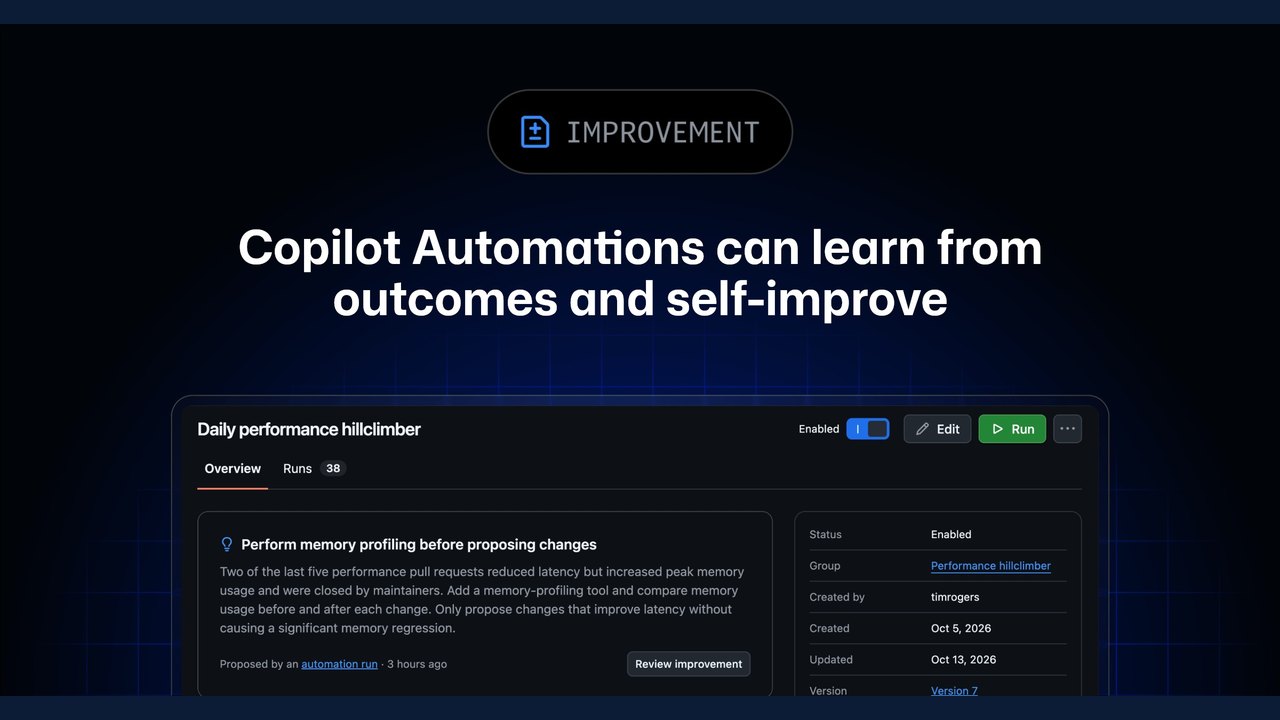 GitHub Updates Copilot Automations with Outcome-Based Self-Improvement
 GitHub Project BAMA Promises to Build Any macOS App Using AI‑Driven Agent Skills
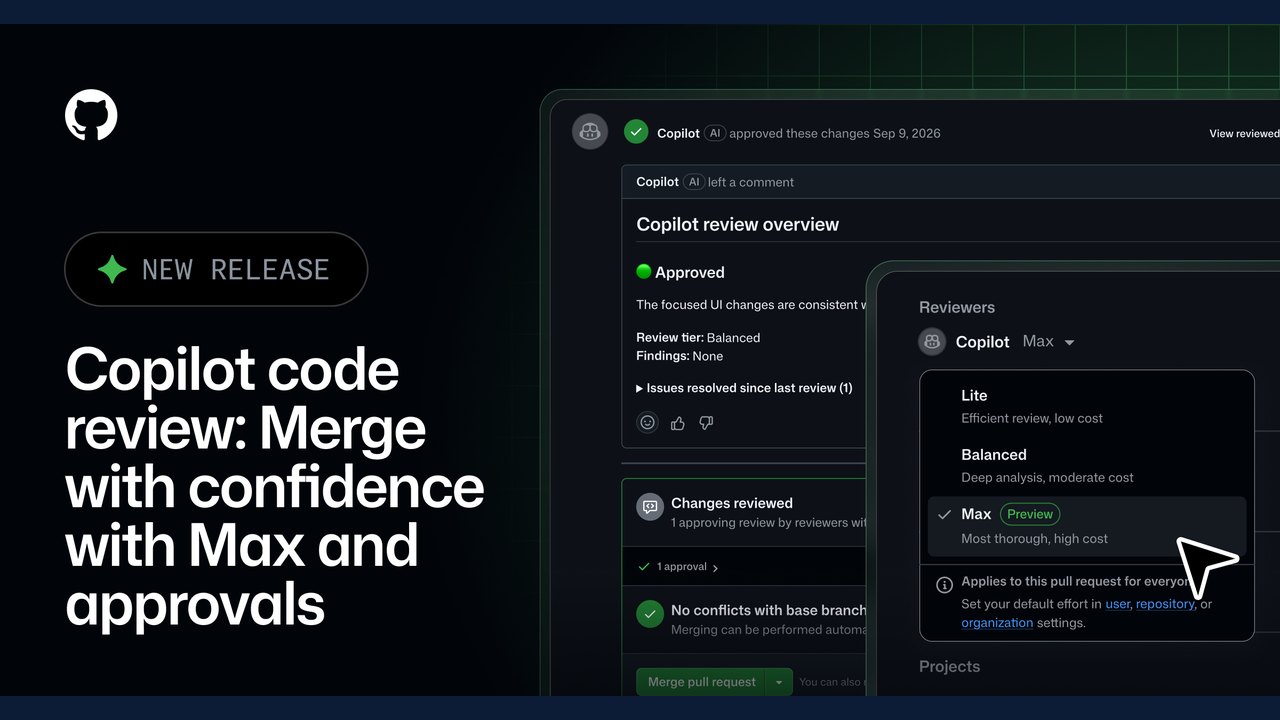 GitHub Expands Copilot Code Review with 'Max' Effort Level and Automated Approvals
Related coverage
Related reporting available at publication.
GitHub Details Copilot Skills for Feedback Loops and Automation WorkflowsGitHub Updates Copilot Automations with Outcome-Based Self-ImprovementGitHub Project BAMA Promises to Build Any macOS App Using AI‑Driven Agent SkillsGitHub Expands Copilot Code Review with 'Max' Effort Level and Automated Approvals Openjutsu Brings Local One-Click Video Character and Object Swapping to ComfyUI
 Mitigating CVE-2026-98432: Linux Kernel IPv4 SYN Use-After-Free Vulnerability