GitHub Copilot App Announced as Agent-Native Desktop Experience
· GlobeWire Daily Editorial Desk · Source: github.com
Image: GitHub · Photo source · Resized and letterboxed to 16:9; no AI generation
GitHub has introduced the GitHub Copilot app, described as an agent-native desktop experience designed to help developers find, run, steer, and land software work across their GitHub repositories. According to the announcement, the application aims to serve as a single control center to manage software development from initial ideas to pull requests.
Core Features and Architecture
The application is designed to support parallel agent-driven development through isolated environments:
- Isolated Worktrees: Local sessions run within their own isolated git worktrees.
- Cloud Sessions: Cloud-based environments allow agents to continue working remotely, enabling developers to pick up tasks from various locations.
- Canvases: These shared, inspectable surfaces display agent activities, plans, diffs, and workflow states, allowing users to redirect work and verify progress without relying solely on chat threads.
- My Work & Automations: Features like My Work aggregate sessions, issues, and pull requests, while automations convert repeatable prompts into background tasks.
- Agent Merge: Assists in navigating pull requests through reviews, checks, and merge conditions.
Requirements and Access
Usage requires a GitHub Copilot plan, which includes Copilot Free and GitHub Copilot Student tiers. Alternatively, users without a Copilot plan can utilize the app by bringing their own model provider key (BYOK).
Support and Verification
Developers can review official documentation for setup instructions and initial session walkthroughs. Builds and releases are accessible directly through the repository's Releases page. Users encountering issues or wishing to submit feature requests can utilize the public repository's Issues and Discussions tabs, ensuring they follow guidelines such as providing debug logs when reporting problems.
AI-assisted reporting; source claims are attributed and have not been independently verified.
More to read
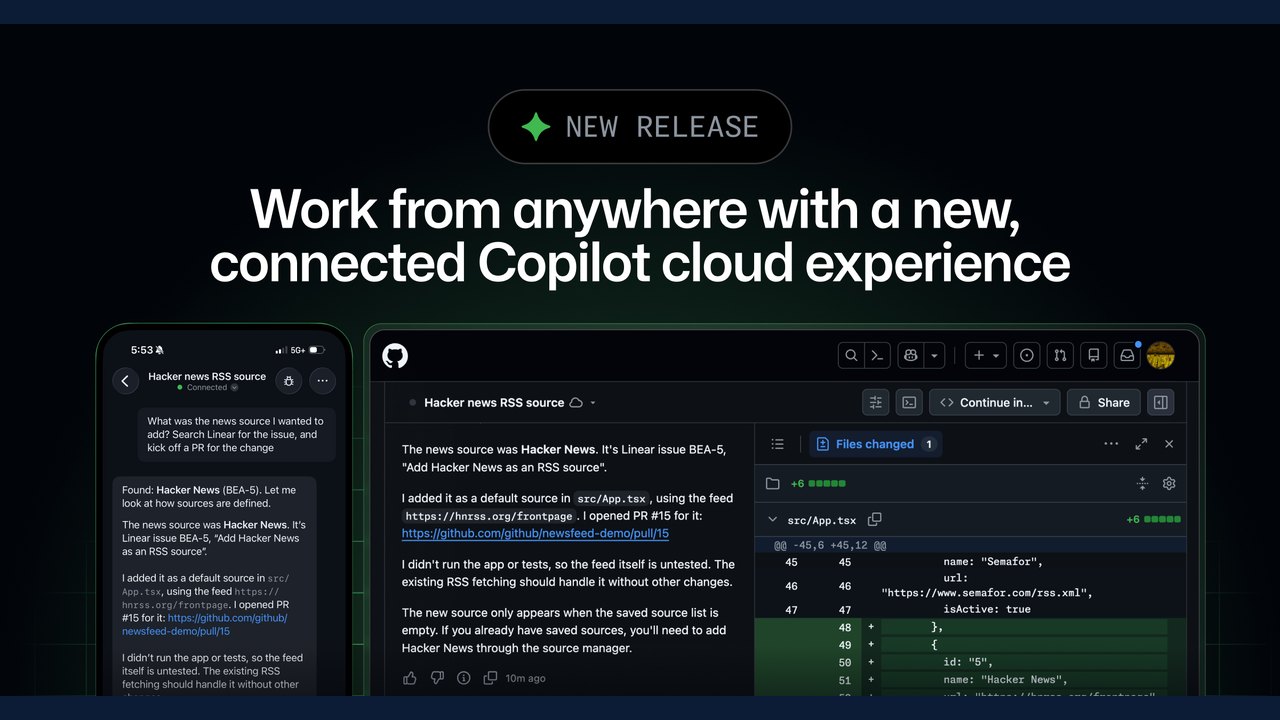 GitHub Introduces Connected Copilot Cloud Experience and Flexible Compute Entitlement
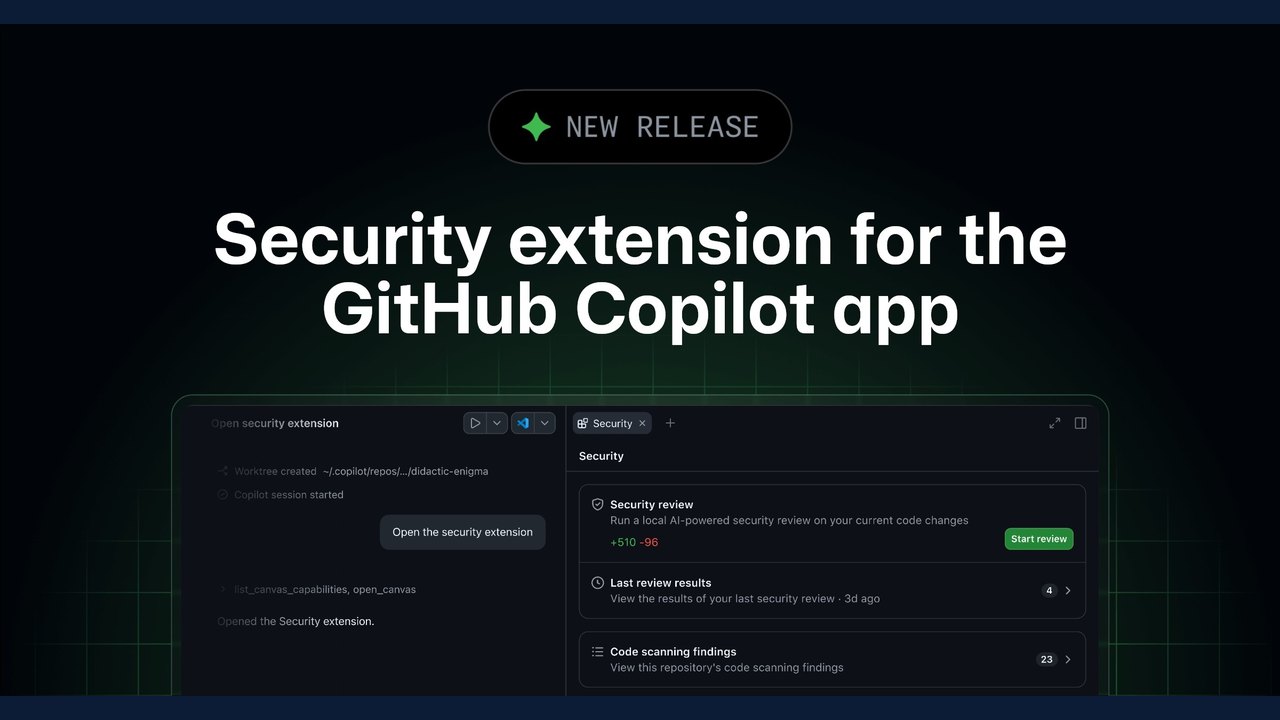 GitHub Introduces Security Extension for the Copilot App in Public Preview
 Rendering Huge Pull Requests in the GitHub Copilot App
 Herdr Desktop App Introduces Terminals and Coding Agent Management for Linux, macOS, and Windows
Trending on GlobeWire Daily
Selected from recent coverage and related topics; not live search rankings.
 Madhya Pradesh Government Plans Revenue Generation from 117-Year-Old Edward Villa in Mumbai Through Leasing
 iPhone 18 Pro Named TechRadar Product of the Year 2026
 Google Project Suncatcher Runs Gemma 4 AI on Orbiting Satellite and Receives First Response
 Gender Disparities in Eye Care Access Across India Examined
 Satellite Images Show Cyclone Arnab Weakening Over India As New System Brews
 Expanding Green and Blue Spaces Crucial for India's Economic and Public Health, Reports Indicate