Microsoft’s Link to Windows May Soon Let Android Phones Act as a PC’s Second Screen
· GlobeWire Daily Editorial Desk · Source: www.androidauthority.com
Summary
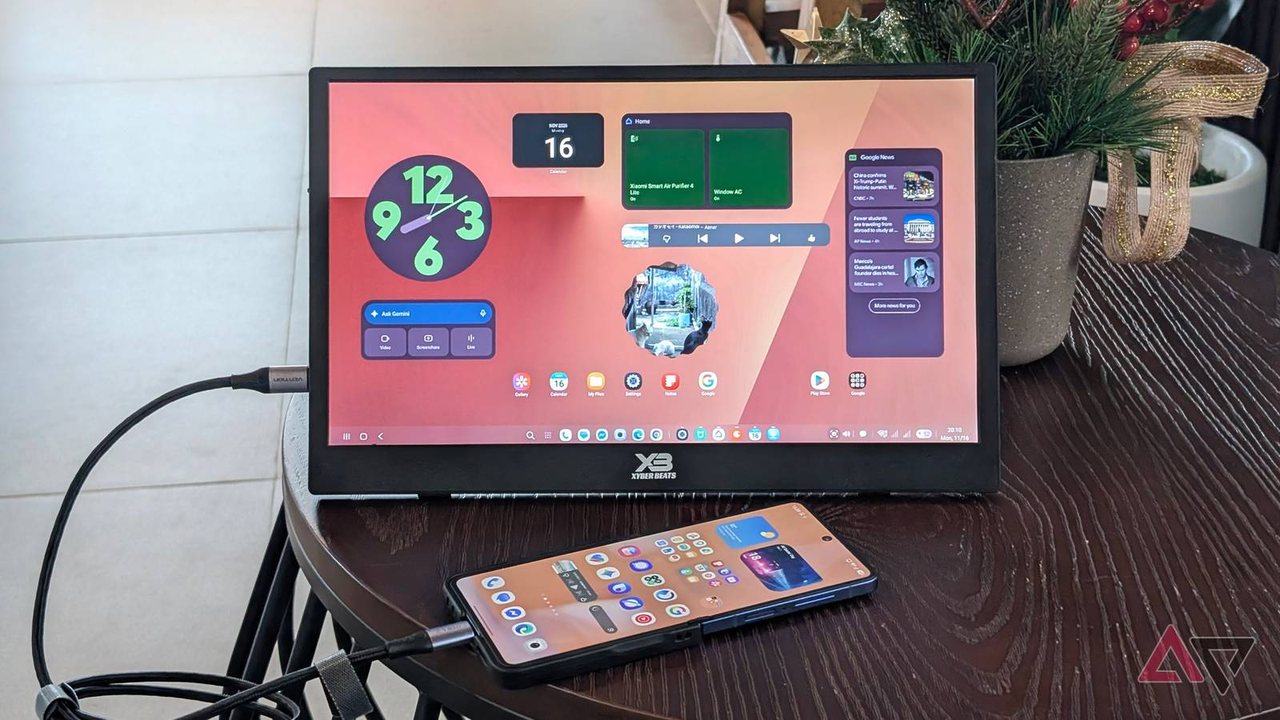
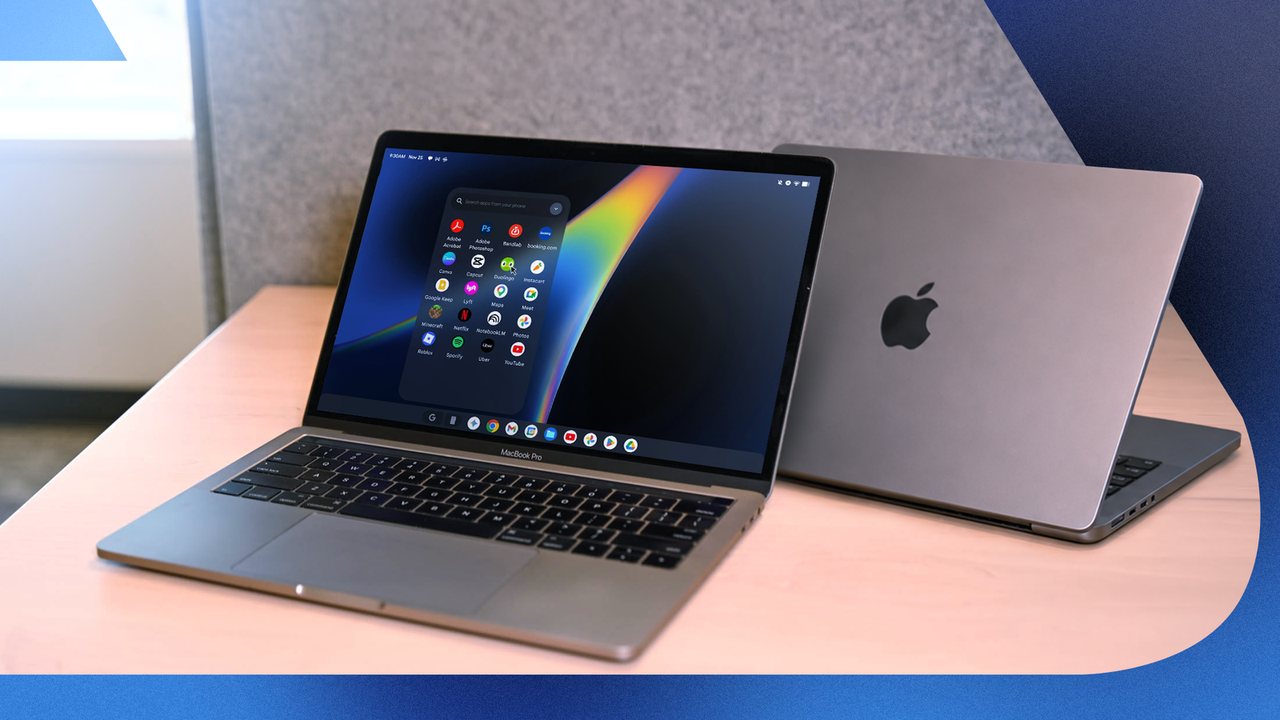
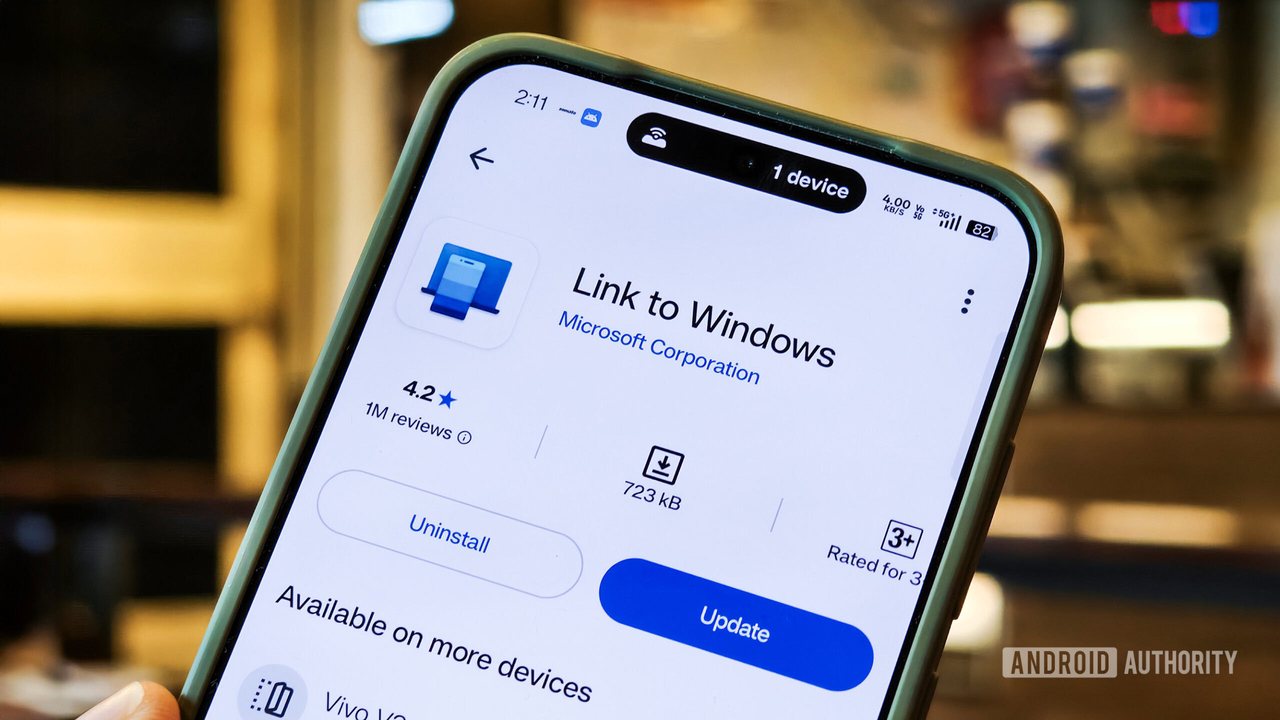
Microsoft is reportedly testing a new Extend display mode inside the Link to Windows app that could let an Android phone or tablet function as a secondary monitor for a Windows PC. The feature is still under development, and details such as connection method, device compatibility, and release timing remain unclear.
What the code suggests
- Feature name: “Extend display”
- Function: Streams the PC’s desktop to an Android device, effectively extending the Windows desktop.
- Video encoding: References to H.264 and HEVC imply the PC will encode the screen as a video stream that the phone decodes.
- Controls: On‑screen Stop and Back buttons; tapping Back twice or locking the PC ends the session.
- Timeout: If the first video frame fails to appear, a 60‑second timeout screen is shown.
How it differs from existing solutions
- spacedesk: Requires a driver on the PC and a separate app on the mobile device.
- Samsung Second Screen: Limited to select Galaxy tablets.
- Extend display: Would be built into Link to Windows, potentially needing no extra driver.
Open questions
- Connection type: Wi‑Fi, USB, or both have not been confirmed.
- Supported devices: Microsoft’s existing Phone Link features work on many brands (Samsung, HONOR, OnePlus, OPPO, Realme, ASUS, vivo, iQOO, Xiaomi), but it is unknown which models will support Extend display.
- Release schedule: No official announcement or timeline has been provided.
Practical implications
If released, users could repurpose an old Android phone or tablet as a cheap secondary monitor, useful for multitasking, coding, or monitoring chats while working on the main screen. To verify the feature when it arrives, check:
- Windows Insider channels for build notes mentioning “Extend display.”
- Link to Windows app updates in the Play Store.
- Microsoft’s official blog or support pages for rollout details.
How to test (once available)
- Ensure both PC and Android device are on the same network (or connect via USB if supported).
- Open Link to Windows on the phone and look for an Extend display toggle.
- Activate the mode and arrange the virtual monitor in Windows Display Settings.
- Use the on‑screen controls to stop or return to the primary screen.
--- *The information above is based on code snippets discovered by Windows Latest and has not been confirmed by Microsoft. No release date or device list has been officially announced.*