Gaming
How to Change Settings in GTA 6 for a Classic Gameplay Feel
· GlobeWire Daily Editorial Desk · Source: www.engadget.com
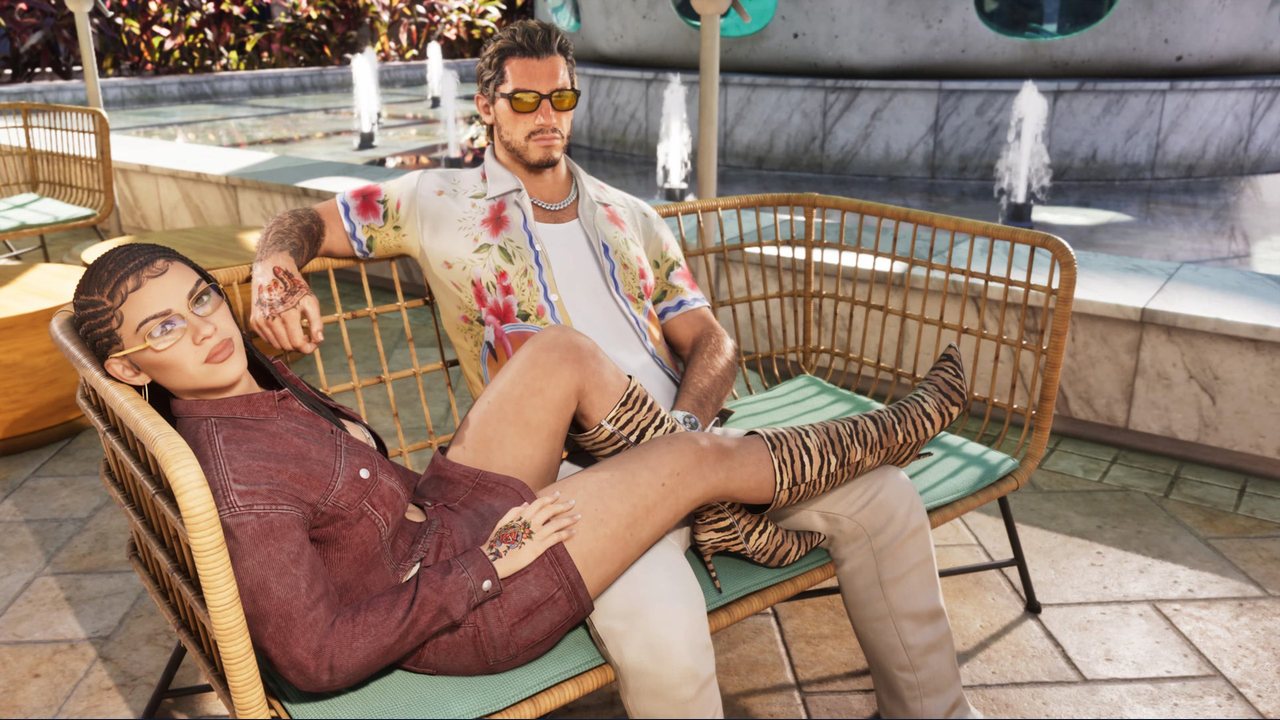
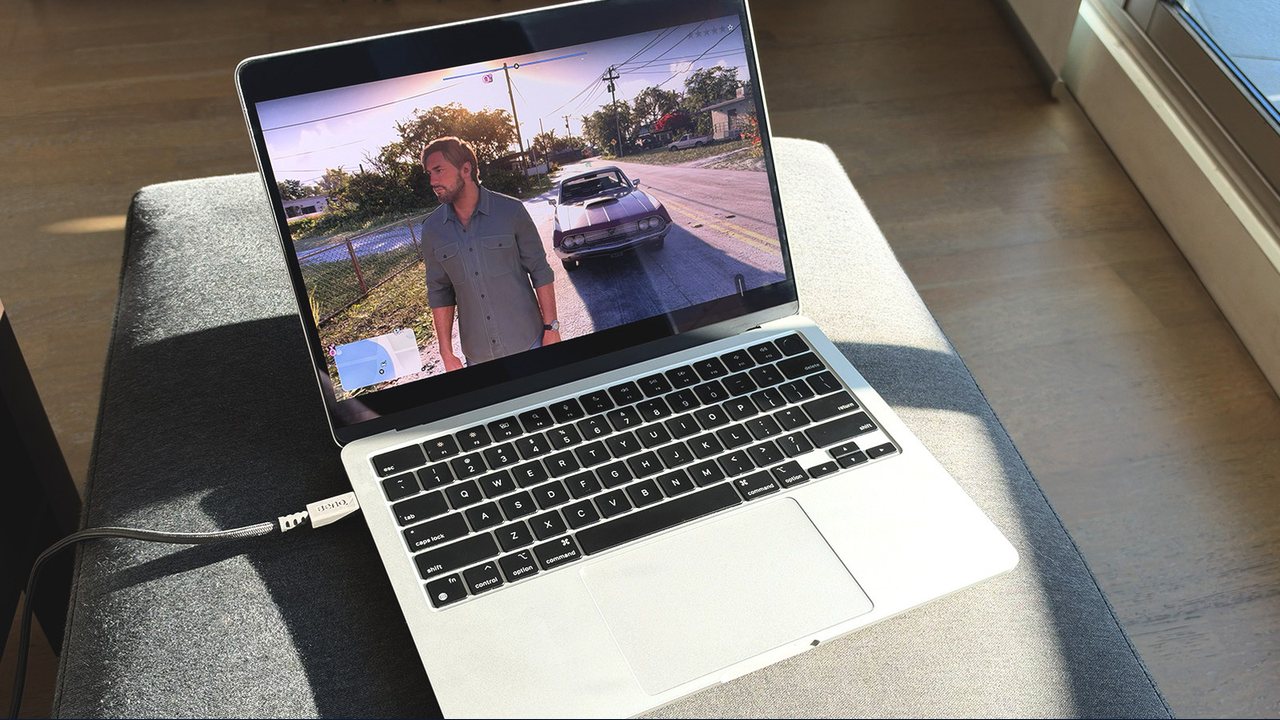
Players looking for a nostalgic experience in Grand Theft Auto 6 can adjust certain in-game options to replicate the feel of older titles in the series. While developer Rockstar Games has introduced modern updates and mechanics to the game, several settings can be modified to bring back older control schemes, targeting behaviors, and navigation styles.
Here is a summary of how players can adjust their settings based on reported options:
Adjusting Sprint Controls
- Default Change: Modern entries and default setups in recent games often assign movement and sprinting functions differently compared to older releases.
- Classic Setup: Players can navigate to the settings menu, access the control scheme page, and change the configuration from Default to Classic. This shifts the run and sprint actions back to the face buttons (such as X on PlayStation or A on Xbox), reminiscent of older titles.
Configuring Combat and Aiming Options
- Targeting Settings: In the gameplay tab, players can locate the combat section to adjust targeting parameters.
- Lock-On Features: Changing the targeting option from Partial to Lock-On enables the game to automatically focus on the closest target when aiming. Additional features like target switching and shooting assist can also be toggled.
Modifying Navigation and UI
- Minimap and Compass: To emulate the challenge of earlier franchise entries where built-in routing was minimal, players can adjust UI settings.
- Customizing Immersion: The interface options allow users to minimize or switch off elements like compasses, GPS routes, and objective markers for a more traditional navigation challenge, though navigating the dense open world without any aids remains difficult.
To verify these options, players can inspect the in-game settings menu directly upon accessing the title. Availability and specific menu layouts depend on the platform and current software version.
Share this article
Read the original source Change these settings if you want GTA 6 to feel like old GTA