How to Handle Scratched CDs Amid Physical Media's Return
· GlobeWire Daily Editorial Desk
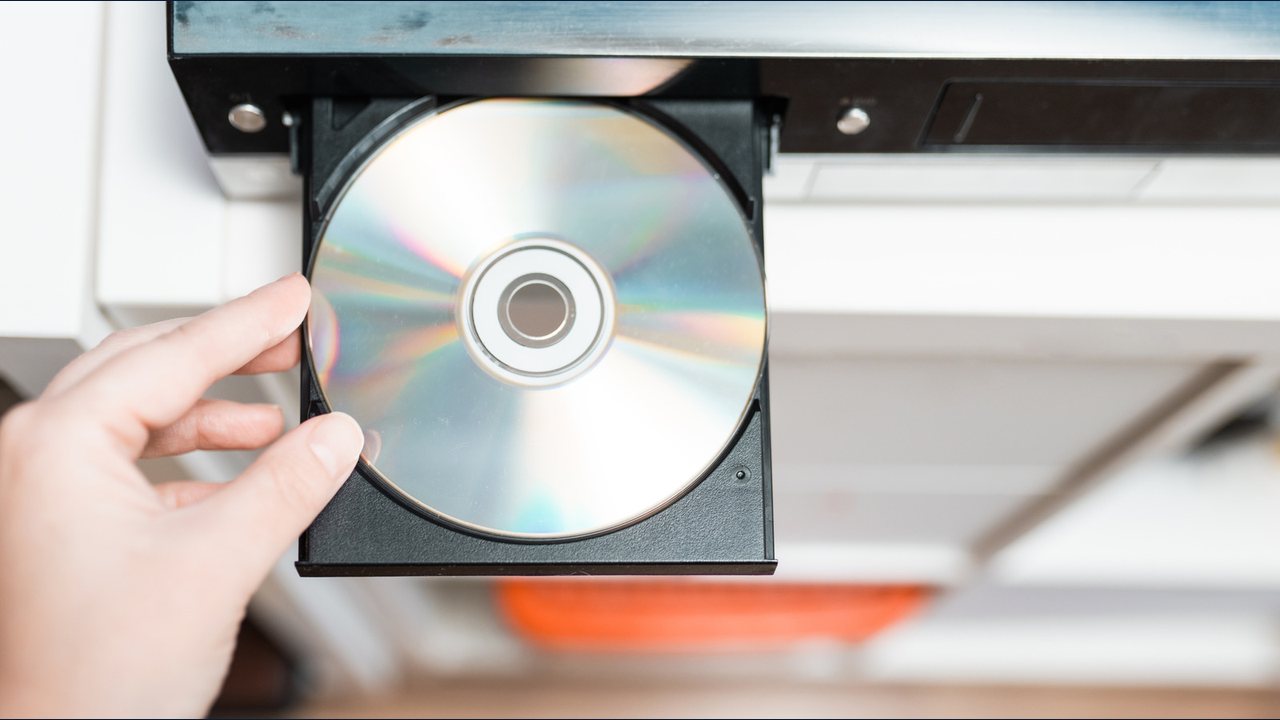
As compact discs experience a nostalgic resurgence alongside vinyl records, listeners encountering skipping or unplayable discs face the enduring problem of surface scratches. While physical media's return brings back the classic joys of collecting, it also highlights the vulnerability of optical discs to everyday wear and tear.
Proper Cleaning and Basic Maintenance
Before attempting any aggressive repairs, playback issues are often caused by simple dust or skin oils rather than permanent damage.
- Use a microfiber or lint-free cloth to gently wipe the disc.
- Always wipe in a straight line from the center hole out to the outer edge, avoiding circular motions.
- For stubborn debris, a small amount of 70 percent isopropyl alcohol or distilled water can be applied to the cloth.
- Ensure the disc is completely dry before attempting playback or returning it to storage.
DIY Repair Methods and Risks
For deeper scratches that disrupt the laser, several time-tested home remedies exist, though they carry risks and lack official guarantees. The underlying principle involves gently abrading the clear polycarbonate layer so the laser can read the data beneath.
- Toothpaste: Plain white toothpaste without gels, beads, or whitening agents can act as a mild abrasive. Spread evenly, wipe outward from the center, rinse with water, and dry completely.
- Rubbing Compound: Stronger abrasives like 3M rubbing compound function similarly for more stubborn marks.
- Wax Sealing: Applying a thin layer of wax, shoe polish, or lip balm can temporarily fill and seal scratches. Apply outward, let sit briefly, and buff away.
Professional Services and Digital Backup Options
When home methods fail, professional disc repair services utilizing specialized commercial buffing machines offer a more reliable alternative, though local shops have become increasingly rare. Dedicated consumer-grade repair machines are also available but can be cost-prohibitive for casual listeners. Alternatively, utilizing a CD burner can help extract and copy data from a marginally damaged disc to a digital format or a fresh blank disc, preserving the contents before physical degradation worsens.