Automobiles
Old PC Parts Aren’t Truly Useless – How Long They Can Last and When Compatibility Becomes a Problem
· GlobeWire Daily Editorial Desk · Source: www.engadget.com
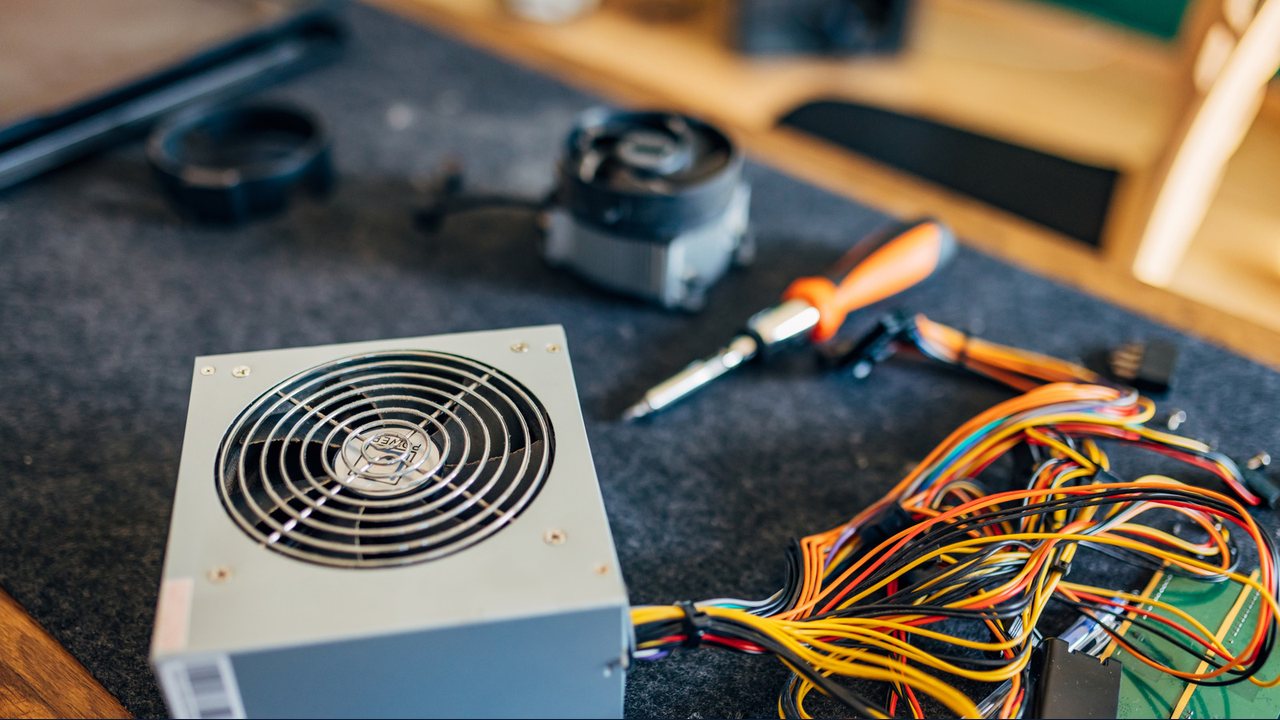
Old computer hardware often retains functional value far beyond its prime, but shifting software demands and platform incompatibility can render it impractical for modern tasks.
What the article says
- Physical durability – Most components keep working until they physically fail (e.g., fan bearings wear out, capacitors die).
- Compatibility gaps – Motherboards, GPUs and RAM may become mismatched with newer CPUs, operating systems or game engines, making them unsuitable for current software.
- Reuse opportunities – Fans can become desk fans, spare RAM can be sold, and storage drives still fetch a price on the second‑hand market.
Components that age best
- Fans and cases – Simple cooling devices and sturdy chassis can survive a decade or more with regular cleaning.
- CPU and RAM – Often last 10 + years if protected from power spikes and extreme heat.
- Motherboards – Typically survive 7 + years, but lose relevance as socket types and BIOS features change.
- GPUs – New gaming demands push older cards out of favor roughly every 3‑5 years.
Factors that shorten lifespan
- Environmental conditions – Heat, humidity, dust and poor storage accelerate wear, cause corrosion or battery leakage.
- Material degradation – Rubberized parts and older plastics can become sticky or brittle.
- Software bloat – Modern browsers and web pages demand more CPU/GPU cycles, making vintage rigs sluggish even if hardware still functions.
Practical takeaways
- Test before discarding – Run basic benchmarks or stress‑tests to confirm a component still operates within spec.
- Consider resale – High RAM and SSD prices mean even older, functional units can be sold for cash.
- Plan for upgrades – If you need to run the latest games or professional software, prioritize a compatible motherboard and GPU.
- Maintain regularly – Clean fans, reseat heatsinks and update firmware to extend usable life.
How to verify the original claims
- The Engadget article (URL provided) discusses degradation, compatibility, and reuse without quoting specific manufacturers.
- Cross‑check component lifespans with manufacturer warranty data and community teardown reports on sites like Tom’s Hardware or Reddit’s r/buildapc.
- Look for market pricing on used parts on platforms such as eBay or local classifieds to gauge resale value.
Bottom line: Old PC hardware rarely becomes completely useless; it usually remains operational until a physical fault occurs. The main barrier to continued use is compatibility with newer software and platforms, not inherent decay.
Share this article
Read the original source Does old computer hardware ever become truly useless?