Six Practical Ways to Reuse an Old Mini PC
· GlobeWire Daily Editorial Desk · Source: www.engadget.com
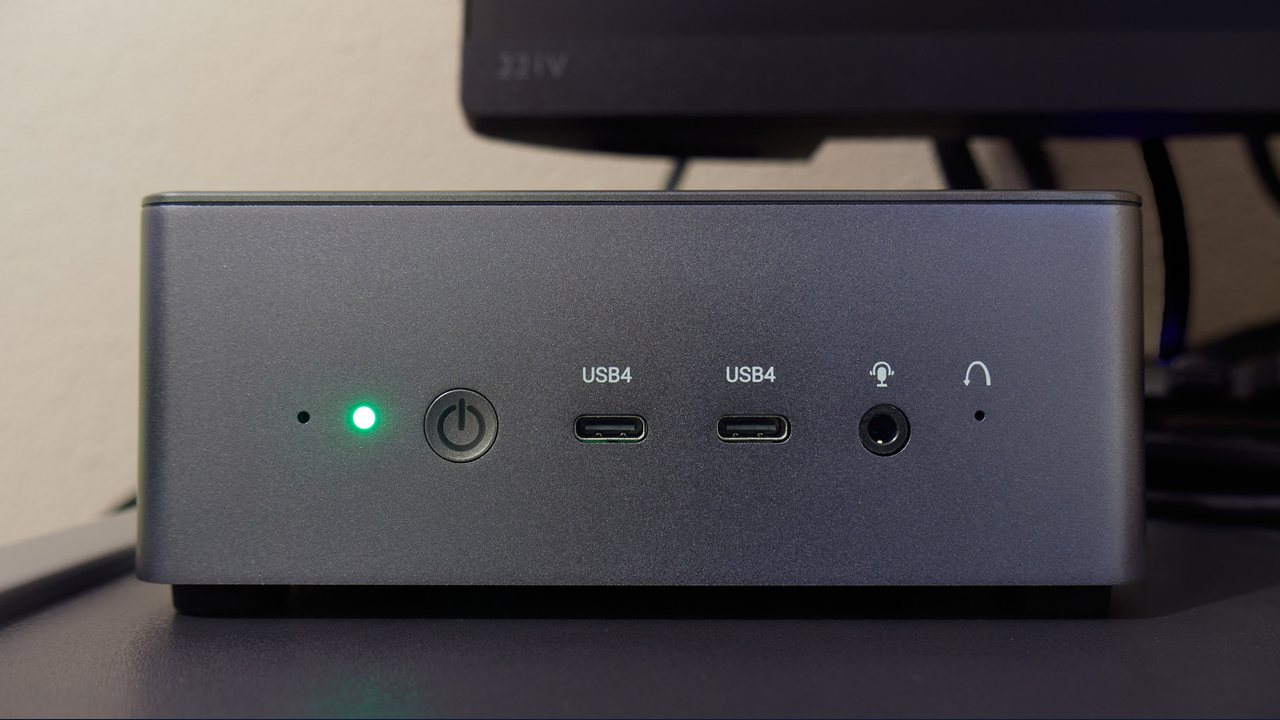
An old mini PC sitting in storage can be repurposed for several practical tasks, helping users avoid the costs of buying new hardware. Depending on its specifications, software choices, and additional components like storage or touchscreens, an aging mini PC can handle retro gaming, media streaming, home security, and local AI experimentation.
Retro Gaming Console
An old mini PC can function as a retro gaming machine using Batocera, a free Linux-based operating system.
- Setup: Download the Batocera PC image, flash it to a USB stick, and boot the mini PC from it.
- Usage: Connect the system to a TV via HDMI, pair a compatible controller, and add legally acquired games.
- Considerations: Performance varies. Many older machines handle 8-bit and 16-bit classics well, but PlayStation 2 and GameCube emulation can prove challenging.
Media Center and File Server
Users can turn a mini PC into a dedicated home for movies and music.
- Local Playback: Plug the device into a TV and install Kodi for local media browsing.
- Network Streaming: Software like Plex and Jellyfin allows streaming to compatible TVs, phones, and tablets over a home network.
- Network-Attached Storage (NAS): Attach an external SSD or hard drive and use software like OpenMediaVault to share files locally.
- Considerations: Transcoding 4K video can strain older processors. Additional hardware like external drives incurs costs, and local backups require proper maintenance strategies.
Digital Jukebox
An old Windows mini PC can become a shared music station for parties.
- Applications: Tools like Jukiora provide a touchscreen interface with album art, while TouchGroove lets guests queue songs from their phones using a QR code.
- Considerations: Users must supply their own music library. Both apps offer a seven-day free trial followed by a one-time purchase, and setting up a touchscreen may add hardware costs.
Home Security Recorder
Older hardware can serve as a local network video recorder (NVR) for IP security cameras using open-source software like Frigate.
- Features: Stores footage locally instead of relying on manufacturer cloud services and offers AI-based object detection for people and vehicles.
- Considerations: Frigate requires processors supporting AVX and AVX2 instructions, ruling out many older Celeron, Pentium, and Atom chips. Setup requires Docker knowledge and adequate storage space.
AI Workstation
Aging hardware can still support basic local AI experimentation.
- Ollama: Allows users to download and run smaller language models locally for tasks like text summarization or chatbot interaction without web connectivity.
- Cloud-Assisted Coding: Tools like Anthropic's Claude Code can analyze files and run commands while relying on cloud models, though it is associated with subscription or API costs.
- Considerations: Limited RAM and older processors will not match the performance of modern dedicated AI workstations, and running good coding models on older hardware presents significant hurdles.
Practical Implications and Verification
Before starting any project, users should check their mini PC's hardware specifications—such as processor instructions, RAM limits, and available storage. Original announcements and software documentation can be verified directly on official project websites like Batocera, Plex, Jellyfin, OpenMediaVault, Frigate, and Ollama.