Open‑source toolkit offers evidence‑based steps to recover DSM ransomware‑encrypted data
· GlobeWire Daily Editorial Desk · Source: github.com
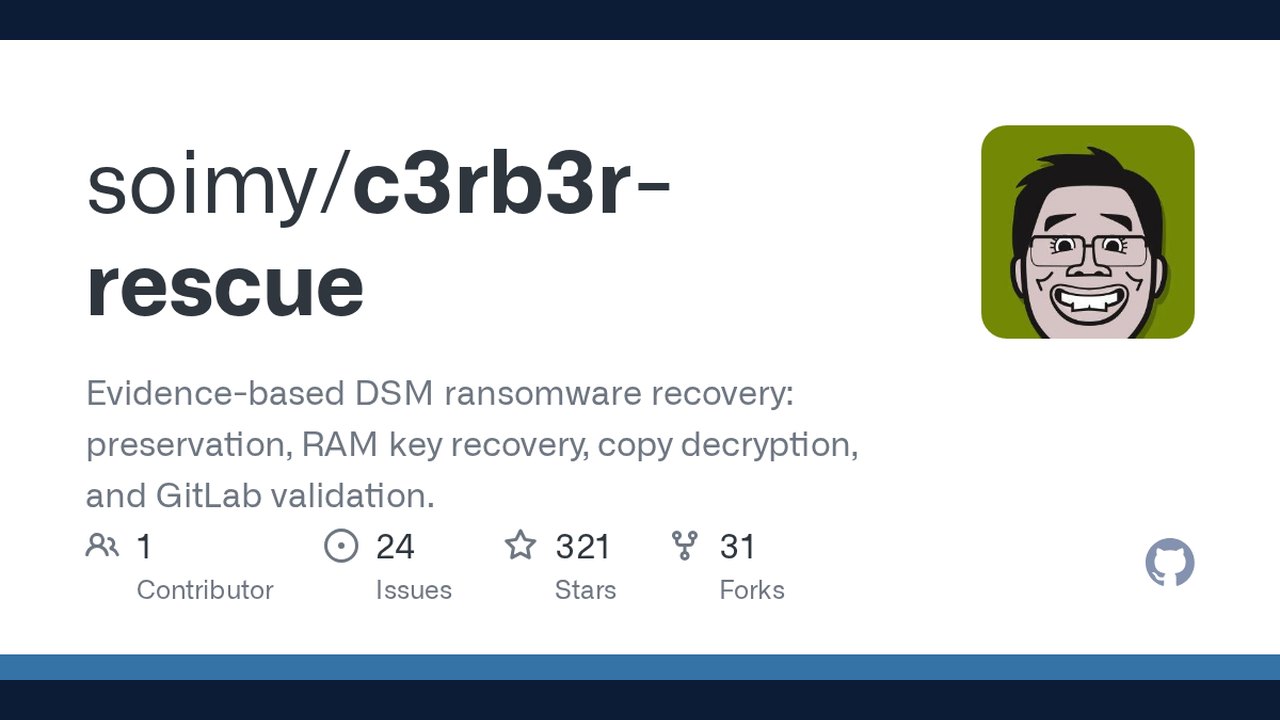
Image: GitHub · Photo source · Resized and letterboxed to 16:9; no AI generation
Overview
A new GitHub repository ( `soimy/c3rb3r-rescue` ) provides a collection of tools and documented procedures aimed at limiting damage from DSM‑type ransomware, preserving volatile memory, extracting possible encryption keys, and attempting file restoration via Btrfs copy‑on‑write snapshots. The project is positioned as a research‑oriented aid rather than a turnkey cure.
Reported successes
- PVE case – The repository’s author describes recovering a 49 GiB GitLab weekly backup after extracting a RAM‑resident session key. The restored data matched the historic SHA‑256 digest of the backup.
- Physical‑machine case (Benjamin‑zlt) – Approximately 84,500 files were reportedly recovered from a compromised NAS using a key that was present in the machine’s memory at the time of capture. A sample of the recovered files was cross‑checked against known originals.
- Community Btrfs tools – Independent contributors have shared scripts that attempt to rebuild files from older Btrfs blocks when no key is available. Verification results vary; the tools have not been proven to work on every victim dataset.
Note: All the above points are self‑reported by the repository maintainers or community members. Independent third‑party validation is limited to the data the authors chose to publish.
Core recommendations (as described in the repo)
- Do not reboot or power‑off the affected NAS until memory has been captured. The encryptor may still hold the session key.
- Suspend the malicious process with `sudo kill -STOP <PID>` after confirming the correct PID. Verify that each thread shows a “T” state; a “D” state indicates I/O wait, not a successful stop.
- Isolate the device from the internet (both IPv4 and IPv6) and pause any cloud or folder synchronization services.
- Preserve the encrypted files – do not delete ciphertext, snapshots, or recycle‑bin contents, and avoid writing recovered files back to the compromised storage pool.
- Capture RAM – dump the memory to an independent storage medium that has been mounted read‑only and verified.
- Test independent copies – locate additional ciphertext copies (e.g., on laptops, phones, email attachments, or Git clones) and compare full SHA‑256 hashes before attempting decryption.
- Consider Btrfs block recovery – if the filesystem is Btrfs, older data blocks may still exist. Success depends on the presence of untouched block references in snapshots or copy‑on‑write metadata.
- After recovery, rebuild trust – a restored NAS should be treated as compromised. Replace credentials, patch the entry point, and reinstall services in a clean environment.
Practical implications for administrators
- Immediate containment – Block network traffic to the NAS and suspend any automated sync jobs.
- Memory forensics – Use a trusted forensic tool (e.g., `LiME`, `DumpIt`) to acquire a RAM image before any shutdown.
- Key hunting – Search the memory dump for patterns that match the repository’s described session‑key format.
- File‑level verification – Keep the original encrypted files untouched; only work on copies stored on separate media.
- Document everything – Record system version, virtual/physical status, reboot history, and timestamps of discovery. This information is essential for any later forensic review.
Limitations and unknowns
- There is no universal key; success depends on whether the encryptor’s memory still contains the session key.
- Btrfs recovery is highly situational; it requires that older blocks have not been overwritten and that snapshots exist.
- The repository does not provide a guarantee that the published recovery candidate will decrypt files from other victims.
- The guidance assumes a certain level of technical competence; organizations lacking in‑house expertise are advised to involve a qualified incident‑response team.
Verifying the source
The repository is publicly available on GitHub under an open‑source license. Interested parties can review the `README.md`, the `skills/dsm-ransomware-rescue/SKILL.md` file, and the accompanying scripts. Independent verification can be performed by:
- Cloning the repo and inspecting the code for malicious behavior.
- Running the tools on a controlled test environment with deliberately encrypted dummy files.
- Comparing the documented SHA‑256 digests against the output of a successful recovery.
Outlook
While the toolkit does not replace a full‑scale incident‑response plan, it adds a research‑backed option for organizations facing DSM ransomware that encrypts files with a per‑file session key. By preserving volatile memory and leveraging Btrfs’s copy‑on‑write features, the approach may recover valuable data that would otherwise be lost.
--- *The article is based solely on information published in the GitHub repository and its public issue discussions. No proprietary data or unpublished claims have been introduced.*
AI-assisted reporting; source claims are attributed and have not been independently verified.
More to read
 Open-Source AI Memory Project Offers Cross-Agent Handoffs and Git-Backed Markdown Storage
 Open‑Source ‘It’s a Plan’ Offers Self‑Hosted Project Management with AI Agents
 Mihon Open-Source Android Manga Reader Offers Configurable Reading and Tracker Integration
 Open Source Community Launches New Home for Papers with Code
Trending on GlobeWire Daily
Selected from recent coverage and related topics; not live search rankings.
 A Guide to Understanding UK Housing and Local Authority ServicesOpen Source Community Launches New Home for Papers with Code
 Higgsfield AI Launches Markdown-Based Skill Set for Visual Brand Agents
 Ransomware Affiliates Deploy AI Agents in 'Phantom' Framework to Automate Intrusions, Researchers Find
 nodeterm Introduces Spatial Terminal Manager for AI Coding Agents Across Desktop, Browser, and Mobile
 Government Guidance on Environmental and Rural Land Management in England