Trying an iPhone Duo at the Apple Store? Don’t Leave Without Testing These 6 Things
· GlobeWire Daily Editorial Desk · Source: www.cnet.com
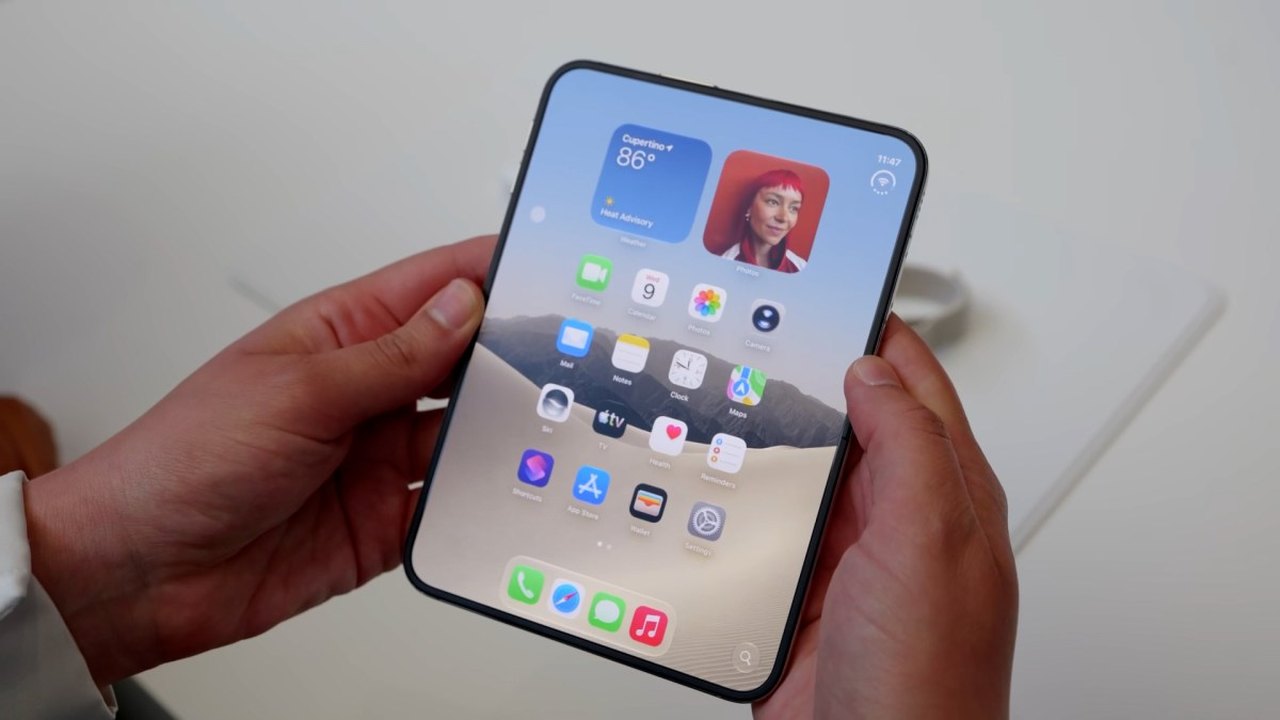
Image: CNET · Photo source · Resized and letterboxed to 16:9; no AI generation
The iPhone Duo went on sale on Oct. 23, with delivery dates stretching into late January for those who did not preorder. However, demo units are available at Apple Stores, allowing prospective buyers to experience Apple's foldable device firsthand. Spending a few minutes with a demo unit can reveal practical details that specification sheets cannot show, such as hinge feel, crease visibility, ergonomic handling, and app behavior.
Before spending $2,000 or more, visitors can evaluate six key aspects of the device during an Apple Store visit.
1. Test the Unfolding Animation
Apple features a distinct animation when the device is unfolded. While it is primarily an aesthetic addition rather than a functional necessity, it adds a unique visual flair to daily use.
2. Inspect the Matte Screen and Minimal Crease
Foldable devices typically exhibit a crease, but the Duo features a minimal crease paired with a matte display. The matte surface helps reduce reflections in bright environments compared to glossy screens.
3. Check Video Playback and Aspect Ratios
The outer passport-sized display and the large inner display both feature unique aspect ratios, which may result in letterboxing or cropping when viewing standard widescreen videos. Testing video playback in different modes helps determine if the display format suits personal viewing habits.
4. Observe App Behavior Across Orientations
Apps can display differently due to the foldable's unique aspect ratios. Users should test their most-used applications on both the inner and outer displays, rotating the screens to see how layouts adapt and whether multitasking features meet their needs.
5. Evaluate the Cameras and Selfie Options
The iPhone Duo lacks a telephoto lens, which is an important consideration for photography enthusiasts. The device offers multiple ways to capture selfies, including using the outer front-facing camera, the rear cameras while the inner display is open, and an under-display camera primarily intended for video calls.
6. Conduct a Typing Test on Both Screens
The narrow outer display may feel cramped for typing, particularly for users with larger hands, while the inner screen offers more space. Visitors can test typing in both portrait and landscape orientations to check comfort levels.
To verify these details, interested buyers can visit a local Apple Store to test a live demo unit or consult official product specifications on Apple's website.
AI-assisted reporting; source claims are attributed and have not been independently verified.
More to read
 iPhone Duo Arrives at Apple Store Locations Worldwide
 T-Mobile Offers Up to $1,200 Off Apple iPhone Duo with Eligible Plan and Trade-In
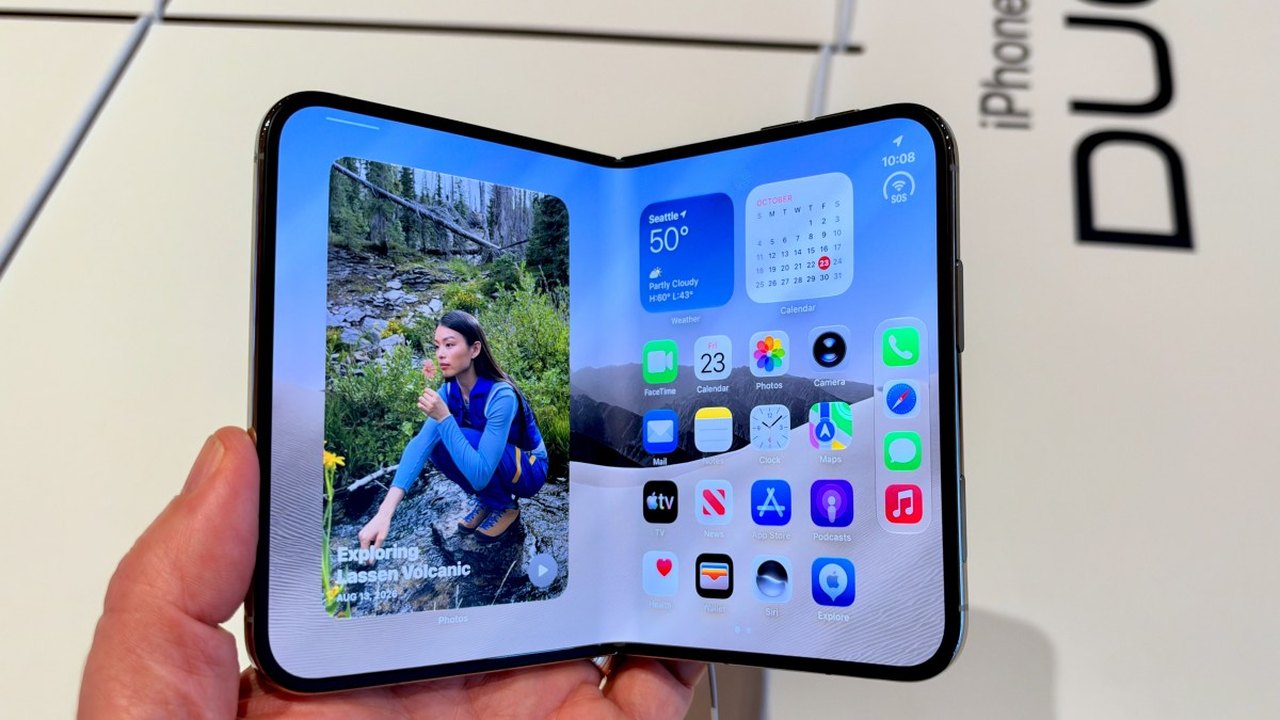 Hands-On With the iPhone Duo: Early Impressions of Apple’s Foldable Phone
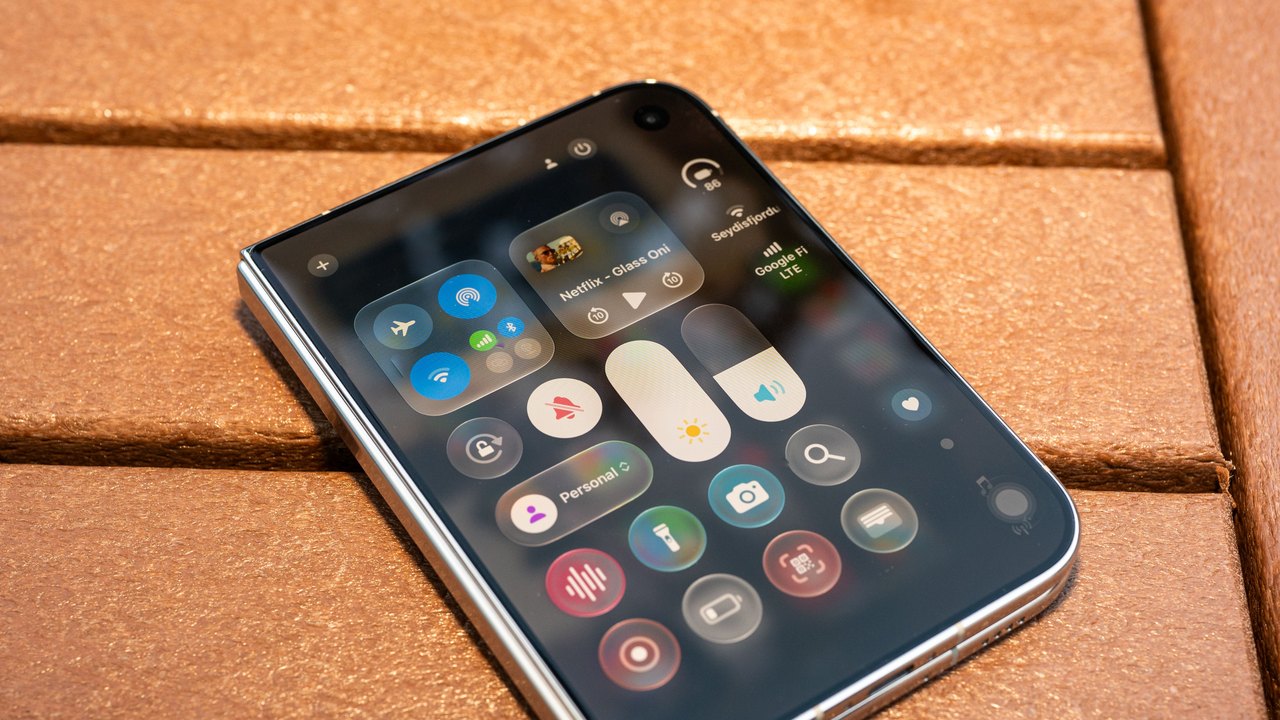 How Apple Refined Liquid Glass and Designed the iPhone Duo
Trending on GlobeWire Daily
Selected from recent coverage and related topics; not live search rankings.
 Madhya Pradesh Government Plans Revenue Generation from 117-Year-Old Edward Villa in Mumbai Through Leasing
 iPhone 18 Pro Named TechRadar Product of the Year 2026
 Google Project Suncatcher Runs Gemma 4 AI on Orbiting Satellite and Receives First Response
 Gender Disparities in Eye Care Access Across India Examined
 Satellite Images Show Cyclone Arnab Weakening Over India As New System Brews
 Expanding Green and Blue Spaces Crucial for India's Economic and Public Health, Reports Indicate