Why Certain iPhone Apps Fail to Appear in Apple CarPlay
· GlobeWire Daily Editorial Desk · Source: www.engadget.com
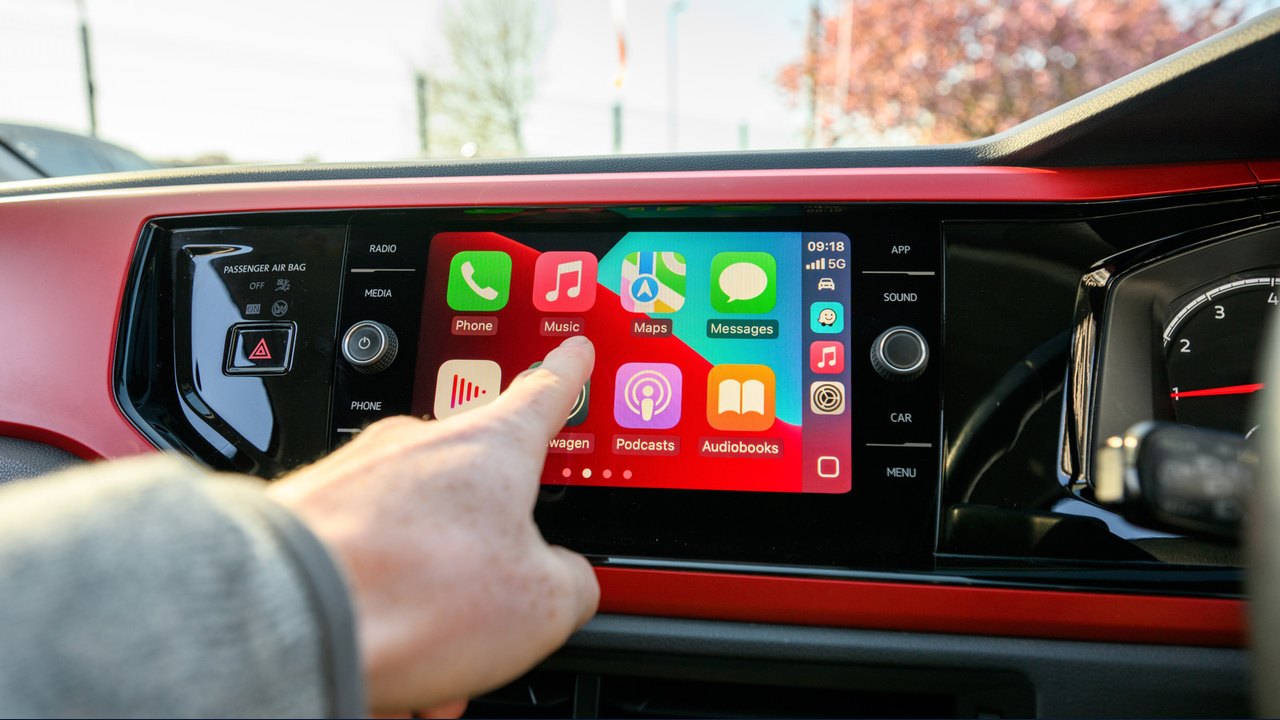
Image: Engadget · Photo source · Resized and letterboxed to 16:9; no AI generation
Many iPhone users notice that a large portion of their installed applications do not show up on their vehicle's dashboard when using Apple CarPlay. According to published Apple developer guidelines, this occurs because CarPlay restricts app availability to specific categories deemed meaningful for driving, such as navigation, audio, communication, and parking.
Apple requires developers to intentionally build and reformat their software for vehicle displays rather than automatically converting phone apps. Consequently, developers must choose to invest the time and resources into creating a CarPlay-compatible version.
Understanding CarPlay App Restrictions
- Category Limitations: Apple permits only specific app types related to driving, EV charging, public safety, and quick food ordering.
- Banned Content: Games and social media applications are actively prohibited, and strict policies limit features like message content display and lyrics in music apps.
- Developer Choice: Even if an app category is allowed, a developer may not have the inclination or resources to build a dedicated dashboard interface.
Recent Updates and New Capabilities
Apple has introduced expanded functionality in newer iOS versions, allowing integration for AI voice assistants such as ChatGPT and Perplexity. Additionally, support has been added for video applications and widgets, though video playback is strictly restricted to times when the vehicle is parked, and many infotainment systems lack video playback hardware entirely.
How to Check and Add Compatible Apps
If you believe a compatible app is missing from your dashboard, you can verify your settings:
- Open Settings on your iPhone.
- Go to General and select CarPlay.
- Tap your vehicle's name, choose Apps, and scroll down to add hidden apps using the Plus button.
Future changes to CarPlay remain an open question as some automotive manufacturers explore alternative in-vehicle entertainment systems, putting competitive pressure on Apple's platform.
AI-assisted reporting; source claims are attributed and have not been independently verified.
More to read
 iPhone Duo Arrives at Apple Store Locations Worldwide
 T-Mobile Offers Up to $1,200 Off Apple iPhone Duo with Eligible Plan and Trade-In
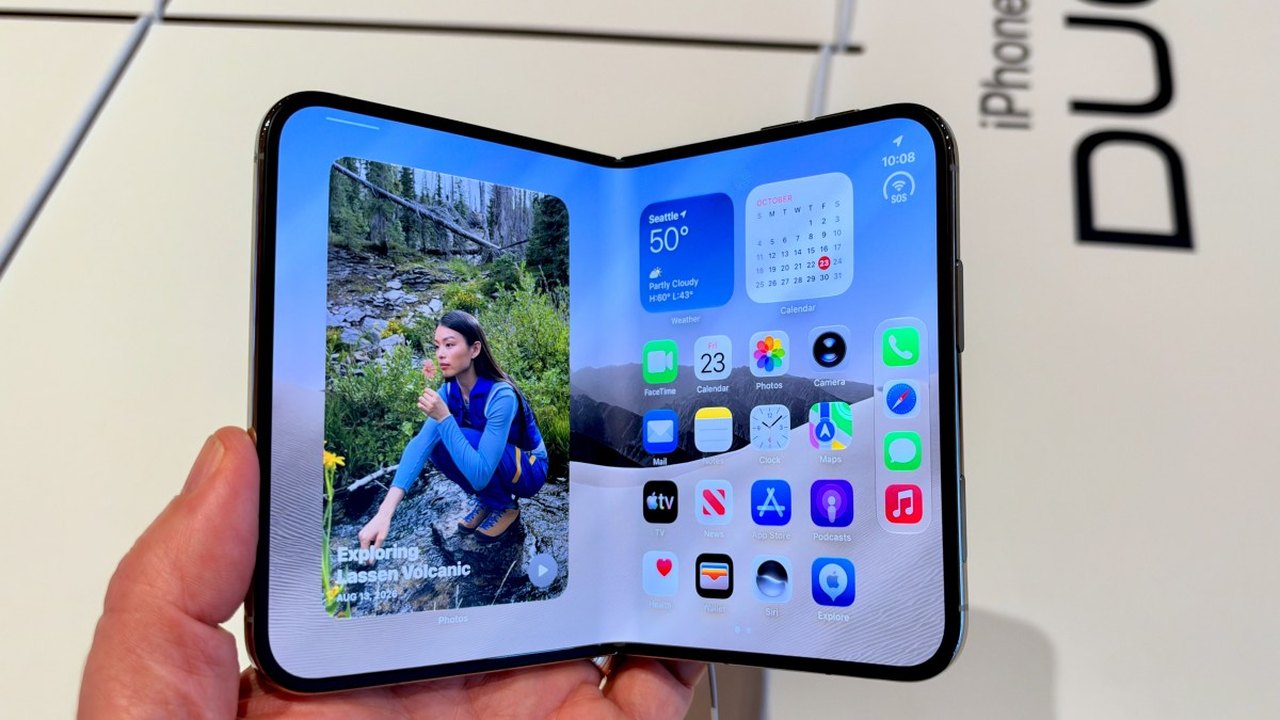 Hands-On With the iPhone Duo: Early Impressions of Apple’s Foldable Phone
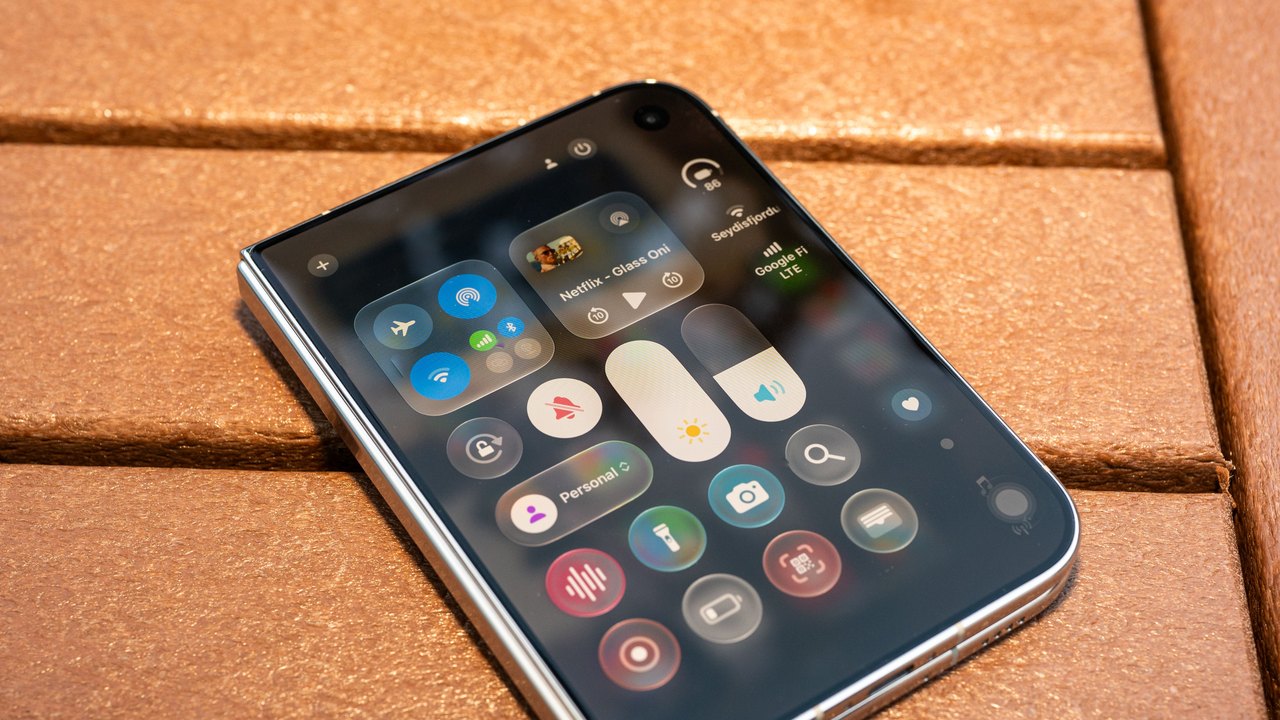 How Apple Refined Liquid Glass and Designed the iPhone Duo
Trending on GlobeWire Daily
Selected from recent coverage and related topics; not live search rankings.
 Madhya Pradesh Government Plans Revenue Generation from 117-Year-Old Edward Villa in Mumbai Through Leasing
 iPhone 18 Pro Named TechRadar Product of the Year 2026
 Google Project Suncatcher Runs Gemma 4 AI on Orbiting Satellite and Receives First Response
 Gender Disparities in Eye Care Access Across India Examined
 Satellite Images Show Cyclone Arnab Weakening Over India As New System Brews
 Expanding Green and Blue Spaces Crucial for India's Economic and Public Health, Reports Indicate