Why Treating Your Galaxy Watch Like a Smartphone Ruins the Experience
· GlobeWire Daily Editorial Desk · Source: www.androidpolice.com
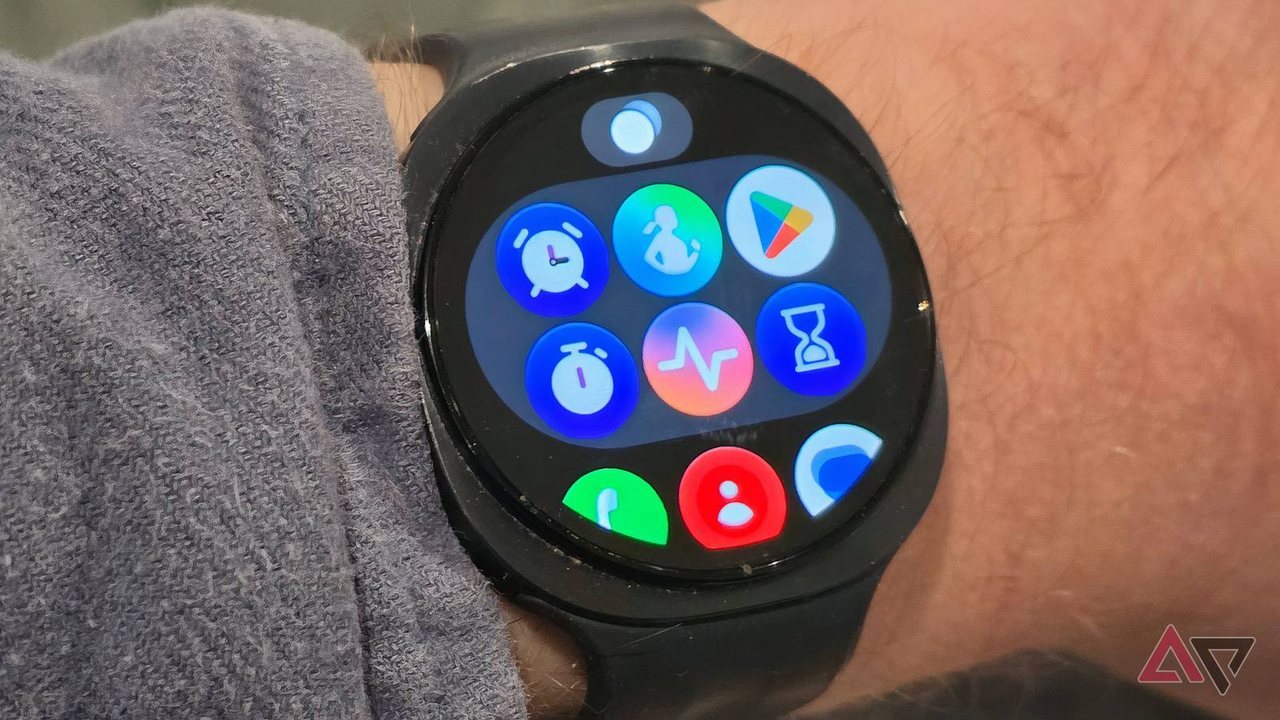
A technology writer recently shared how scaling back smartwatch usage and treating the device as a companion rather than a secondary phone improved overall usability and battery life. Rather than trying to replicate smartphone capabilities on a small screen, reducing digital distractions can lead to a more practical daily experience.
Rethinking Smartwatch Usage
When acquiring a new Samsung Galaxy Watch, users often make the mistake of installing numerous third-party applications and enabling every available notification. This approach frequently turns the wearable into an incessant source of distraction rather than a helpful tool.
- App Overload: Many standalone apps—such as dedicated email clients or messaging tools—are redundant because smartwatches can already mirror phone notifications or handle quick replies.
- Constant Buzzing: Allowing every application to send alerts leads to continuous interruptions during work or family time.
Practical Steps to Streamline Your Wearable
To regain control of your digital routine, consider implementing the following adjustments:
- Audit Installed Applications: Remove unnecessary third-party software and retain only essentials such as health tracking, wallet services, calendar, and music playback.
- Filter Notifications: Use the companion app on your phone to disable alerts from shopping apps and non-urgent services, keeping only important calls, messages, and calendar reminders.
- Calibrate Health Prompts: Review fitness tracking settings to turn off intrusive inactivity reminders or alerts that interrupt your workflow without adding personal value.
Unexpected Benefits
Beyond reducing screen fatigue and digital noise, simplifying smartwatch settings often yields unexpected improvements in battery longevity. Minimizing background interactions and constant display wake-ups preserves power throughout the day.
How to Verify and Reflect
Readers can evaluate their own wearable habits by reviewing their connected smartphone settings and app permissions. To verify official software capabilities or device compatibility, consult official Samsung documentation or support channels.
More to read
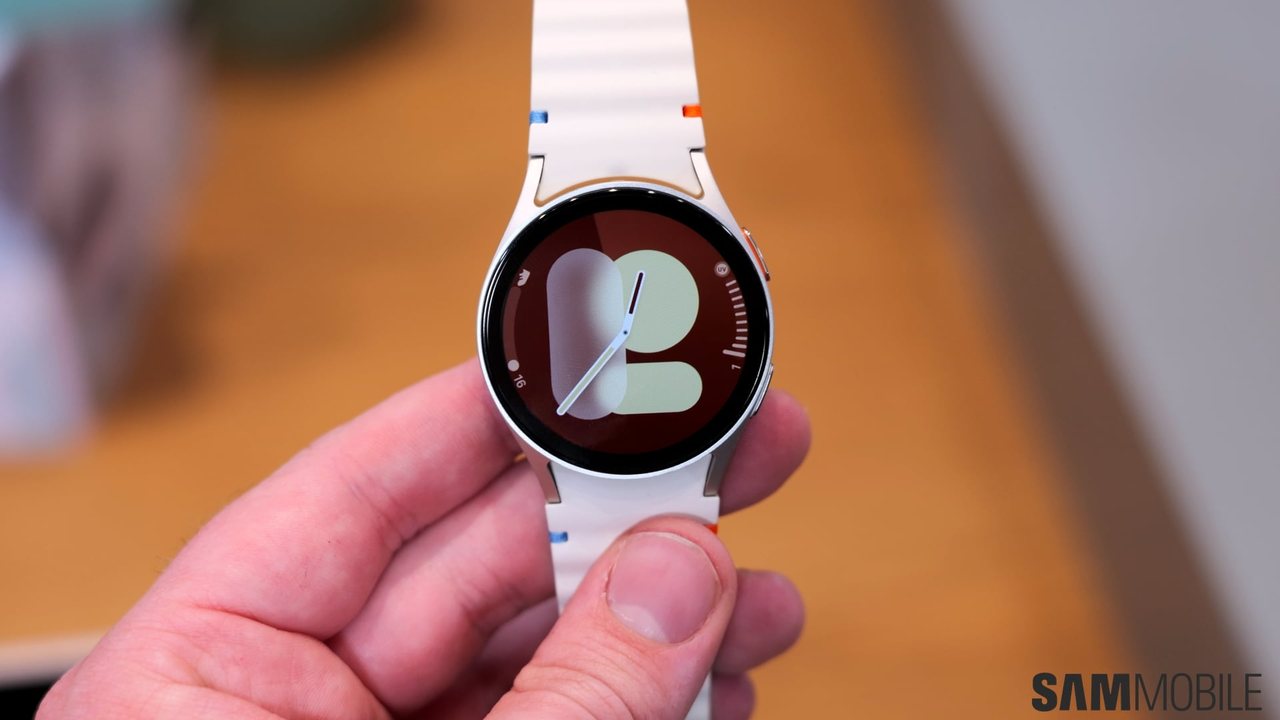 Galaxy Watch 7 and Watch Ultra Receive Seventh One UI 9 Watch Beta Update
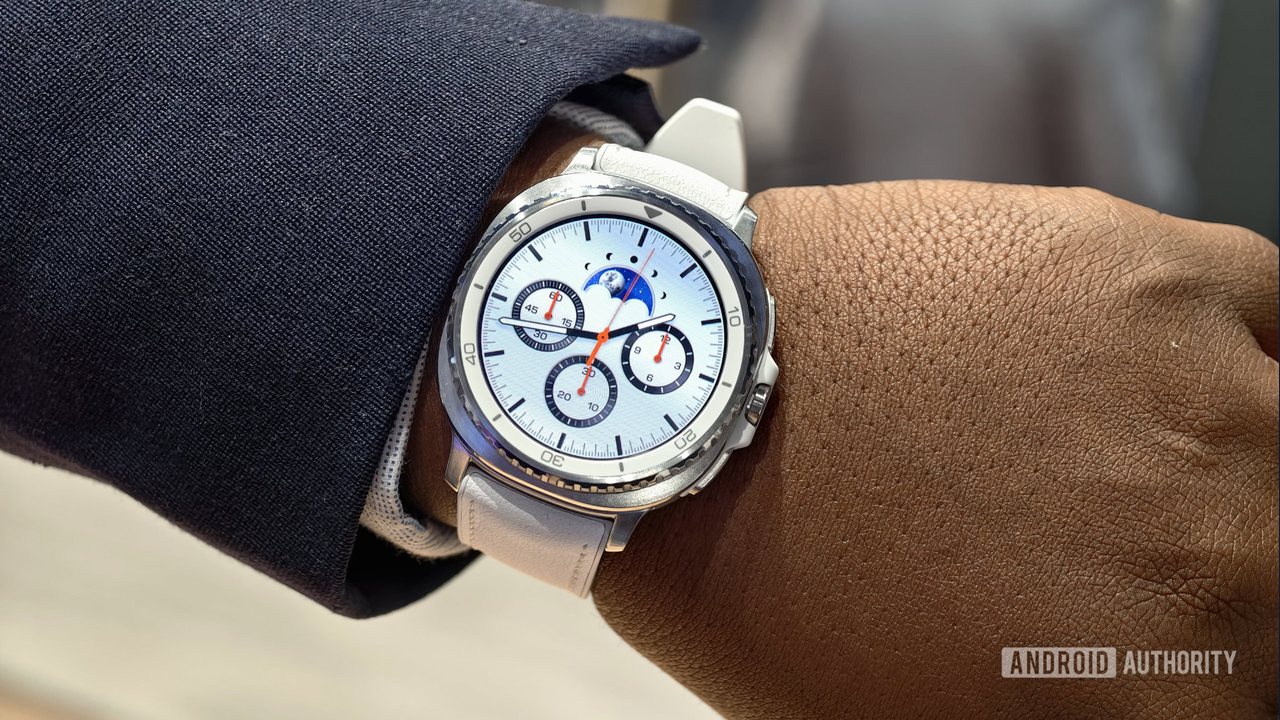 Samsung Galaxy Watch 8 Classic Price Drops by $150 Ahead of Black Friday
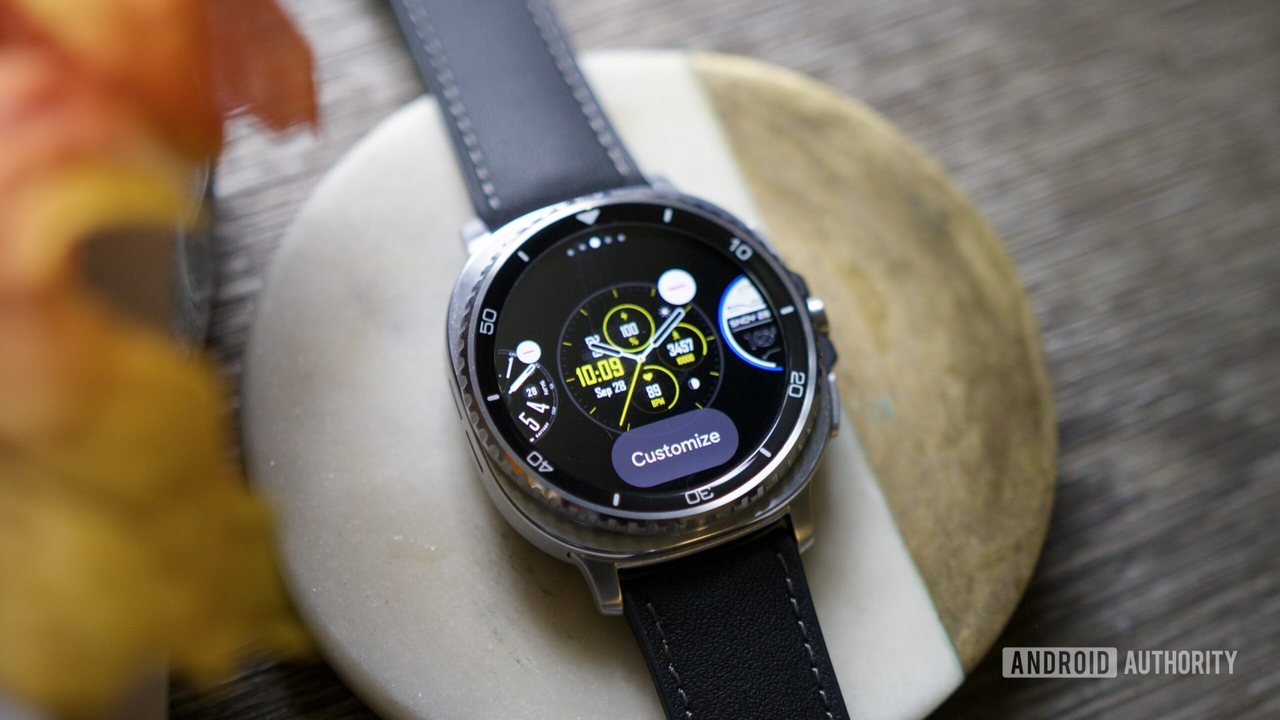 Samsung Galaxy Watch 8 discounted to $199.99 in limited-time offer
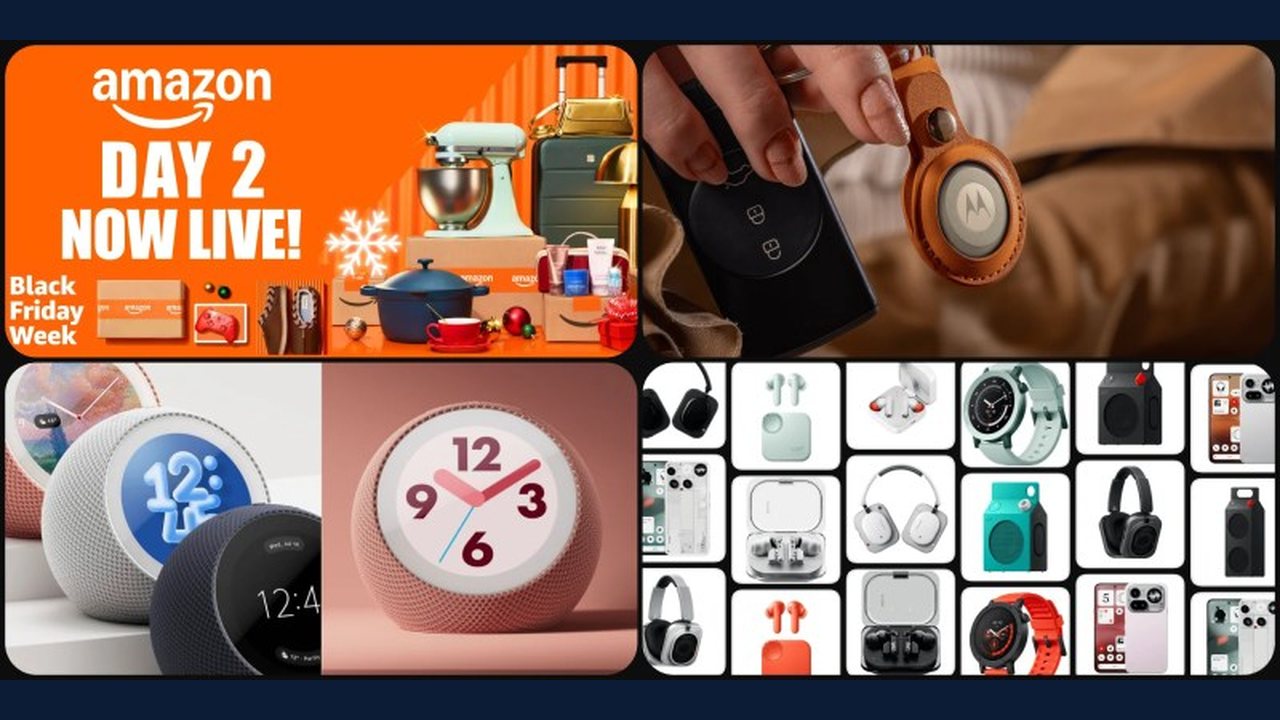 Black Friday Week Day 2: Moto Tag 2 at $19, Pixel Watch $100 off, Galaxy Watch from $200 and TCL NXTPAPER tablets from $190