Google Health Update Brings In-Progress Workout Card to Fitbit Air and Other Devices
· GlobeWire Daily Editorial Desk · Source: 9to5google.com
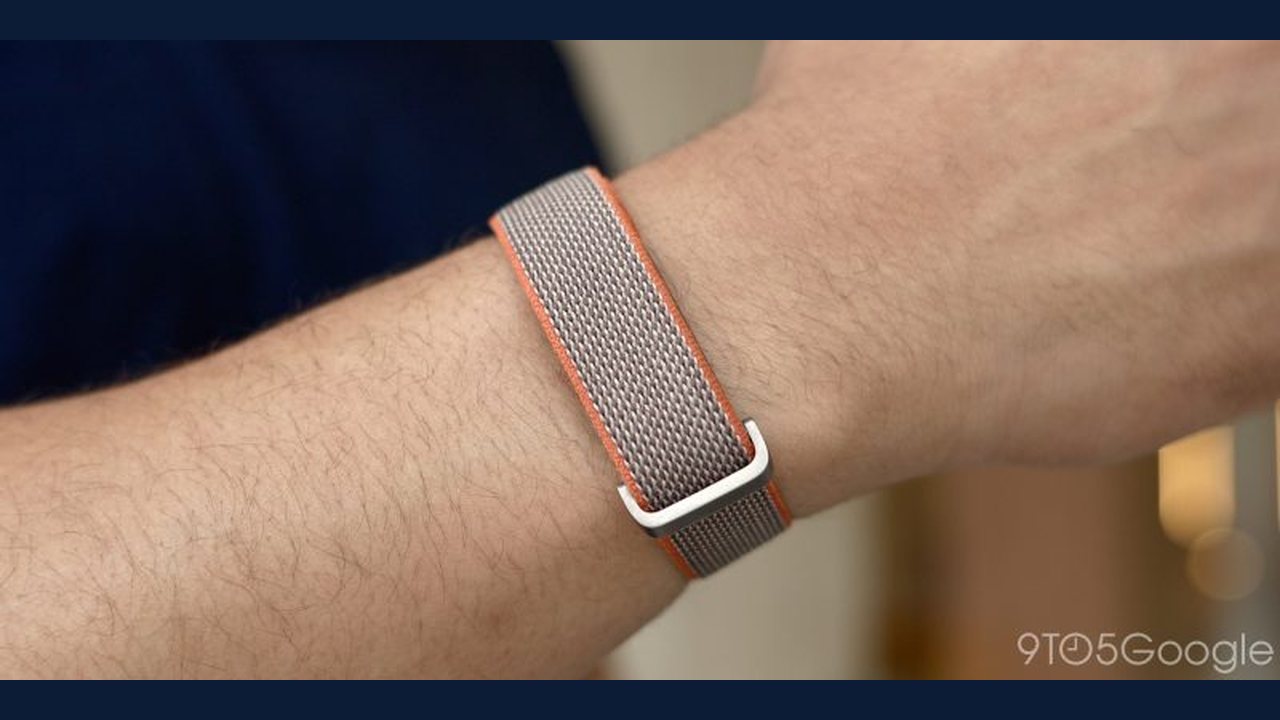
Google Health version 5.13 introduces a new "exercise in-progress" card on the main "Today" screen, addressing a limitation for Fitbit Air users who previously could not view active workout stats directly in the mobile app during sessions.
According to the release notes, the update applies when using compatible devices such as the Pixel Watch, Fitbit Air, or Fitbit Edge to track exercises. While the exact visual appearance of the new card has not been fully detailed, the feature provides visibility into active tracking and allows users to end a workout early from the app.
Key Details of the Google Health 5.13 Update
- New Feature: An "exercise in-progress" card added to the main "Today" screen.
- Functionality: Displays active tracking status and provides an option to end the workout early.
- Supported Devices: Works with devices like the Pixel Watch, Fitbit Air, and Fitbit Edge when they automatically track exercises.
- Availability: Google Health 5.13 is currently rolling out for both Android and iOS platforms.
Practical Implications and Verification
For users who rely on the Fitbit Air alongside the Google Health application, this update removes the need to switch devices or guess active metrics like heart rate and step counts during treadmill sessions or walks.
To verify the availability of this update and check your app version:
- Open the Google Play Store (Android) or Apple App Store (iOS).
- Search for the Google Health app.
- Check if an update to version 5.13 or later is available for download.
- Review the official app changelog within your device's app store listing for confirmation of newly added features.
More to read
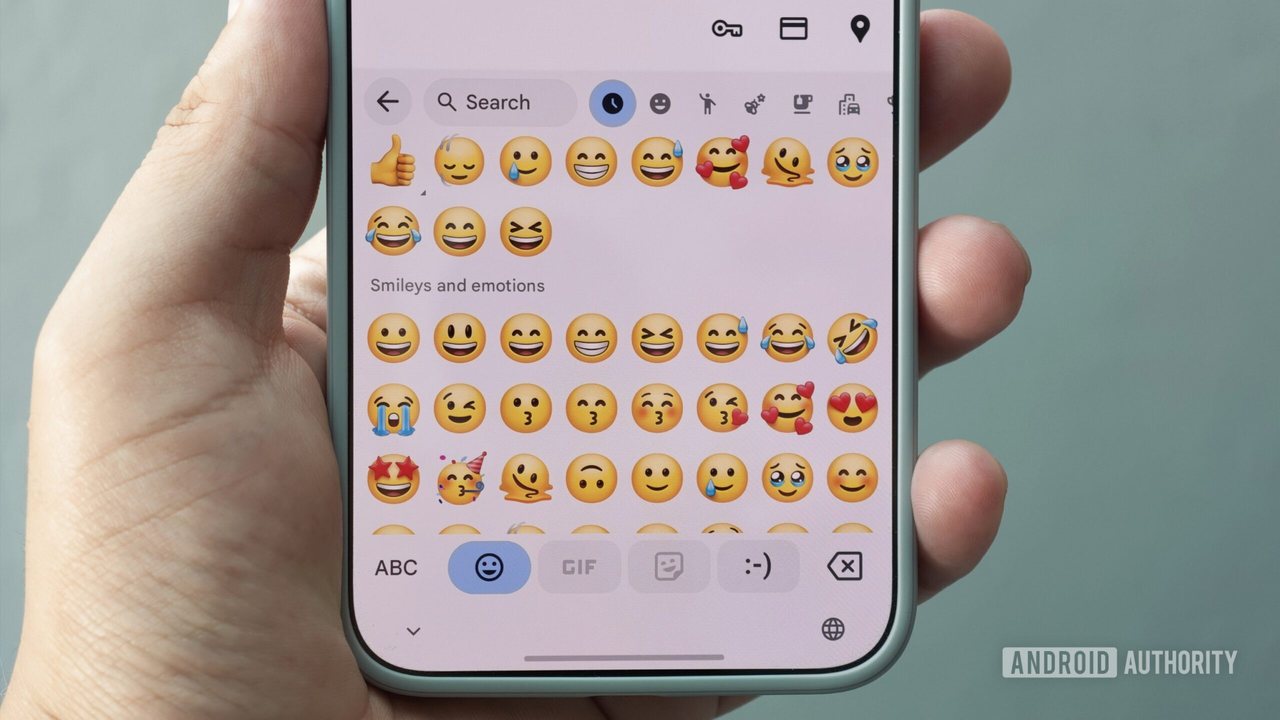 Google Confirms Samsung Devices Will Not Receive Noto 3D Emoji
 Google's Noto 3D Emoji Require Android 17 and Beefy Specs, Excluding Samsung Devices
 Google explains why Samsung Galaxy devices lack Noto 3D emoji support
 Air Pollution Can Harm Even Healthy Lungs: How PM2.5 and PM10 Impact Respiratory Health