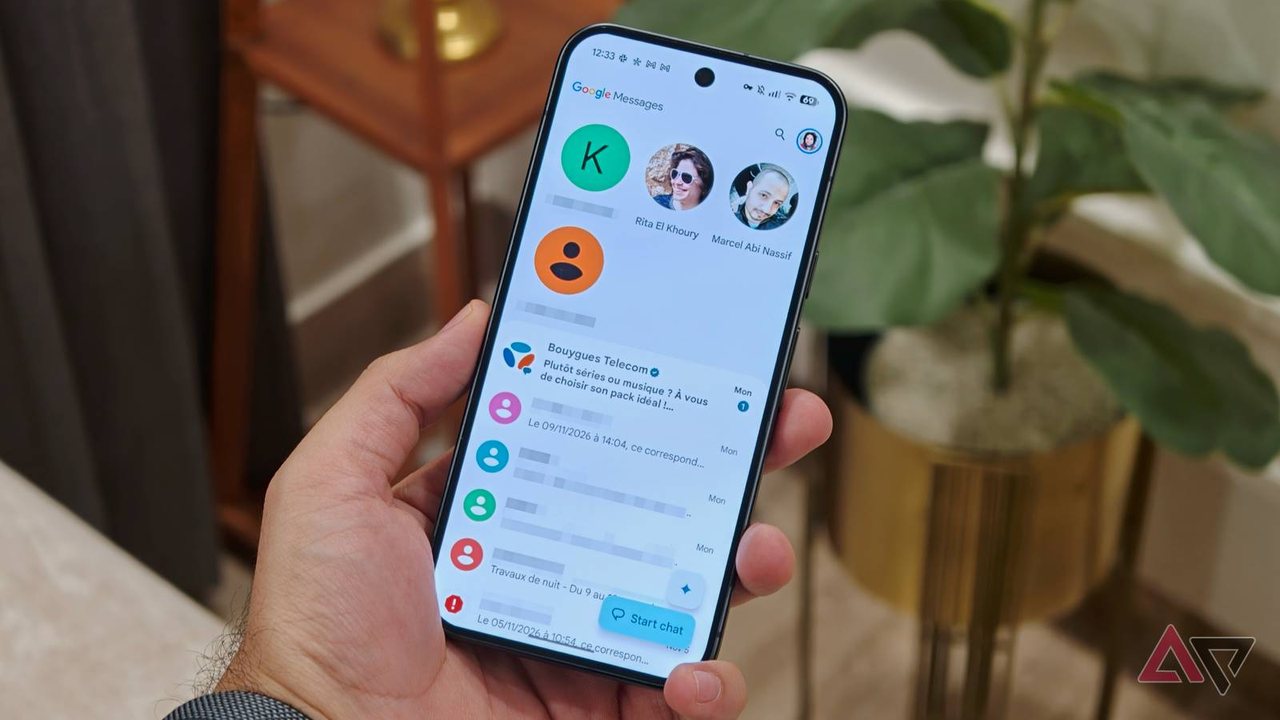
Simplifying Google Messages: Which Features One Writer Turned Off
· GlobeWire Daily Editorial Desk · Source: www.androidpolice.com
A tech writer recently evaluated the impact of various modern features in Google Messages by disabling several options to restore a simpler texting experience. While contemporary messaging apps often include numerous automated additions, this experiment explored whether selectively turning off certain tools makes daily communication feel less cluttered.
Evaluating Extra Features in Messaging Apps
Google Messages has evolved beyond basic text exchange, incorporating artificial intelligence shortcuts, automated suggestions, and visual animations. To determine which elements genuinely aided communication, the writer tested disabling specific settings while observing how the application functioned.
Features That Were Turned Off
- Gemini Shortcut: The dedicated icon providing direct access to the Gemini assistant from the main screen was disabled, as the writer preferred using a standalone application.
- Smart Reply and Suggested Stickers: Automated response suggestions and context-aware GIFs or stickers were switched off in favor of manually typed messages.
- Expressive Animations: Moving emojis and animated phrases were disabled to reduce on-screen visual activity, though standard emojis and reactions remained available.
Tools That Were Kept Active
- Link Previews: Retained because they provide helpful context regarding where shared URLs lead before opening them.
- Nudges: Kept enabled to receive gentle reminders about unanswered messages and birthdays.
- Voice Message Transcription and Bubbles: Maintained to read audio messages without playing sound and to reply quickly from other applications.
- Actions and Pinch to Zoom: Kept to easily detect dates, addresses, and phone numbers in texts and to adjust text size.
Practical Implications and Verification
Users seeking a cleaner messaging interface can review their own application settings to disable unwanted shortcuts or suggestions. Individual preferences vary, and official support pages or the settings menu within Google Messages provide instructions on managing these options. Readers should verify available features directly through their device's application settings, as interface options can vary by version.