Chizu: A Minimal macOS Default Browser That Routes Links to Specific Profiles
· GlobeWire Daily Editorial Desk · Source: github.com
Original GlobeWire Daily editorial illustration — not an event photograph.
Overview
Chizu is an open‑source utility for Apple Silicon Macs running macOS 14 or later. It replaces the system’s default browser with a tiny app that does no rendering itself – it simply reads a set of rules from a JSONC configuration file and forwards each incoming URL to a browser of your choice, optionally selecting a named profile in Chrome, Dia or Firefox.
The project lives on GitHub (github.com/azu/chizu) under the MIT License and is distributed as a pre‑built ZIP that does not require Xcode, a signing certificate, or a notarisation step.
---
Installation
- Download the latest `chizu-macos-arm64.zip` from the GitHub releases page.
- Verify the SHA‑256 checksum provided alongside the ZIP.
- Run the bundled install script, which extracts the app to `~/Applications/Chizu.app` and clears the quarantine attribute with `xattr -d com.apple.quarantine`.
- The app is signed with a fixed self‑signed certificate; macOS will warn that it is not notarised – you must explicitly allow the app to run.
Note: If you already have a locally signed copy of Chizu, you may need to re‑grant Automation permission for Dia after the update.
---
Configuration
Create a starter file at `~/.config/chizu/config.jsonc`. A minimal example that falls back to Safari looks like this: ```jsonc { "version": "1.0", "default": { "browser": "com.apple.Safari" }, "rules": [] } ```
- The file supports comments (`//` or `/* … */`) and trailing commas, thanks to the JSONC format.
- Each rule consists of a name, a when object that defines matching conditions, and a destination that specifies the target browser bundle ID and, if applicable, a profile name.
- Rules are evaluated top‑to‑bottom; the first matching rule wins.
You can edit the file with any editor and keep it under version control – the app rereads the file for every link, so no restart is needed.
---
How Routing Works
| Condition | Example | Meaning |
|---|---|---|
| `host` | `"example.com"` | Exact host match |
| `pathPrefix` | `"/projects"` | URL path must start with this string |
| `urlRegex` | `"(?i).*\\.pdf"` | Case‑insensitive regex; matches URLs ending in `.pdf` |
| `sourceBundleID` | `"com.apple.mail"` | Only apply when the sending app is Mail |
A sample rule set might look like: ```jsonc { "rules": [ { "name": "Work Docs", "when": { "host": "docs.example.com" }, "destination": { "browser": "com.google.Chrome", "profile": "Work" } }, { "name": "Team Calendar", "when": { "host": "calendar.example.com", "sourceBundleID": "com.apple.mail" }, "destination": { "browser": "com.dia.Dia", "profile": "Team" } } ] } ``` If a rule references a Chrome or Firefox profile that does not exist, Chizu reports an error instead of silently falling back to another profile.
---
Limitations & Security Considerations
- No UI – there is no preferences window or browser picker; all behaviour is driven by the JSONC file.
- Automation permissions – the first time a rule tries to control Dia, macOS will ask for Automation access. Denying it results in an error message.
- File‑system access – reading Chrome’s *Local State* or Firefox’s *profiles.ini* requires the user to grant “Files and Folders” access in System Settings → Privacy & Security.
- Self‑signed certificate – because the app is not notarised, macOS treats it as an unsigned developer app. Users must manually allow it, and future macOS updates could tighten this requirement.
- No fallback – if a rule’s destination browser is missing, Chizu aborts with an error; it never falls back to the default destination.
---
Practical Tips for Users
- Test a rule without changing the system default: `~/Applications/Chizu.app/Contents/MacOS/chizu check https://example.com --source com.apple.mail` prints the matched rule, browser and profile.
- Preview the routing before committing a large rule set: the `check` command validates JSON syntax and reports missing profiles.
- Keep the config in your dotfiles: because the file is read on every link, you can version‑control it and tweak it on the fly.
- Hand‑off from browsers: a userscript can replace `http:` with `chizu-http:`; Chizu strips the prefix and routes the link according to the same rules.
- Reset permissions if a browser suddenly loses access: `tccutil reset SystemPolicyAppDataDetailed dev.azu.chizu` clears the stored consent.
---
How to Verify the Original Announcement
- Visit the official GitHub repository at github.com/azu/chizu.
- Check the Releases tab for the latest version tag and accompanying `SHA‑256` checksum file.
- Compare the checksum of the downloaded ZIP with the published value using `shasum -a 256`.
- Review the `README.md` and `docs/` folder for the authoritative description of features and installation steps.
- For security‑related concerns, inspect the `release-signing.json` and the fixed self‑signed certificate included in the repo.
---
License
Chizu is released under the permissive MIT License, allowing free use, modification, and distribution.
--- *This article is based solely on the publicly available GitHub repository and its documentation. No independent testing or unpublished statements are included.*
AI-assisted reporting; source claims are attributed and have not been independently verified.
More to read
 God's Eye View: Real‑time 3D Global Simulator Brings Public Data to Your Browser
 OpenWorker launches open‑beta AI coworker that runs locally and emphasizes governance
 OpenMuse Introduces Personal Agent Framework with Browser and Terminal Integration
 How One Android Browser Replaced My VPN, VLC, and Download Manager
Trending on GlobeWire Daily
Selected from recent coverage and related topics; not live search rankings.
 Harley-Davidson Pan America: Specifications & buying guide
 Ducati Mach 1: Specifications & buying guide
 Zeekr 001: Specifications, variants & buying guide
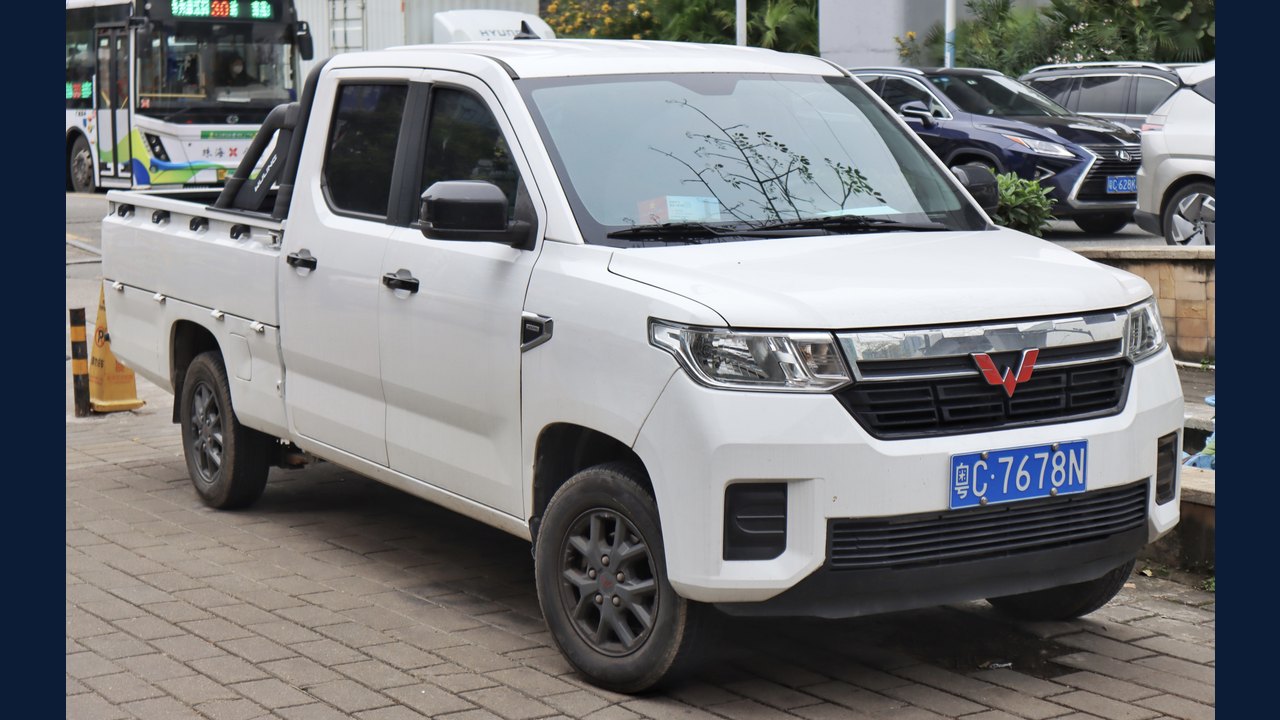 Wuling Zhengtu: Specifications, variants & buying guide
 Samsung Galaxy Note 3: Specifications & buying guide
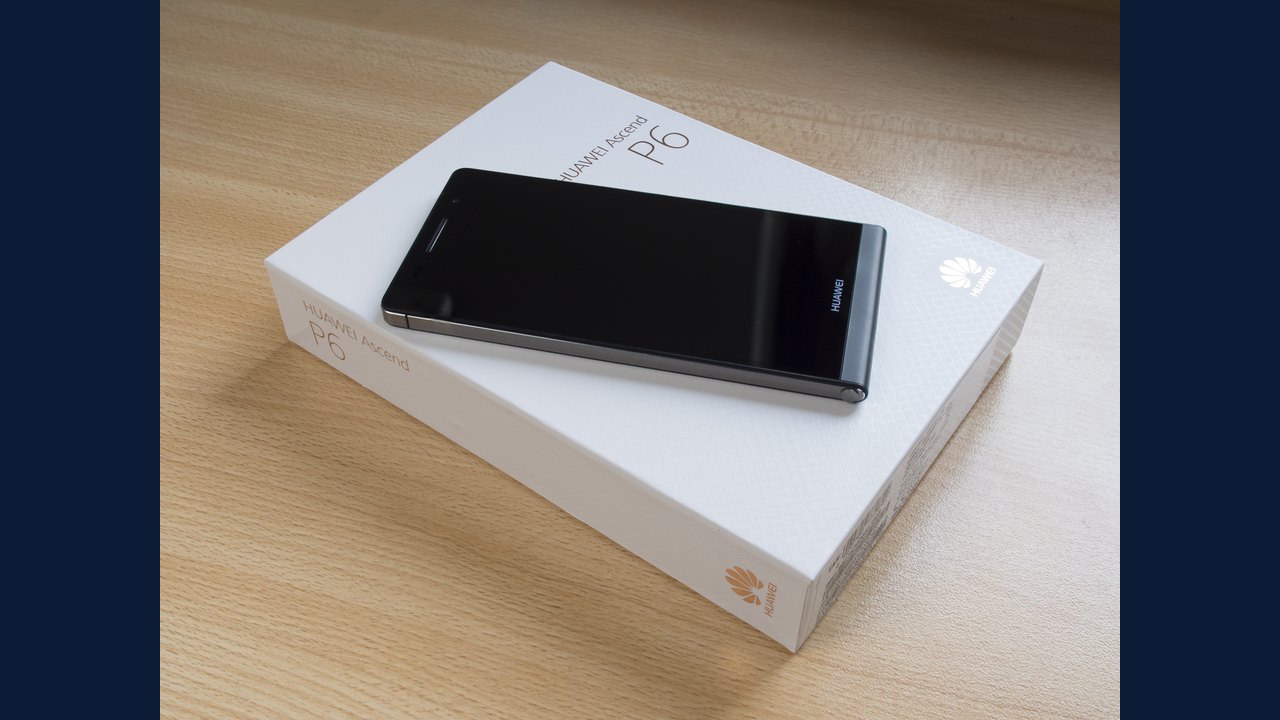 Huawei Ascend P6: Specifications & buying guide