Google Details Android 3D Emoji Specifications and Requirements
· GlobeWire Daily Editorial Desk · Source: 9to5google.com
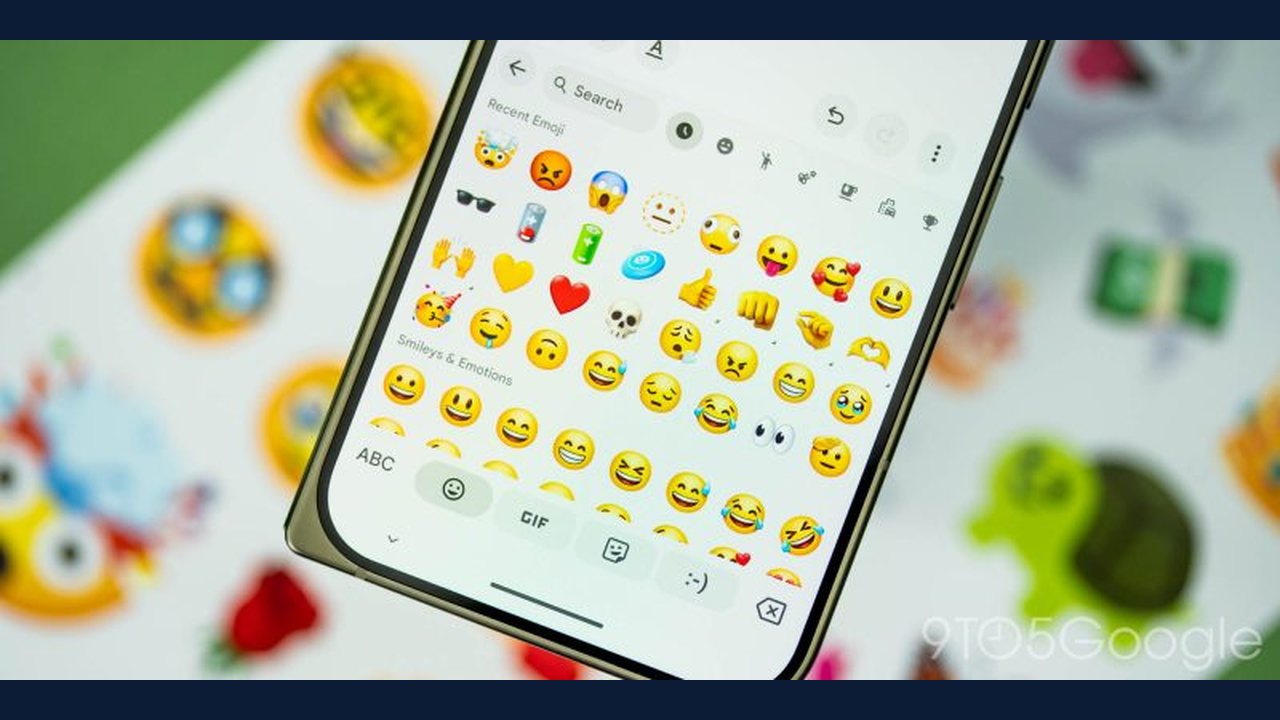
Google has detailed the device specifications and requirements for obtaining the Noto 3D emoji font on Android devices, following confusion surrounding a published support page. According to official details and subsequent clarifications from Google, the high-resolution bitmap font requires specific system resources for its background installation process on eligible devices.
Understanding the 3D Emoji Specifications
Google clarified via social media that the listed storage and RAM thresholds apply specifically to the automatic background download managed by Google Play services on eligible Android 17 devices that did not include the font preinstalled.
- Storage Requirements: The device must feature a total storage capacity of 128 GB or higher, alongside at least 10 GB of available free space. While temporary installation headroom is needed during the setup process, the actual Noto 3D font uses under 220 MB of storage, compared to the ~3 MB 2D vector font.
- RAM Requirements: The support documentation notes a 6 GB RAM cutoff. Google stated that RAM usage is minimal and transient because Android does not permanently load the 3D emoji font file into active RAM, with the cutoff serving to keep lower-memory devices on the lightweight 2D vector font.
Technical Differences and Availability
Unlike traditional 2D vector graphics that scale infinitely, the new Noto 3D emoji utilize a high-resolution bitmap approach to deliver textured, dimensional characters. Because they are pixel-based images, apps that scale them up may occasionally display a softer appearance.
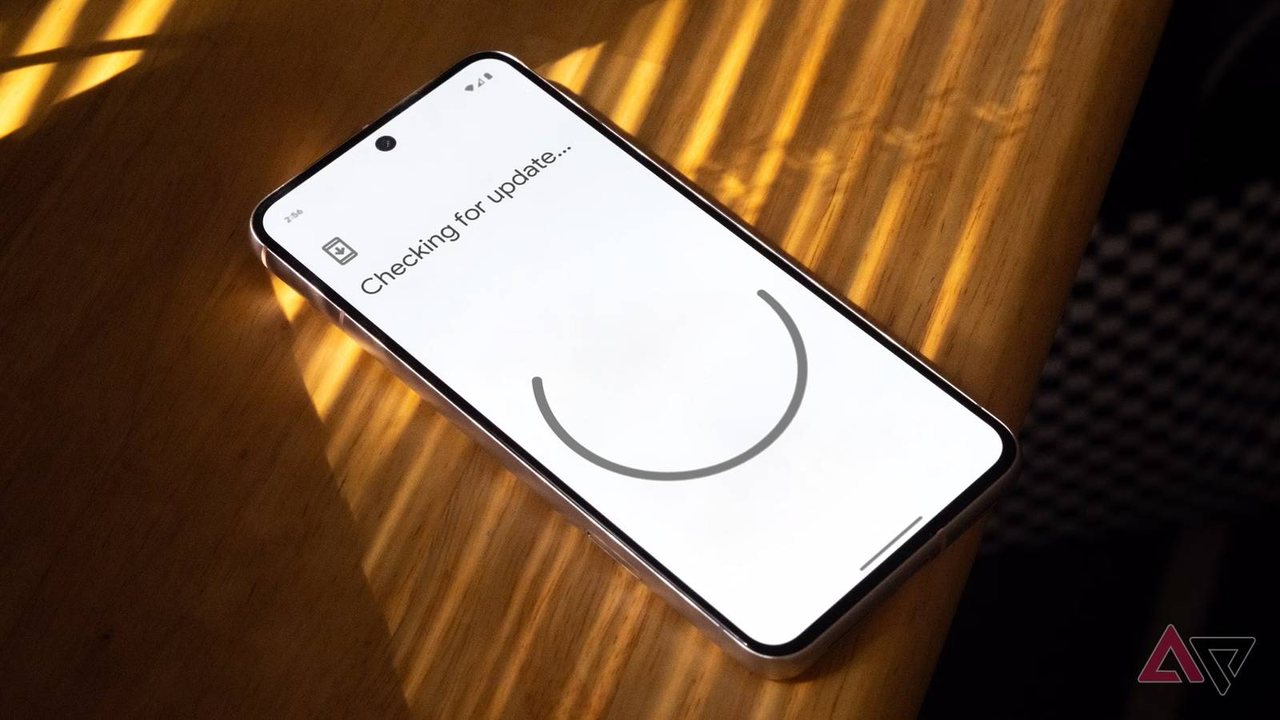
- Automatic Download: Supported devices download the 3D emoji automatically while charging and connected to Wi-Fi. There is currently no manual option to force the download.
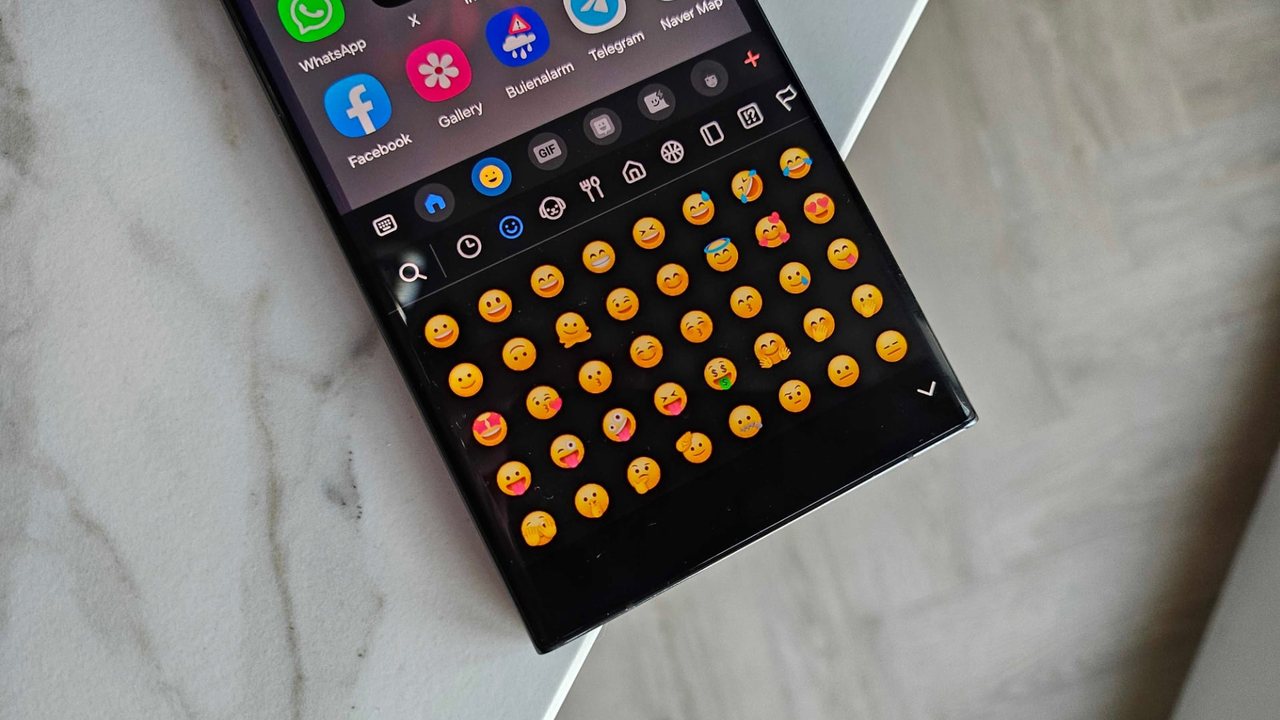
- Exclusions: Google noted that Samsung devices utilize a proprietary emoji font and will not receive the update. Similarly, third-party messaging applications like WhatsApp rely on their own custom emoji fonts rather than the system font.
Practical Implications and Verification
Users seeking to check their device compatibility can verify their hardware specs through the Android Settings menu under storage and memory options. To confirm authentic updates, readers should monitor official Google support pages and release notes directly.