How to Transition GitHub Copilot Sessions to Visual Studio Code
· GlobeWire Daily Editorial Desk · Source: github.blog

Image: Kayla Cinnamon · Photo source · Resized and letterboxed to 16:9; no AI generation
GitHub users can now transition work from the standalone GitHub Copilot app directly into Visual Studio Code, allowing developers to maintain session context while performing manual code reviews and local testing. This integration ensures that the task history, conversation, and worktree remain intact during the handoff.
Seamless Transition Steps
- Initiate Handoff: While in an active session within the GitHub Copilot app, select the "Open in VS Code" option. The editor will automatically open the project, mirroring the session's worktree and conversation history.
- Review Changes: Utilize the VS Code Source Control view to inspect diffs. Because the session context is preserved, you can continue prompting Copilot within the sidebar to ask questions about specific implementation choices without re-explaining the task.
- Manual Refinement: Once the agent completes the bulk of the work, developers can perform hands-on editing directly in the editor. This is ideal for repository-specific refinements or complex adjustments that require human oversight.
- Validation and Testing: Use the integrated terminal to run local validation workflows, such as testing scripts or starting development servers.
- Finalizing Contributions: After refining the code, push changes directly to the associated pull request. The connection to the original branch eliminates the need to manually transfer files or recreate work environments.
By leveraging this workflow, developers can use Copilot to manage repetitive or large-scale tasks while retaining the ability to move into a full IDE for granular control and final verification. Users should treat agent-generated code as they would peer-reviewed code, ensuring all tests pass and implementation conventions are followed before merging.
AI-assisted reporting; source claims are attributed and have not been independently verified.
More to read
 GitHub Copilot in Visual Studio September 2026 Update Introduces Git Agent and BYOM Changes
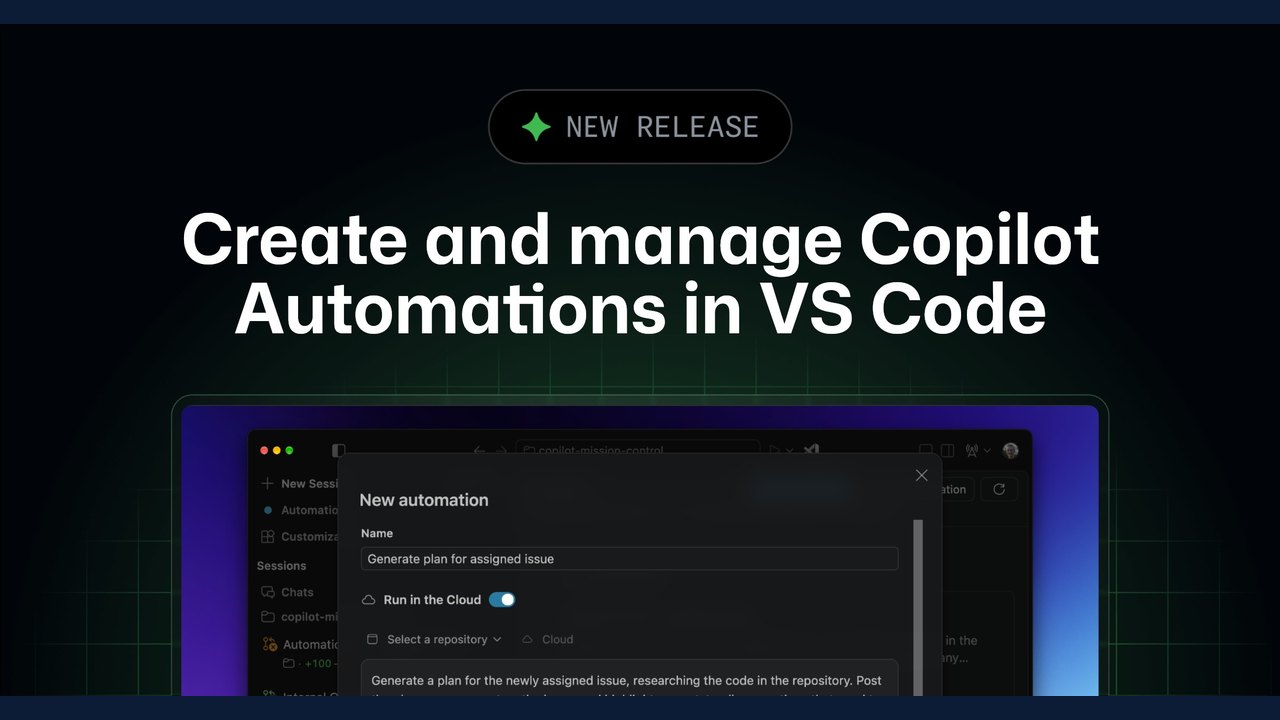 Cloud-Based Copilot Automations Now Available in Visual Studio Code
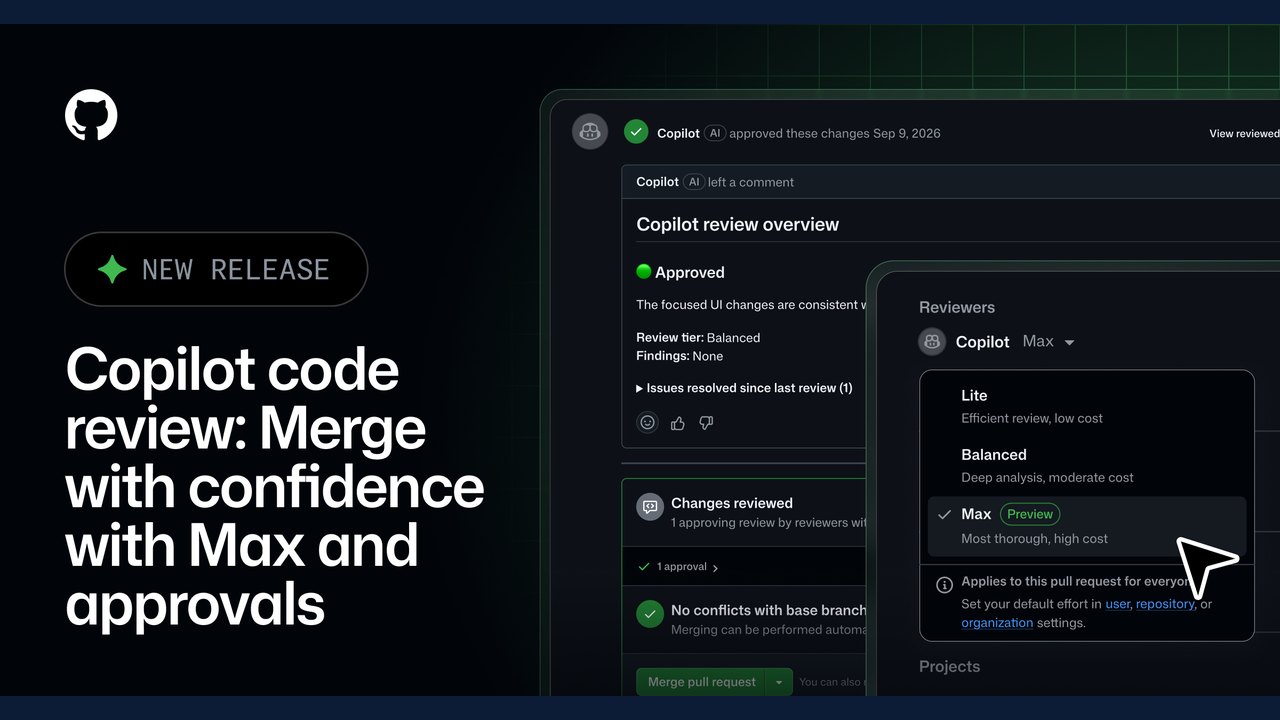 GitHub Expands Copilot Code Review with 'Max' Effort Level and Automated Approvals
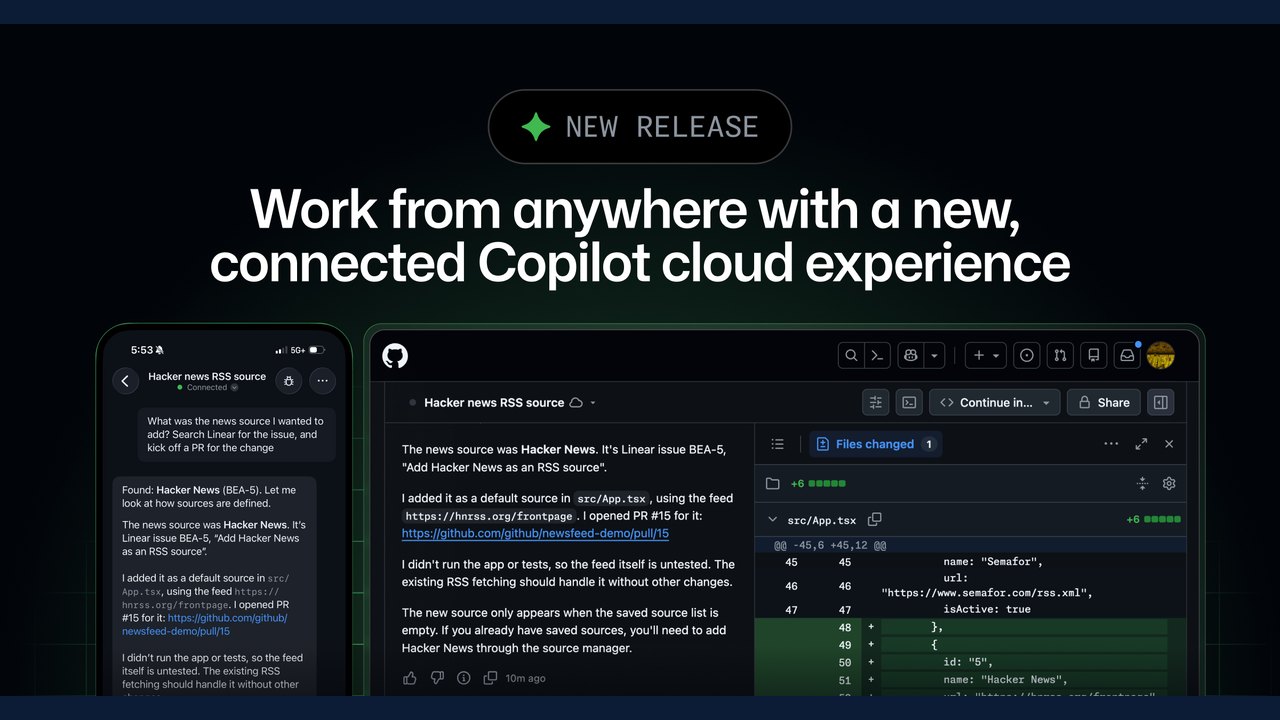 GitHub Introduces Connected Copilot Cloud Experience and Flexible Compute Entitlement
Trending on GlobeWire Daily
Selected from recent coverage and related topics; not live search rankings.
 Madhya Pradesh Government Plans Revenue Generation from 117-Year-Old Edward Villa in Mumbai Through Leasing
 iPhone 18 Pro Named TechRadar Product of the Year 2026
 Google Project Suncatcher Runs Gemma 4 AI on Orbiting Satellite and Receives First Response
 Gender Disparities in Eye Care Access Across India Examined
 Satellite Images Show Cyclone Arnab Weakening Over India As New System Brews
 Expanding Green and Blue Spaces Crucial for India's Economic and Public Health, Reports Indicate