QM: A Multiplayer Agent Harness for Teams
· GlobeWire Daily Editorial Desk · Source: github.com

Image: GitHub · Photo source · Resized and letterboxed to 16:9; no AI generation
QM is an open-source multiplayer agent harness designed for team environments. Unlike personal assistant agents that can become complex when scaled across groups, QM provides isolated workspaces for individuals while supporting collaboration in channels, group messages, and projects.
Core Architecture and Capabilities
- Independent Workspaces: Every user and room has a scoped memory, file storage, keychain view, permissions, crons, web apps, and a durable sandbox.
- Always-On Operation: Agents run independently on schedules and webhooks in your chosen cloud environment, using models and API keys of your choice rather than being tied to a single vendor.
- Dual Interface: Supports interaction via Slack and a web application sharing the same identity and configuration.
- Customization and Apps: Administrators can set organization-level security configurations, model availability, and publish custom internal web apps.
Technical Implementation
QM core is built with TypeScript on Node.js using Fastify for HTTP routing. It relies on a PostgreSQL persistence layer for user data, session history, and state management. The architecture includes an execute tool that runs commands inside an isolated sandbox environment.
Security and Deployment
Operators deploy QM in their own cloud accounts using providers like DigitalOcean, E2B, or Render. The project outlines multiple security postures:
- Strict: Requires human approval for every tool call, excluding turn enders.
- Auto (Default): Blocks private-network access.
- Dangerous: Permits tool execution without approval gates.
Content screening and command policies can be further configured by administrators to restrict potentially destructive operations.
Verification and Resources
Documentation, deployment guides, and source code are available via the official GitHub repository and documentation site at labs.ycombinator.com/qm. QM is available under the MIT License.
AI-assisted reporting; source claims are attributed and have not been independently verified.
More to read
 TrueFoundry Launches TrueForge Open-Source Agent Harness to Run LLMs
 Aragon Research Releases 2027 Globe for Revenue Enablement Platforms Highlighting Multi-Agent Sales Teams
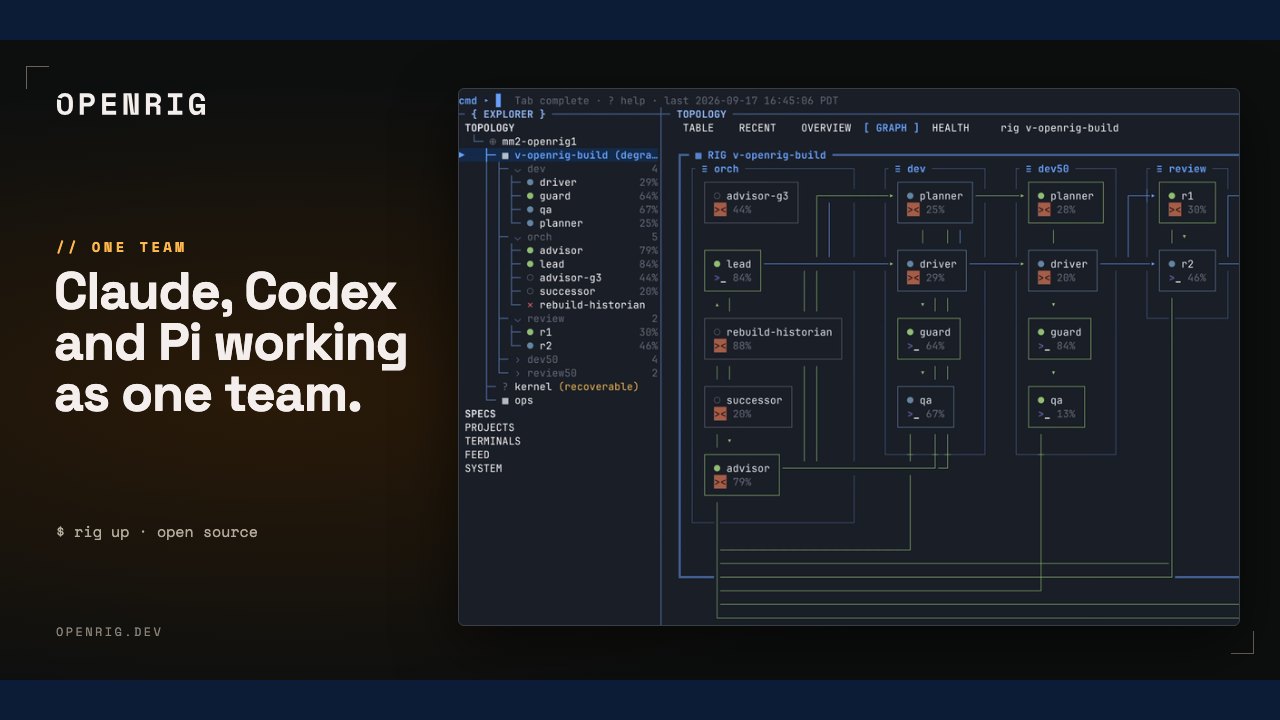 OpenRig Launches as an Open-Source System for Managing Multi-Agent AI Teams
 T3 Code Introduces Agent Harness Control Surface for Multiple AI Providers
Trending on GlobeWire Daily
Selected from recent coverage and related topics; not live search rankings.
 Madhya Pradesh Government Plans Revenue Generation from 117-Year-Old Edward Villa in Mumbai Through Leasing
 iPhone 18 Pro Named TechRadar Product of the Year 2026
 Google Project Suncatcher Runs Gemma 4 AI on Orbiting Satellite and Receives First Response
 Gender Disparities in Eye Care Access Across India Examined
 Satellite Images Show Cyclone Arnab Weakening Over India As New System Brews
 Expanding Green and Blue Spaces Crucial for India's Economic and Public Health, Reports Indicate