Practical Raspberry Pi Projects and Hardware Cost Considerations for Beginners
· GlobeWire Daily Editorial Desk · Source: www.engadget.com
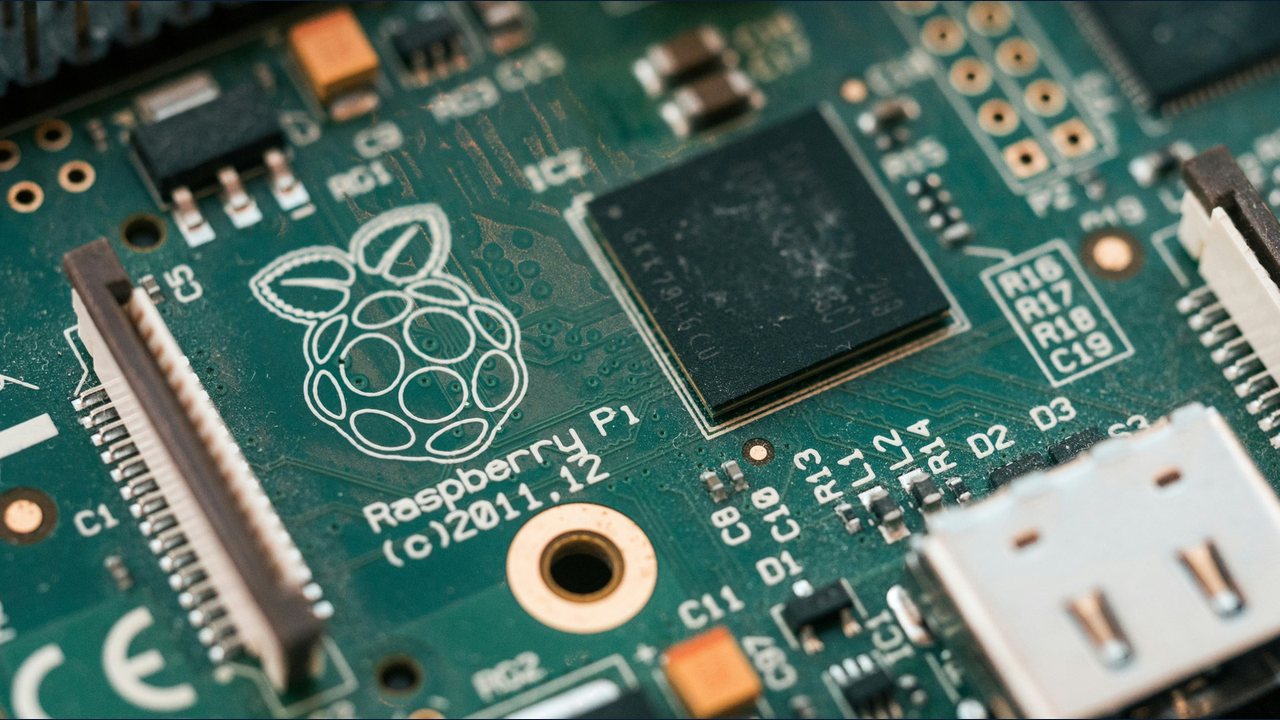
A series of beginner-focused projects can help utilize a Raspberry Pi instead of leaving it unfinished, while recent memory supply constraints have impacted hardware pricing. Reports note that memory supply issues have driven up prices for certain models, such as the 16GB Pi 5, though lower-tier budget models remain available at lower price points.
Network-Wide Ad Blocker with Pi-hole
A popular beginner project is setting up a network-wide ad blocker using Pi-hole. The free and open-source software blocks ads and trackers for every device on a home network. A basic setup involves connecting a Pi directly to a router via an Ethernet cable, configuring a fixed IP address, and ensuring the router uses the Pi-hole as its DNS server.
Retro Gaming Console
A Raspberry Pi can function as an emulation machine for classic gaming. Software options like Recalbox, Batocera, or RetroPie can be installed on a microSD card. While basic retro platforms require modest resources, newer or more demanding emulation may require a Pi 5 with 4GB or more of RAM, alongside a game controller, power supply, and video cable.
Media Center with Kodi
Using software like LibreELEC to boot Kodi, a Raspberry Pi can serve as a media center for personal collections of movies, shows, and music. The setup connects to an existing hard drive or home server, while HDMI-CEC functionality allows users to navigate the interface using their standard television remote.
Wireless Audio Receiver
Inspired by discontinued hardware like Chromecast Audio, a Pi can be connected to older stereos or powered speakers to enable wireless streaming. Installing software such as Raspotify or Shairport Sync allows the speaker to appear as an output option for Spotify Connect or Apple AirPlay.
PC Game Streaming Client
Similar to the discontinued Steam Link, software combinations like Sunshine (installed on a host PC) and Moonlight (installed on the Pi) allow users to stream modern PC games from a computer to a television screen, with wired Ethernet recommended for network reliability.
Basic Desktop for Learning
A Raspberry Pi can serve as a basic learning computer, with options like the Raspberry Pi 500 integrating the hardware directly into a keyboard. However, users should configure their own parental controls before unsupervised use by children, as built-in safety features are not included out of the box.
Verification and Practical Steps
To verify project compatibility and hardware requirements, consult official Raspberry Pi documentation and community forums before purchasing equipment. Review current pricing directly from authorized distributors, as component costs and availability may fluctuate.