Mobiles & Gadgets
Why a USB‑C Docking Station Can Simplify Your Laptop‑Based Desktop
· GlobeWire Daily Editorial Desk · Source: www.engadget.com
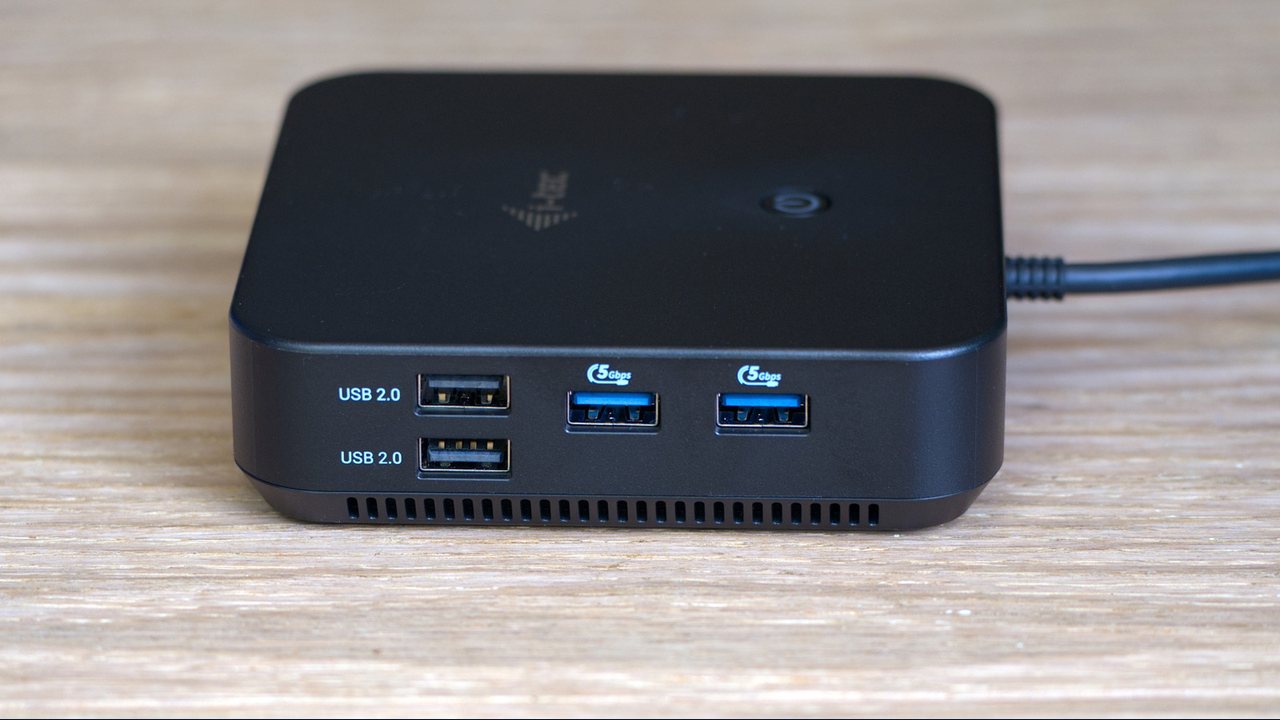
A USB‑C docking station lets you turn a thin laptop into a full‑featured desktop with a single cable. It reduces cable clutter, adds missing ports, and protects your laptop’s own connectors.
Key Benefits
- One‑cable connection – Plug the dock into your laptop and instantly attach a monitor, keyboard, mouse, webcam and charger.
- Port expansion – Many docks provide HDMI/DisplayPort, extra USB‑A, SD‑card reader and Ethernet, turning a three‑port laptop into a dozen‑port workstation.
- Less wear on laptop ports – Only the dock’s USB‑C connector is repeatedly plugged and unplugged, sparing the laptop’s native ports.
Dock vs. Hub
| Feature | USB‑C Hub | USB‑C Dock |
|---|---|---|
| Typical ports | 4‑10 | 10‑20+ |
| Power adapter | Usually none | Built‑in DC adapter (Power Delivery) |
| Price range | $30‑$150 | $150‑$400+ |
| Use case | Basic peripherals | Multi‑monitor, Ethernet, audio, charging via one cable |
What to Verify Before Buying
- DisplayPort Alt Mode / Thunderbolt / USB4 – The laptop’s USB‑C port must support video output.
- Power Delivery rating – The dock must handle the wattage your laptop requires, especially if you use the lid‑closed “clamshell” mode.
- Compatibility list – Check the manufacturer’s compatibility chart; not every dock works with every laptop model.
Practical Implications
- Workspace tidiness – All cables terminate at the dock, keeping the desk cleaner.
- Mobility – When you need to move, unplug a single USB‑C cable and the laptop is ready to go.
- Verification – Confirm the dock’s specifications on the vendor’s website and read user reviews that mention your laptop model.
*No original publisher text has been copied; the article is based on publicly available product information.*
Share this article
Read the original source The advantages of using a USB-C docking station