Text-to-CAD Plugin Integrates AI Agents with Local 3D Modeling and Manufacturing Workflows
· GlobeWire Daily Tech Desk · Source: github.com
Image: github.com — Creative Commons
Overview of the Text-to-CAD Plugin
The text-to-CAD project provides an integration plugin and skills framework that enables AI agents to run local workflows for generating 3D models. Built upon the Open CASCADE geometry kernel and utilizing Python scripts via the `build123d` library, the tool allows users to instruct supported artificial intelligence assistants to create mechanical designs, perform design-for-manufacturing checks, generate engineering drawings, and interface with standard fabrication services.
Verified outputs from the system include industry-standard file formats such as STEP, GLB, STL, and 3F. The underlying engine, `cadgen`, retains model data in memory so that subsequent edits regenerate only the modified components rather than processing the entire script from scratch.
Supported Agent Platforms and Installation
The plugin is designed to operate across several popular AI agent environments that support extensions, plugins, or skills frameworks. Confirmed compatible applications include Claude Code, Codex, Cursor, Gemini, and Grok. Depending on the application, installation routes through package managers like `uv` and Node-based skill CLI commands.
For applications with plugin support, the software typically delivers both the required skills and a local Model Context Protocol (MCP) server that powers an interactive CAD viewer. In environments lacking plugin support, users can install the skills independently to drive core workflows and review models via a localhost web application or browser viewer.
Technical Implementation and Execution
The runtime environment depends on Python 3.11 or higher, with launch configurations utilizing uv-managed Python 3.13. When an agent executes a model script, the engine constructs an `.xbf` document containing part names, colors, materials, and joints alongside the declared export files.
Practical Implications and Verification
- Confirmed Capabilities: The plugin supports local generation of STEP, GLB, STL, and 3MF files, Python-based script compilation using `build123d`, and interactive viewing cards within supported agent interfaces.
- Unknowns and Variables: Specific performance metrics, speed benchmarks across different hardware configurations, and third-party fabrication service reliability depend entirely on external setups and local machine resources.
- Known Compatibility Hurdles: Windows 11 users running fresh installations with default Smart App Control enabled may encounter `ImportError: DLL load failed while importing OCP` because the underlying OpenCascade Python binding wheel ships with an unsigned native module. The official documentation notes that Smart App Control lacks per-app exceptions, requiring users to either disable the feature or execute the CAD skills within the Windows Subsystem for Linux (WSL).
- Telemetry and Privacy: By default, the software transmits anonymous usage statistics and crash reports tagged with a randomized install ID via PostHog. Telemetry data excludes file paths, names, contents, and prompts. Users can disable tracking through specific command flags (such as `CADGEN_TELEMETRY=0` or via designated menu toggles).
Readers can verify installation commands, update procedures, security policies, and complete repository instructions directly at the official source repository: [GitHub - earthtojake/text-to-cad](https://github.com/earthtojake/text-to-cad).
AI-assisted reporting; source claims are attributed and have not been independently verified.
More to read
 Joshua Kushner’s Thrive Holdings Agrees to Acquire ADT in $7.6 Billion Deal
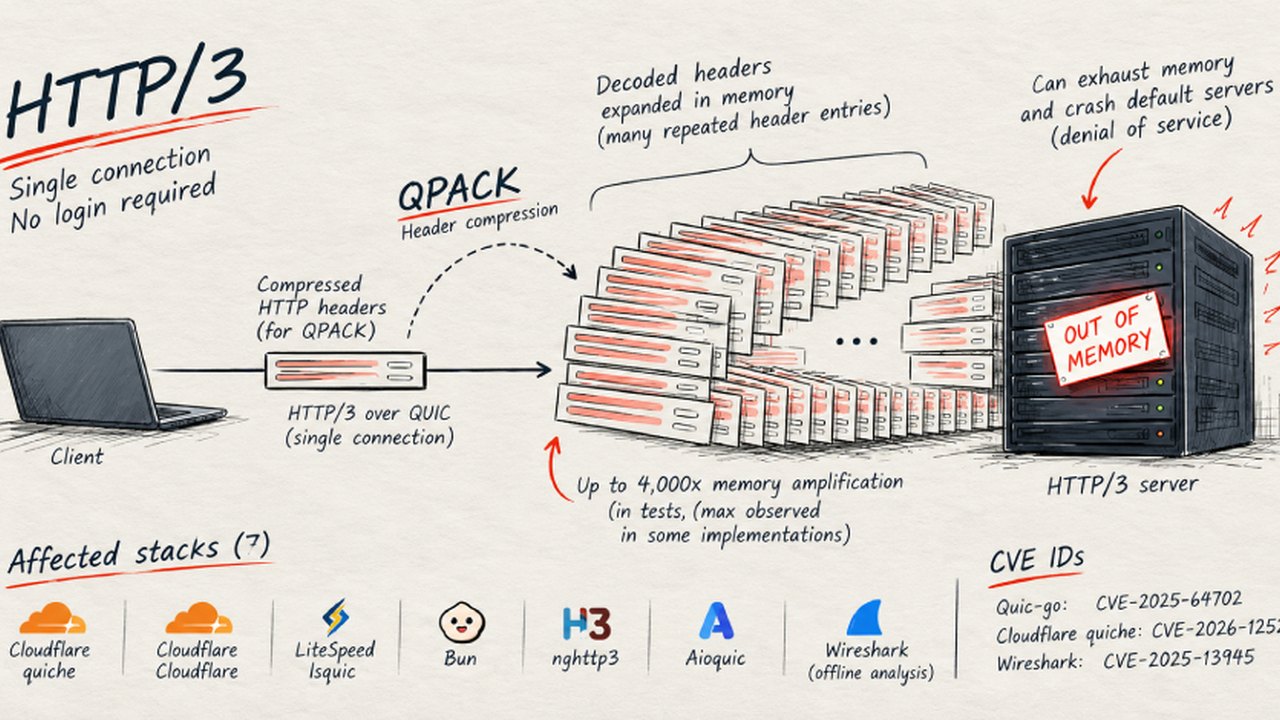 New QPACK Flaws Expose HTTP/3 Servers to Denial-of-Service and Memory Amplification
 GitHub Repository 'elf2jb' Released as Standalone ns2jb Host for Jailbroken PlayStation 5 Consoles
 Open-Source Project 'Bygga' Generates 3D Animated IKEA Assembly Guides with Voice Control
Trending on GlobeWire Daily
Selected from recent coverage and related topics; not live search rankings.
 Supreme Court Questions High Medicine Prices and Hospital Margins, Seeks Stronger Controls
 Karan Johar Opens Up About Past Fallouts with Varun Dhawan and Janhvi Kapoor on Talk Show
 Coveo Reports Second Quarter Fiscal 2027 Financial Results and Announces Anglera Acquisition
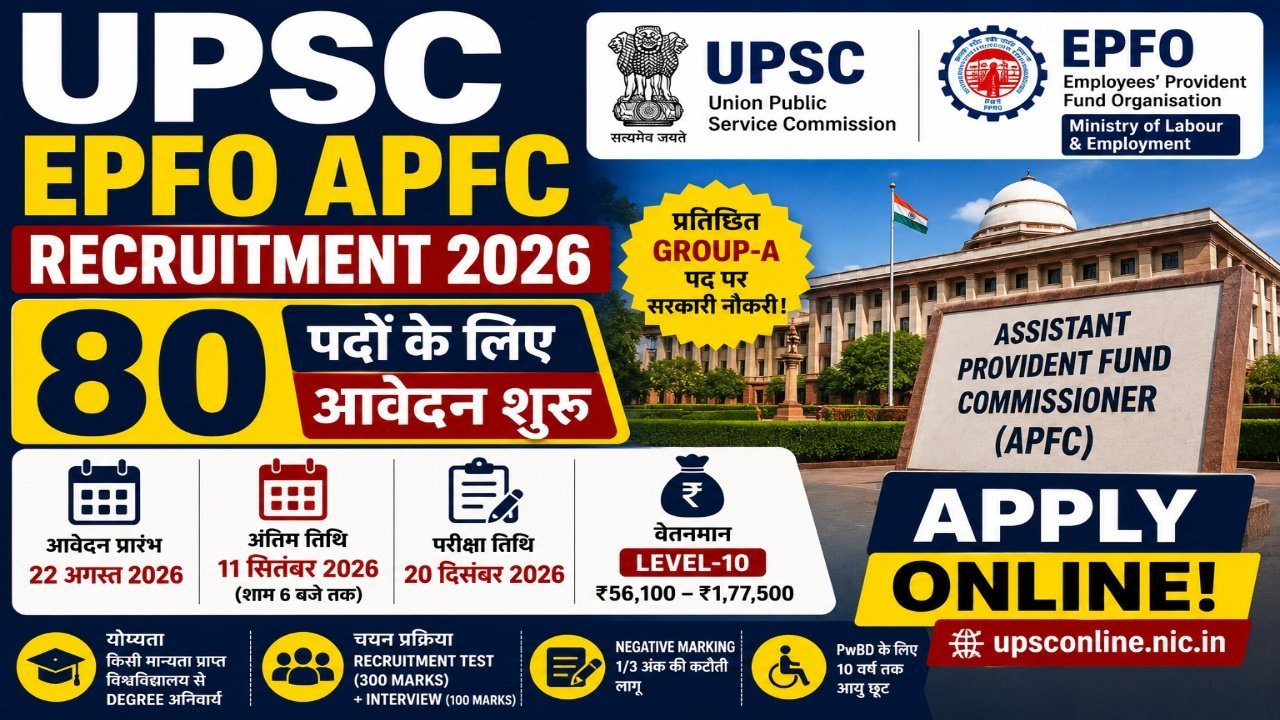 UPSC Opens Recruitment for 80 Assistant Provident Fund Commissioner Posts Under Special Advertisement No. 52/2026
 UPESSC PRT Assistant Teacher Recruitment 2026: Application Deadline Extended to November 4 for 12,405 Posts
 Gujarat Surya Urja Rooftop Yojana: Understanding Subsidy Structures, Application Steps, and Grid Rules