Cindy Open-Source AI Agent Platform: Features, Multi-Device Capabilities and Licensing Overview
· GlobeWire Daily Editorial Desk · Source: github.com
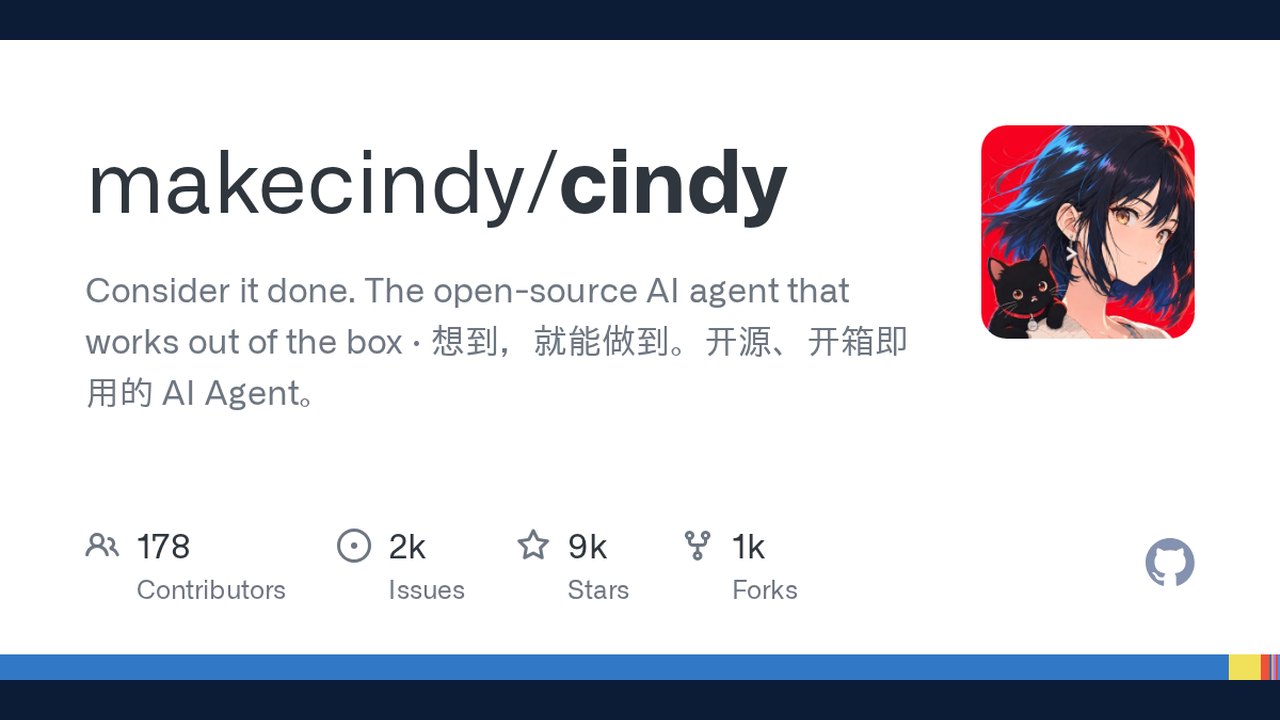
Image: GitHub · Photo source · Resized and letterboxed to 16:9; no AI generation
Overview of Cindy AI Agent
Cindy is an open-source AI agent platform designed to work out of the box across multiple devices, including desktop and mobile environments. According to project documentation, the platform allows users to connect different computers and phones to maintain continuous work sessions, access remote files, and share model providers without manual copying.
Key Functional Features
- Multi-Device Session Continuity: Users can open sessions from alternative devices, access project files, and continue conversations without re-establishing context.
- Model Sharing and Remote Desktop: The platform supports configured model providers from other connected computers, API providers, and local models. A built-in remote desktop feature allows phone users to operate connected computers when chat interfaces are insufficient.
- Agent Orchestration and Automation: Users can combine external harnesses like Claude Code, Codex, and Pi under a shared interface. The system supports multi-agent teams for parallel implementation and review, alongside routine automations and integrations via Slack, Telegram, Skills, and MCP.
- Rich Interactive Outputs: Responses can include charts, interactive controls, and HTML structures rather than text-only replies.
Technical Architecture and Repository Structure
The project client is organized as a pnpm monorepo containing open-source desktop and mobile clients alongside shared packages, licensed under the Apache License, Version 2.0. The backend service is maintained in a separate repository. Official distribution builds connect by default to official cloud services, while local operation is available via a local agent mode accessed through a skip sign-in option.
Analytics, Privacy, and Data Governance
Official distribution builds integrate TapDB for product-level aggregate usage statistics, tracking metrics such as device identifiers, OS versions, and startup events. According to the documentation:
- Consent Controls: Users can disable usage statistics through settings menus on desktop and mobile clients.
- Data Restrictions: Chat contents, file contents, and working directory data are not collected by TapDB.
- Local Mode Exemption: Running the app in local mode (skipping sign-in) does not report telemetry data.
Verification and Contribution
Developers can audit code, contribute via pull requests, and review complete architectural documentation within the repository's `docs/` folder and `CONTRIBUTING.en.md` guidelines. Regular contributions require a Developer Certificate of Origin sign-off (`git commit -s`).
AI-assisted reporting; source claims are attributed and have not been independently verified.
More to read
 DeepSeek AI Releases Open-Source Agent Harness with Plugin-First Architecture
 ShadowBroker Platform Aggregates Open-Source Global Telemetry Into Unified Mapping Interface
 Mainplane Launches Open-Source Ecosystem for AI Agent Management
 Open-Source AI Memory Project Offers Cross-Agent Handoffs and Git-Backed Markdown Storage
Trending on GlobeWire Daily
Selected from recent coverage and related topics; not live search rankings.
 A Guide to Understanding UK Housing and Local Authority Services
 Open Source Community Launches New Home for Papers with Code
 Higgsfield AI Launches Markdown-Based Skill Set for Visual Brand Agents
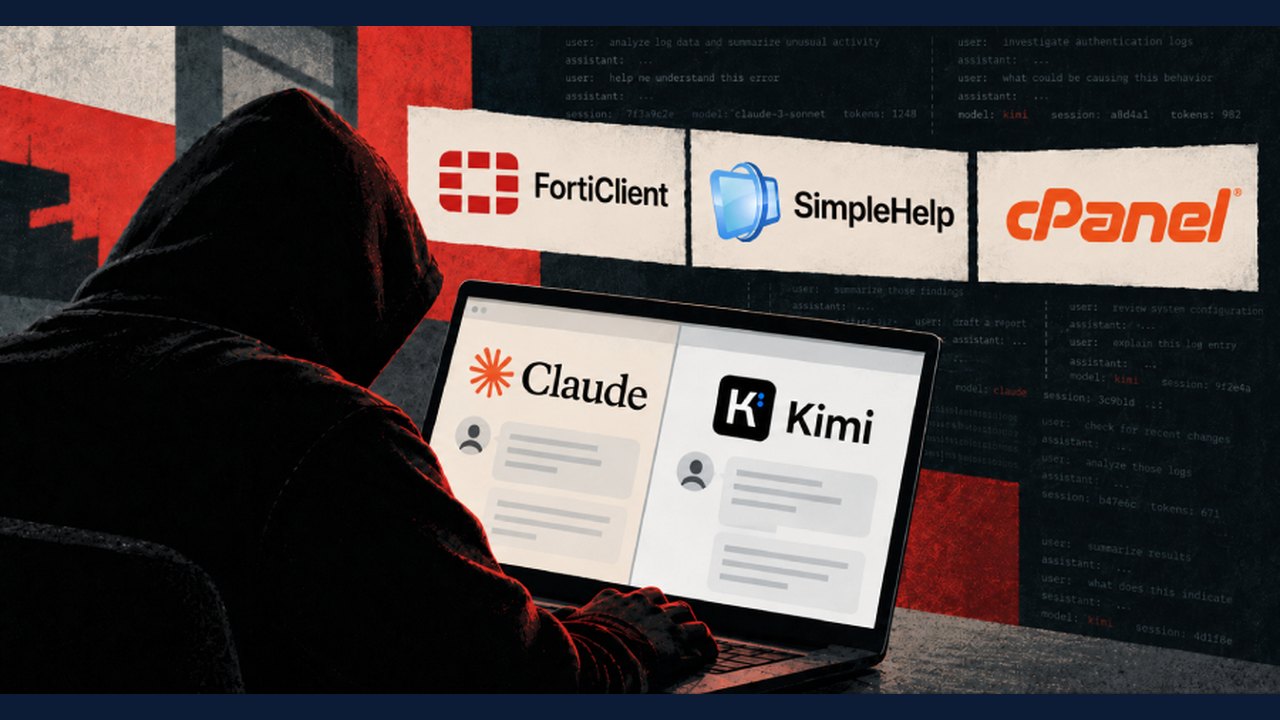 Ransomware Affiliates Deploy AI Agents in 'Phantom' Framework to Automate Intrusions, Researchers Find
 nodeterm Introduces Spatial Terminal Manager for AI Coding Agents Across Desktop, Browser, and Mobile
 Open‑source toolkit offers evidence‑based steps to recover DSM ransomware‑encrypted data