Understanding How Too Many Devices Can Slow Down Your Home Network
· GlobeWire Daily Editorial Desk · Source: www.engadget.com
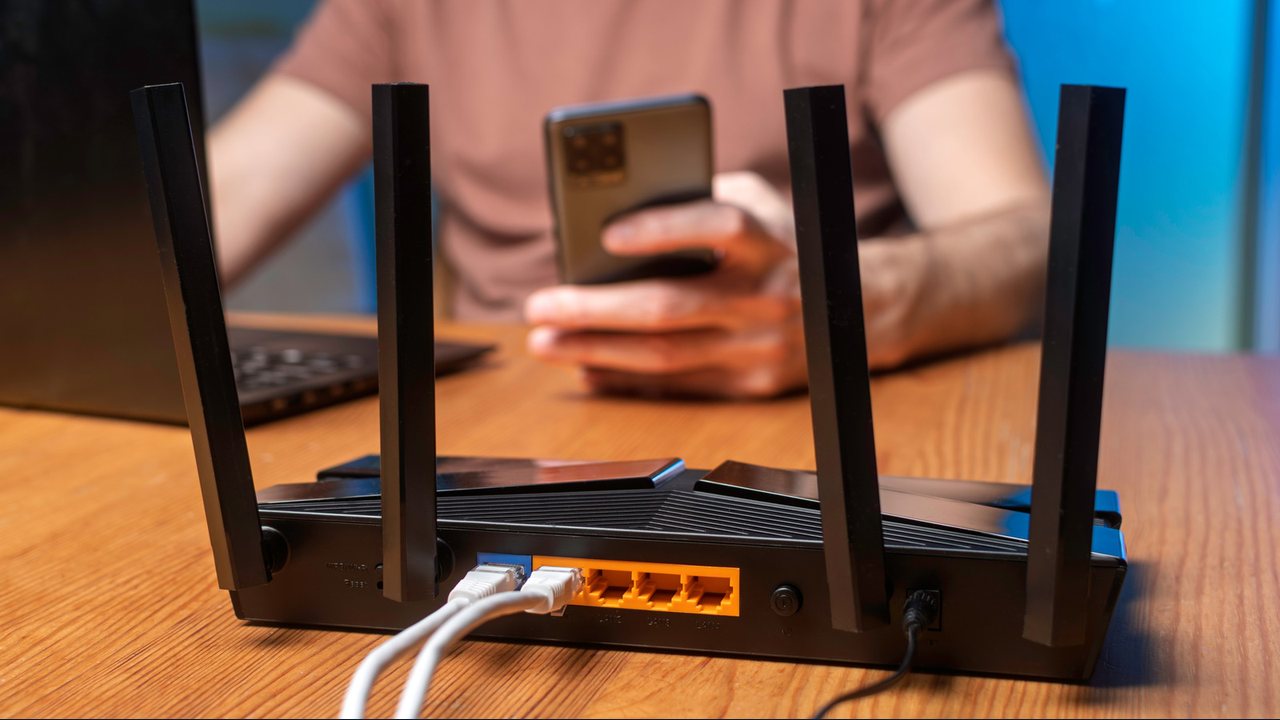
A home network can experience performance issues when multiple connected devices contend for available bandwidth. Performance drops can manifest as video buffering, online gaming lag, and extended download times, even with a single high-end smartphone consuming significant bandwidth.
Reports indicate that network limitations typically stem from two primary areas: the internet connection provided by an Internet Service Provider (ISP) and the Wi-Fi connection between the router and individual devices. A faster router cannot compensate for a slow ISP plan, nor can an upgraded internet plan resolve a weak router signal caused by poor placement.
Evaluating Bandwidth and Device Capacity
There is no single rule determining the exact number of devices a specific internet speed can support. Instead, users can estimate simultaneous device usage by reviewing bandwidth guidelines, such as streaming service recommendations. For instance, platforms like Netflix suggest a stable connection of at least 15 Mbps for a single 4K stream.
- Download vs. Upload: Download speeds handle content consumption, while upload speeds support activities like video calls and security camera footage uploads. Broadband connections are frequently asymmetrical, providing much lower upload speeds because ISPs allocate the majority of bandwidth to downloads.
- Planning Usage: Calculating estimated consumption helps users understand how bandwidth is distributed and allows for scheduling heavy tasks during less busy periods.
Managing Hardware and Placement
For most households, a single router is sufficient when properly positioned, though mesh systems or access points can help address coverage issues.
- Wired Connections: Connecting stationary devices such as personal computers, gaming consoles, and smart TVs via Ethernet cables removes their traffic from the Wi-Fi network, though they still utilize broadband capacity.
- Hardware Upgrades: Upgrading a router or ISP plan is an option, but advertised device capacities cannot bypass limitations set by an internet service plan.
- Configuration Warnings: When adding a mesh system to an ISP gateway, proper configuration is necessary to prevent issues like double NAT, which can impact online gaming and port forwarding.
Practical steps for verifying network performance include checking current ISP plan speeds, reviewing router placement, and monitoring device usage patterns. Users can consult official ISP documentation or router instruction manuals for setup and troubleshooting guidance.
More to read
 How to Enable USB Port Charging on Your PC Even When It's Turned Off
 How to Factory Reset Your Fitbit: When and How to Wipe Your Wearable
 How Far Can a Fiber‑Optic Cable Run Before Signal Attenuation Becomes a Problem?
 How to Access Your Raspberry Pi Remotely Using Raspberry Pi Connect Without Port Forwarding